Productivity software in 2026 is less about collecting apps and more about building a stack that reduces coordination cost. AI changed the category, but it did not remove the need for structure. If anything, it raised the bar. The best tools now help teams search faster, draft faster, and move faster without losing ownership, approvals, or proof.
The bigger shift is that old list-style productivity advice has aged badly. You do not need a separate app for every tiny problem, and you should not build your stack around a handful of point solutions that are being absorbed by broader suites. The durable stack now is built around knowledge systems, communication systems, workflow systems, and an AI layer that can move across all of them.
That changes this article in a more meaningful way than swapping a few links. Some older categories no longer deserve their own spotlight. Some tools that once felt essential are now optional. And some of the most important techniques are no longer about a single app at all, they are about AI triage, second-brain context, enterprise search, protected focus time, and workflows that turn decisions into execution.
Documentation and knowledge systems that keep context alive
Basic documents still matter. Google Workspace and Microsoft 365 remain the default starting point for writing, spreadsheets, and presentations because they are familiar, collaborative, and widely supported.
But documentation is no longer just about files. Teams now need a knowledge layer for notes, SOPs, decisions, project context, and structured records that both people and AI can search. That is why tools like Notion, Airtable, Obsidian, and Process Street matter more here than they once did. Process Street belongs in this conversation too, because docs and execution can live closer together instead of being split across separate systems.
If your work is mostly narrative, shared docs are enough. If it is relational, repetitive, or operational, you need a stronger system. And if you are building a personal operating system that should survive tool changes, a second-brain layer is still one of the most durable bets.
Workflow software that turns intent into execution
This is the category that matters most for teams. Documentation explains work. Workflow software runs it. AI makes that gap more obvious, not less, because AI can draft and suggest, but it still needs a process to operate inside.
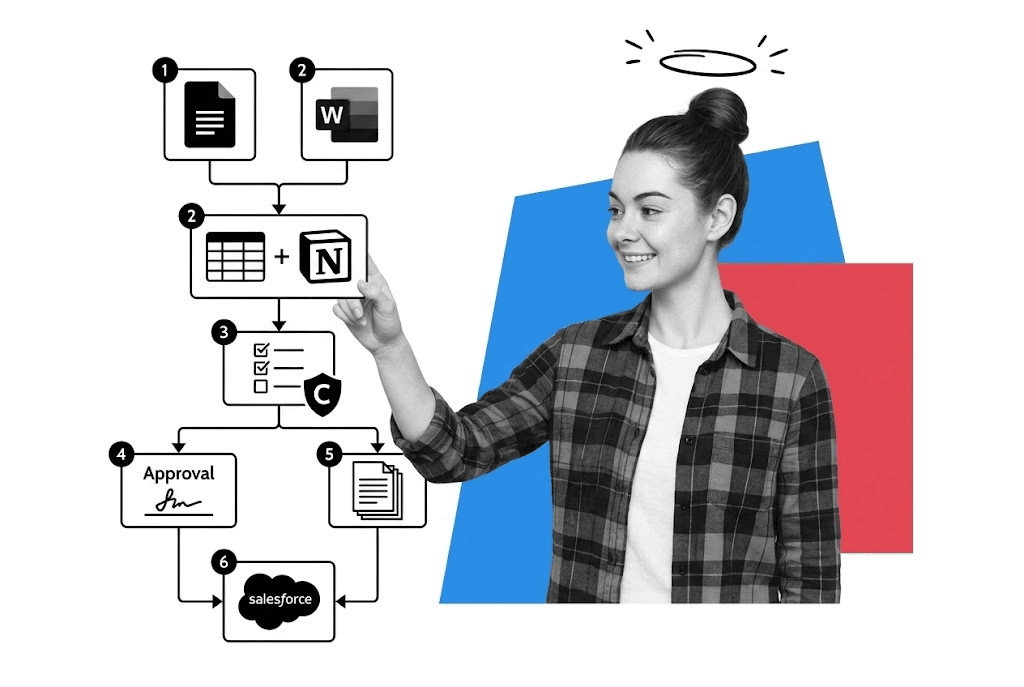
That is also how we think about productivity internally at Process Street. Gmail and Slack feed multi-inbox AI triage, Google Calendar protects focus blocks, Drive and docs hold shared source material, Obsidian holds long-term context, agents like Claude Code and Codex handle first-pass research or multi-step work, n8n is becoming more useful for MCP-first orchestration, and Process Street handles recurring work, approvals, docs, and proof. The more consequential the process, the less we want it living only in chat threads or loose task lists.
AI is excellent at search, drafting, triage, and analysis. It is not enough when work still needs a clear owner, an approval path, evidence, or an audit trail. That is where workflow software earns its place. It is also why the broader market is shifting toward agent-ready workflow layers, not just more disconnected apps.
Process Street is strongest when the work is repeatable and the cost of missed steps is real. You can turn operating procedures into live workflows, assign owners, route approvals, collect evidence, and keep an audit trail without building everything from scratch. Public examples make that concrete: Salesforce has used standardized Process Street workflows for M&A onboarding, while NC State used Process Street in research administration workflows and recovered about $200,000 in missed IP fees after a discrepancy was caught during execution.
For cross-tool automation, platforms like Make, Zapier, and n8n still matter. But automation alone is not enough. If your process is unclear, automation just lets bad work move faster. Workflows, approvals, and reusable templates are what turn passive instructions into active execution.
Communication and email systems that feed triage, not chaos
Communication tools are essential, but they are also where productivity dies if everything stays trapped inside them. Teams need fast communication, and they need a rule for when chat becomes work and should move into a tracked system.
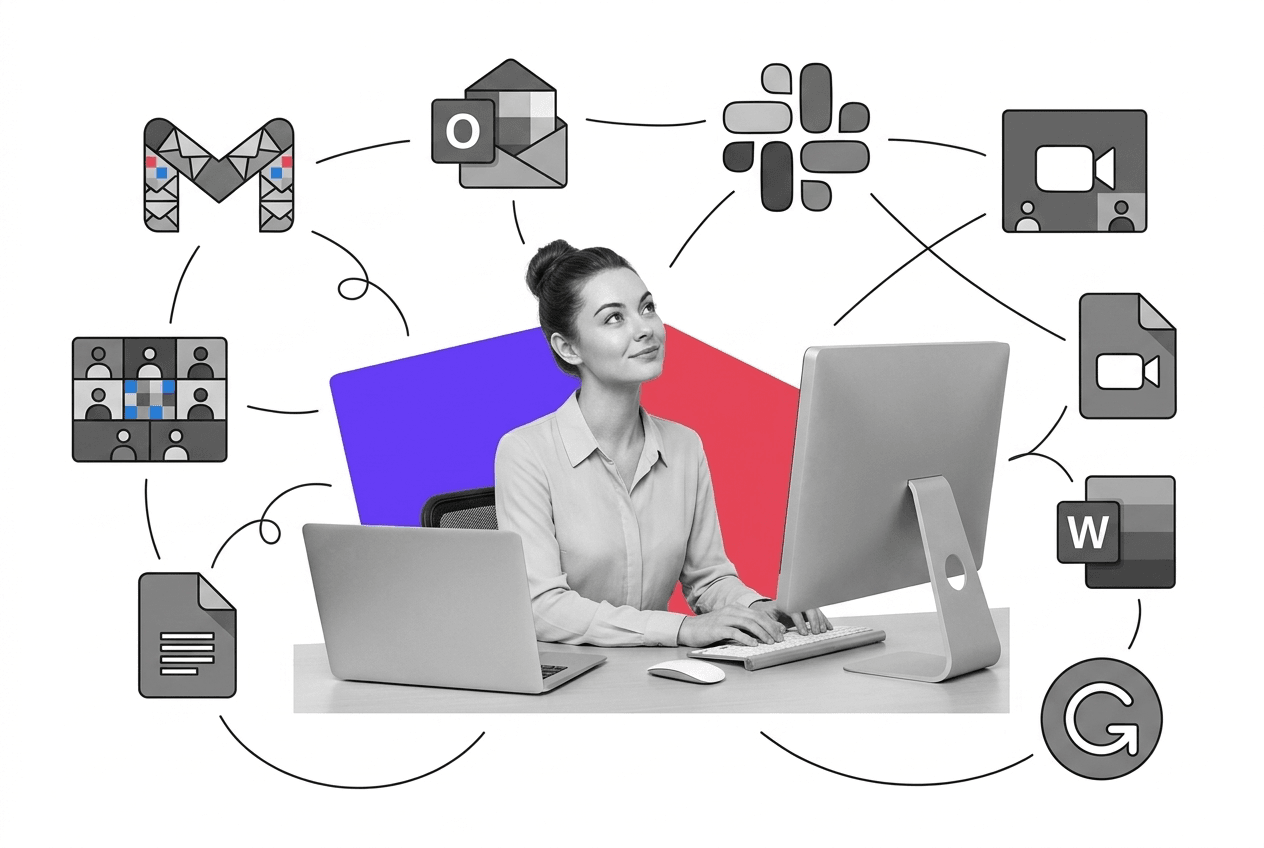
Slack and Microsoft Teams remain strong choices for day-to-day communication. Zoom remains a reliable default for meetings. What changed is that these tools now come with an AI layer, so summaries, search, and action extraction are increasingly built in.
Email follows the same pattern. Gmail and Outlook are still the strongest defaults, and Gmail with Gemini or Outlook with Copilot are a better starting point than building around a niche inbox overlay. If email is part of a revenue or outreach workflow, tools like Mailchimp, Mailshake, Hunter, or Superhuman can still help, but they are specialists, not the center of the category.
The durable rule is simple: use communication tools to align quickly, then move recurring or high-stakes work into a system that can enforce ownership, approvals, and follow-through.
Focus and execution systems beat standalone timer culture
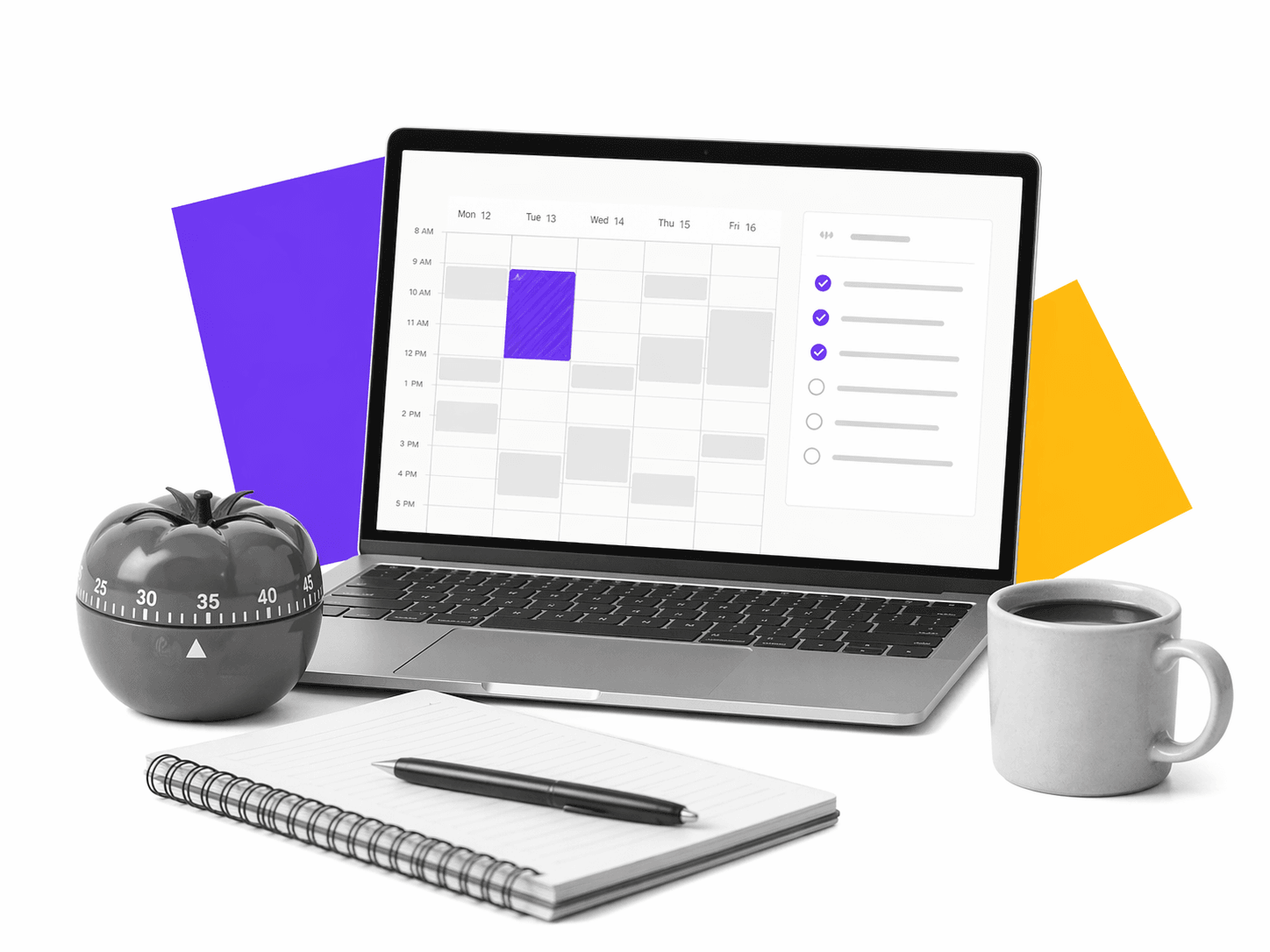
Time-keeping and focus software no longer deserve the same weight they once did. Standalone timers and focus apps still exist, and the Pomodoro Technique still works, but the stronger long-term pattern is not another dedicated timer app. It is a system that protects attention before work starts.
That usually means calendar-based deep work, notification control, AI-assisted triage, and a clear next-step list. Dedicated timers like Pomofocus and Focus To-Do are still fine if they help you work, but they are optional specialists now, not foundational pieces of a serious team stack. The bigger gains come from removing noise before it reaches you and protecting time for consequential work once it does.
Inside Process Street, one of the more durable techniques is to let AI triage inboxes and chat first, then protect the real work inside calendar blocks.
Storage and search systems that AI can actually use
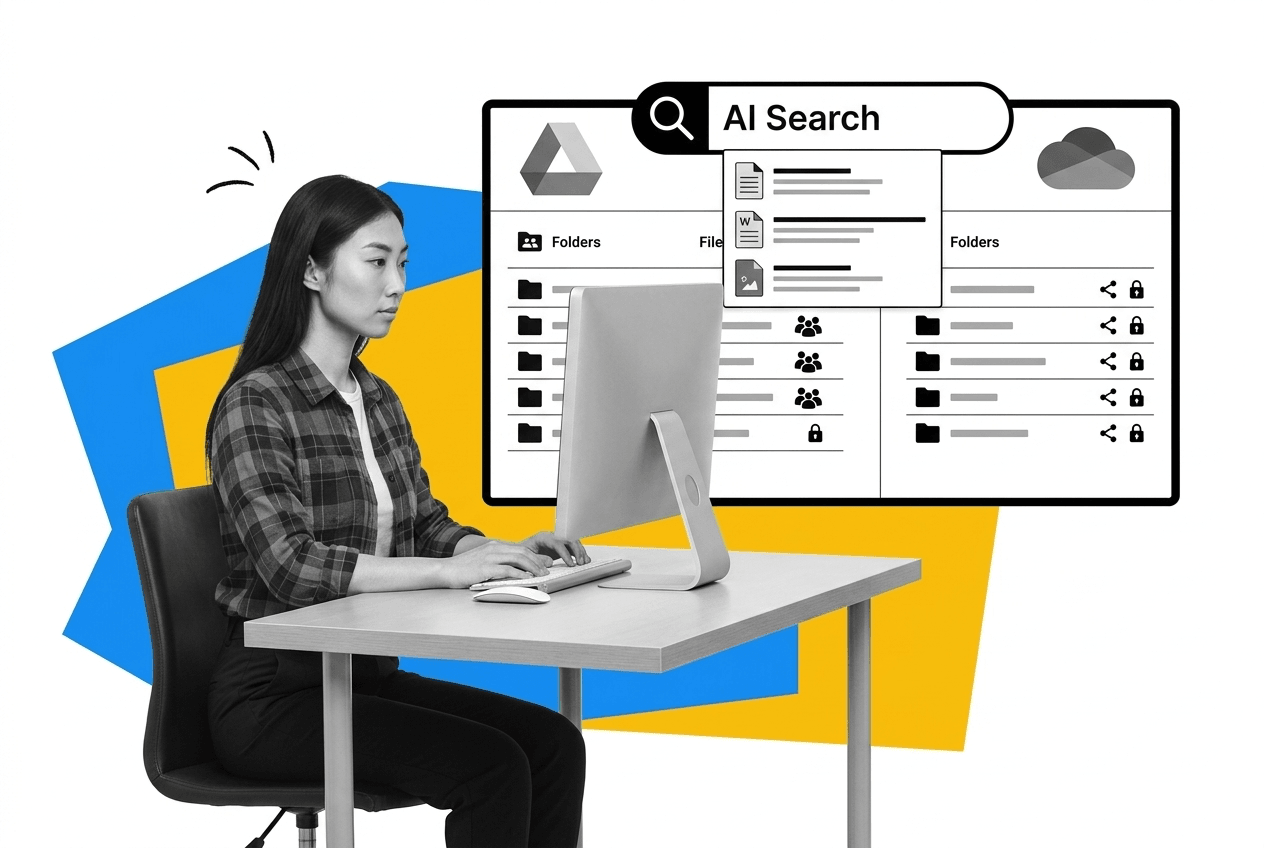
Cloud storage is still table stakes. You need files to be accessible, shareable, and recoverable without depending on one person’s laptop. Google Drive, OneDrive, and Dropbox-style tools all solve that baseline problem.
What changed is the importance of structure. Storage is no longer just where files live. Folder discipline, permissions, naming conventions, and shared access rules matter because AI search, document workflows, and downstream automations all depend on clean source material. The real question now is whether your team and its AI systems can find the right file, understand why it matters, and use it safely.
The AI and agent layer changes what belongs in the stack
This is the category that forced the biggest rethink. Older productivity posts treated writing tools, note tools, timer tools, and inbox helpers as separate winning categories. That is much less useful now because AI is absorbing parts of all of them.
The better model is to build around durable layers, then use AI to move across them. Docs, communication systems, and workflow systems still matter. What changed is that there is now an agent layer that can search, draft, summarize, route, and coordinate work across all of those systems. That is why tools like Claude, ChatGPT, and Gemini belong in the conversation, and why advanced operators are increasingly using tools like Claude Code and Codex for practical multi-step work.
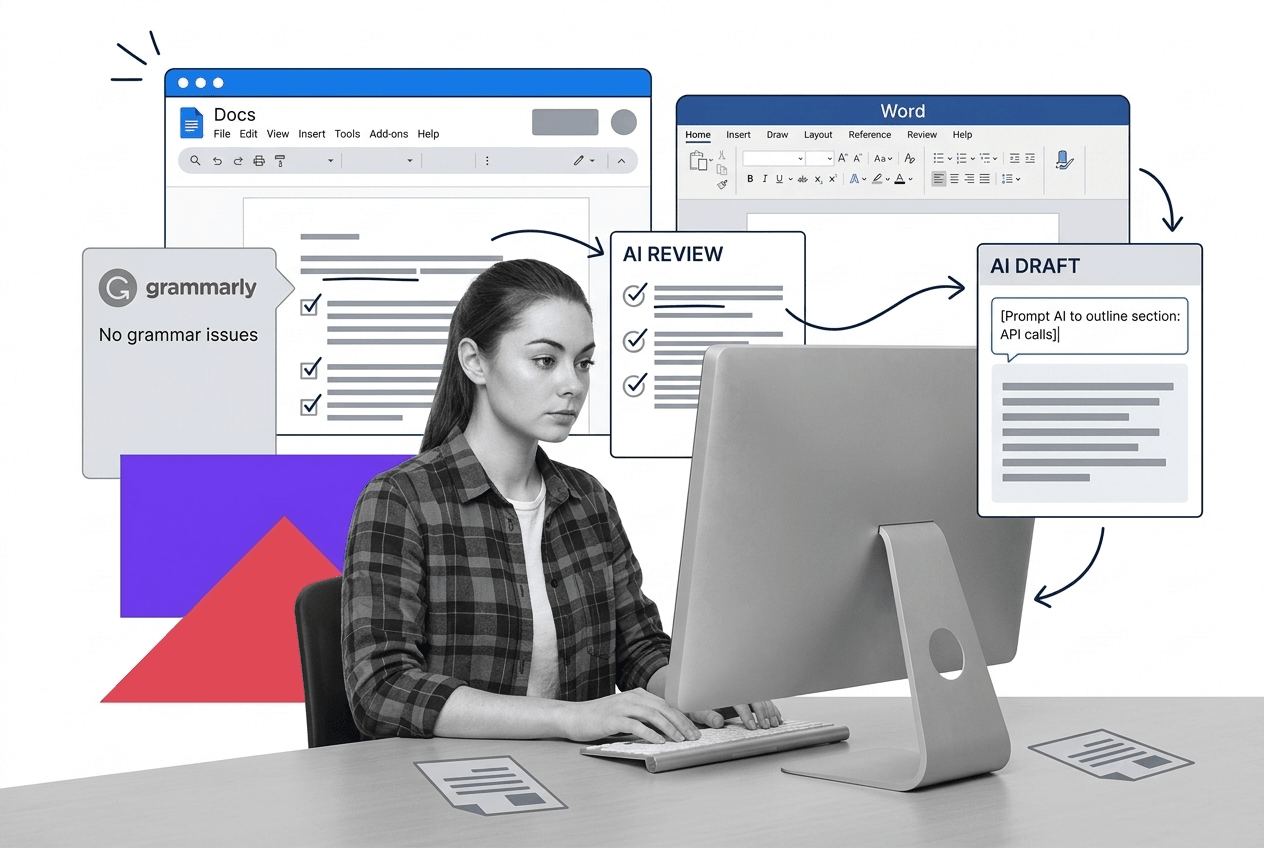
Writing is a good example. Google Docs and Microsoft Word are still strong defaults, and Grammarly is still useful for cleanup. But the higher-leverage technique is to treat writing as an agent-assisted workflow rather than a blank-page task.
The productivity software stack for beginners
If you are building a productivity stack from scratch, start with one strong layer per job to be done. Do not build around a pile of disconnected helpers. Build around systems that work well together and are likely to stay useful through 2031.
- A core suite such as Google Workspace with Gemini or Microsoft 365 with Copilot for docs, email, calendar, and the first layer of native AI assistance
- A shared knowledge layer such as Notion, Airtable, or Process Street Docs for team context, plus an optional local layer like Obsidian for operators who want a true second brain with durable personal context
- A communication layer such as Slack or Teams, ideally with the built-in AI and search layer turned on instead of adding yet another disconnected helper tool
- A workflow layer such as Process Street for recurring work, approvals, evidence, and operational follow-through
- An automation and orchestration layer such as Make, Zapier, or n8n for handoffs between systems, especially as agent workflows and MCP-connected workflows become more common
- An AI layer such as Claude, ChatGPT, or Gemini for drafting, triage, search, and analysis, with tools like Claude Code or Codex becoming especially valuable for advanced operators who want agents to work across multiple systems
That is a stronger beginner stack than a long list of legacy categories and point solutions. AI should make the stack lighter, not heavier. Use it to summarize, search, draft, and route work, but keep the process itself explicit.
That is also the line we try to hold in our own operating systems at Process Street. We use AI for first-pass drafting, research, and triage, but we still rely on structured context, shared systems, and explicit workflow layers for work that needs accountability or proof.
If you want one category to take most seriously, make it workflow software. If you want one technique to take most seriously, make it context-rich AI triage paired with explicit workflows.
The post Productivity Software for Beginners: The Ultimate Stack first appeared on Process Street | Compliance Operations Platform.


0 Commentaires