User onboarding is the process of guiding a new user from signup to their first meaningful result with your product. It can combine in-app guidance, education, human support, authentication, experimentation, and the operating workflows that keep every handoff consistent.
The best onboarding does more than explain features. It shortens time to value, improves activation and retention, and gives product and customer teams a practical route to their revenue targets.
No universal playbook can tell you exactly which sequence will work for your users. The durable approach is to form a hypothesis, test it, study behavior and feedback, and improve the experience. This guide covers the evidence, the automated-to-concierge spectrum, six real onboarding experiments, a high-touch framework, and nine useful tools.
- Why early activation matters
- How automated, concierge, and hybrid onboarding differ
- What Sujan Patel learned from six onboarding experiments
- How Kevin Dewalt structured concierge onboarding
- How Process Street supports consistent onboarding operations
- Nine tools for improving the user journey
Why user onboarding is super important
One really useful feature of looking at user onboarding is that you find out how can impact so many other areas of the business. It presents a number of different angles you can approach old problems with. Let’s look at two examples of ways user onboarding has impacted major market players:- Hubspot realized that improving onboarding had the potential to drastically increase long term active paying users.
- Facebook analyzed new users and found onboarding experience trends which determined whether someone became an active user or an occasional user.
HubSpot boosted week 10 revenue through week 1 onboarding
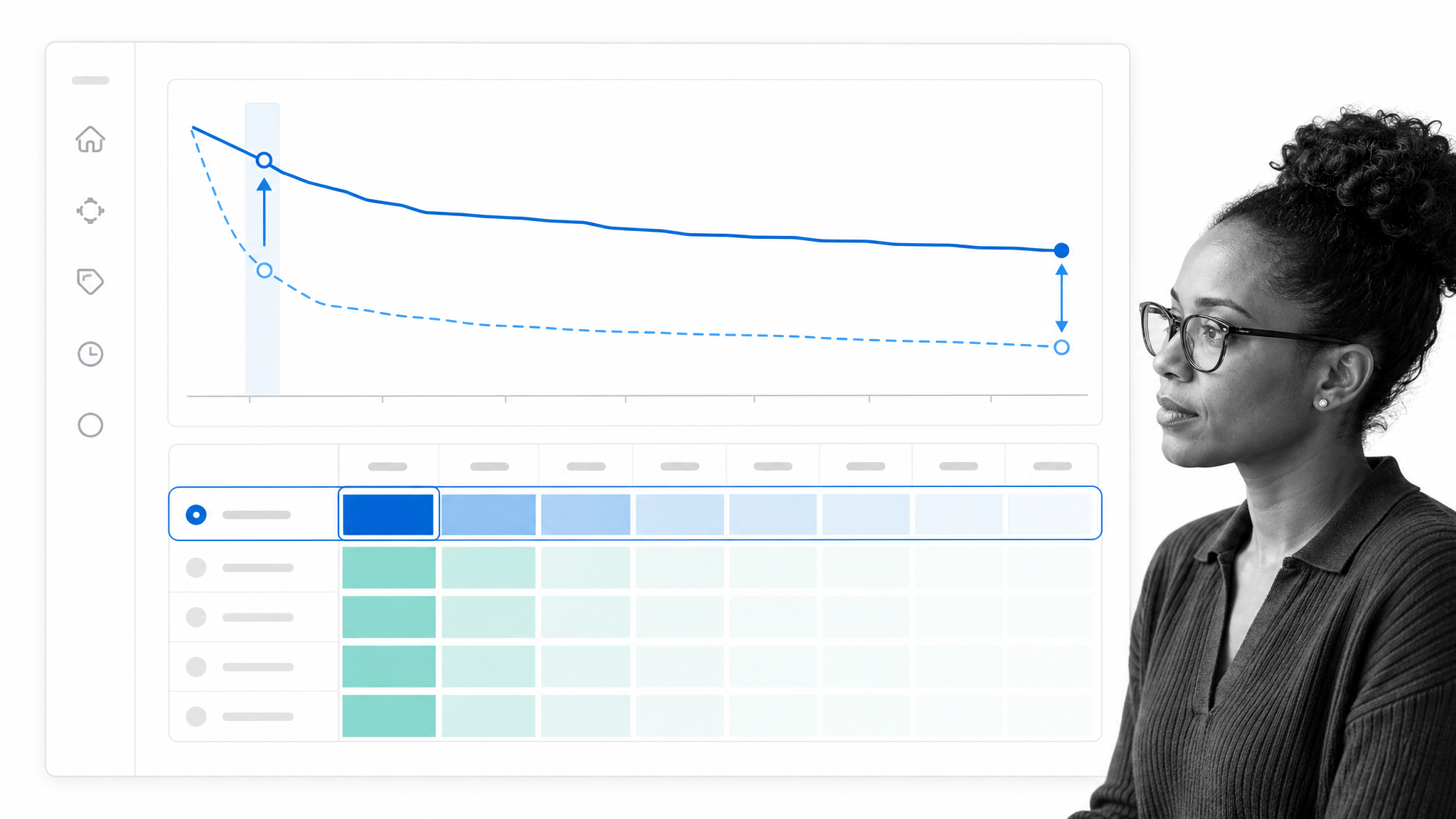
In his talk at Price Intelligently’s conference entirely devoted to SaaS,SaaSFest,HubSpot product manager Dan Wolchonok described how improvements to the user onboarding in HubSpot’s Sidekick product proportionally increased the number of users using the product at every week in the customer lifecycle.These proportional increases mean that you’re getting greater and greater rewards in each week which goes by. Wolchonok gives us the raw numbers for context:
“User onboarding improvements drove Week 1 retention up to 75% from the 60s. Week 2 retention maintained that difference as it was up to the 60s from 50%. By Week 10, 25% of users were still using the product,rather than having only 10-15% of users actually active.”Imagine having 10% active at week 10 and your manager telling you they want you to pump it up to 25%. It would seem like a ridiculous request. But imagine being told to pump up week 1 retention from somewhere in the 60s to 75%. That’s a much more achievable task yet it garners the same results.
Facebook discovered how to get users hooked
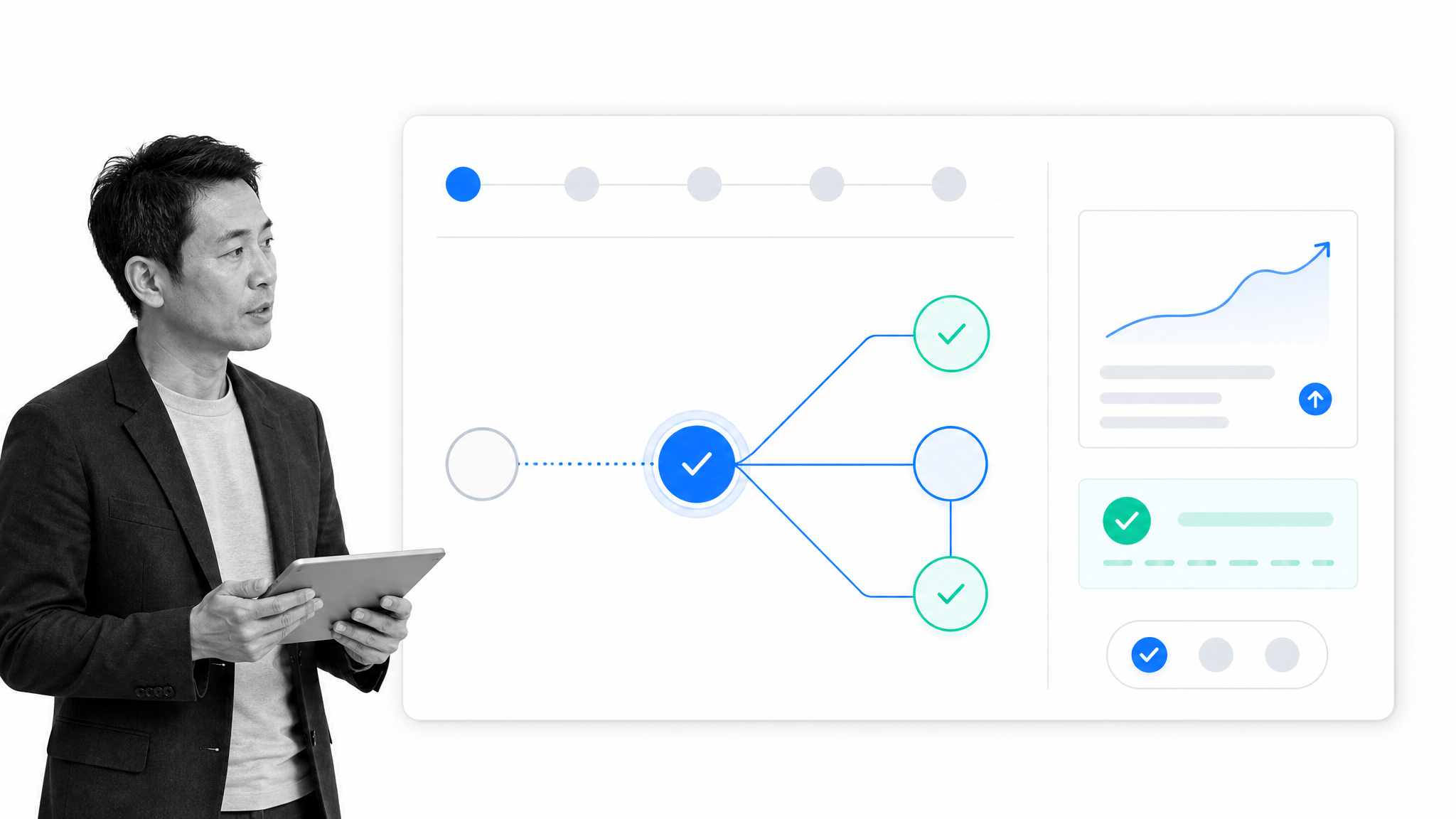
“At Facebook, their growth team split users into two groups: those who became engaged users,using Facebook day after day,and those who didn’t, and they discovered something surprising. Engaged users had added at minimum 7 friends within the first 10 days of signing up.”The key metric to determine how valuable a user was over the course of their whole time with Facebook was their first 10 days. To put that in context, I’ve had Facebook for over a decade – you probably have too. But those 10 days are key.
“In other words, they were able to predict a user’s future based on what happened within a very narrow time frame immediately after signing up. That metric became a very powerful driver in aligning everyone in the company towards getting new users to add 7 friends as quickly as possible during onboarding”The result? A change of company strategy to focus on the first 10 days of every new user. The engaged user can look after themselves, but the new user needs onboarding. And they need onboarding well.
The key user onboarding approaches different businesses use
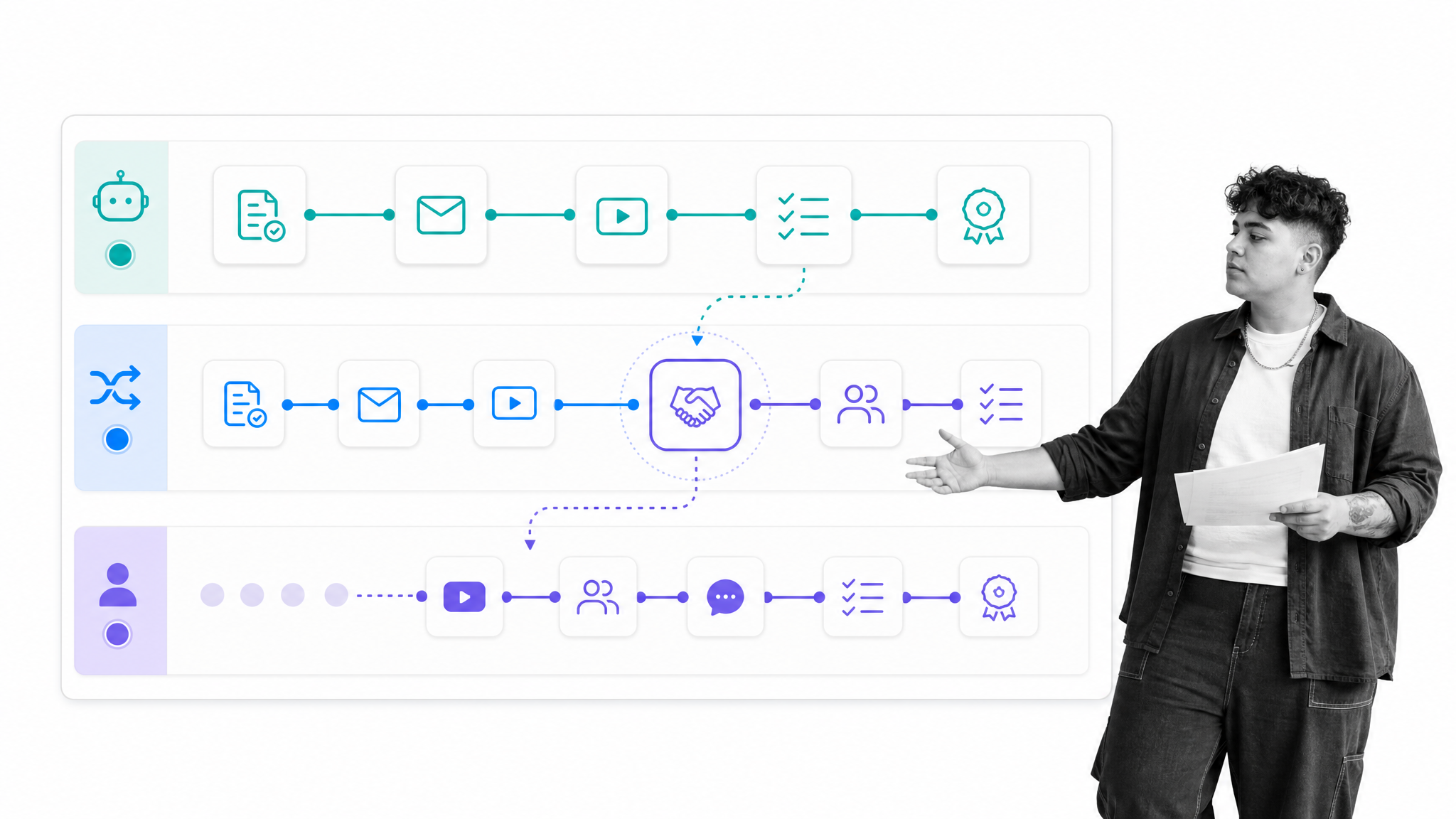
- Automated onboarding
- Concierge onboarding
Automated onboarding
Automated onboarding is what you might expect as standard from a very large consumer facing platform. Like Facebook, Twitter, or Slack. This is where the user approaches the technology and has to learn it themselves. If you’re employing an effective automated onboarding strategy then you might have a series of aides throughout the user’s first session to help them; an instructional video, some onscreen prompts, or a virtual tour. This automated approach is good because it is scalable and low cost. Simple.Concierge onboarding
Concierge onboarding, unsurprisingly, involves the use of a real life person to help onboard new users. This person, possibly from the customer success or sales teams, reaches out to the user and guides them through the product, how to employ it for their needs, and answers any further questions the customer might have. Concierge onboarding might be used by brand new startups as it gives them an opportunity to speak directly with the customers and gauge how users respond to the product. At scale, though, concierge onboarding is much more likely to be used by companies which have clients with high Lifetime Value (LTV or CLV for Customer Lifetime Value). If each sale or conversion is worth $10,000 then you’re certainly going to pay a well trained person to make sure that sale is successful.A little column A, little column B
Many companies are much more likely to offer a mixed approach which incorporates both elements of this process. Often SaaS products will offer a range of different payment plans. Many who opt for the freemium version might be checking it out in case they want to sign a big enterprise contract, the majority have no interest in doing that. Attempting to employ the best practices of automated onboarding across the product and broader company processes – the creation of instructional materials – while also having a dedicated in-house team to provide concierge onboarding for potential high value clients is a common strategy. Figuring out how that balance would work in your business at any point in time is the hard part. Fortunately, we have Sujan Patel’s story of how he developed his user onboarding process for ContentMarketer.io across 9 months and 6 experiments.Sujan Patel’s 6 onboarding experiments for ContentMarketer.io
- One third of the people he talked to knew very little about the brand or product and were not very motivated to use it. They require a lot of education on how to use it.
- Another third knew the brand through Sujan, but knew little about the product’s functionality and what it will do for them.
- The last group was highly motivated to solve for content, but didn’t know what to expect from the product or how to use it.
Experiment 1: Create how-to guides
Sujan hypothesis that the guides would help new users better adopt the product proved true. User engagement,measured by weekly active users,increased by 15% after implementing the guides. Strangely enough, although user engagement increased, ContentMarketers’ trial-to-paid conversion did not. So back to the drawing board went Sujan to build on this initial success.We can see that this experiment had some successes. It was clearly better communicating value to the users and making the product more user-friendly. This is all good. However, it alone was not enough to drive an increase in revenue. Now that users are demonstrating their interest in the product, can we use a labor intensive mechanism to increase purchase rates and better understand the motivations behind those upgrades?
Experiment 2. Onboard users manually
Patel switched to a concierge approach. He chose to take a sales approach to aggressively target upgrades from customers.About 55% of the people Sujan talked to converted to paid. A big win for ContentMarketer’s bottom line. Sujan then figured if he can talk to more people,only about 15% were opting into the conversation,he’d be able to further improve his trial to paid customer conversion rate.Clearly, the problem at this point is the challenge of getting new users on a call or into a conversation. Not all users will respond to your outreach. The conversion rate is high but the contact rate is low. How can we improve this outreach effort?
Experiment 3. Implement live chat prompting
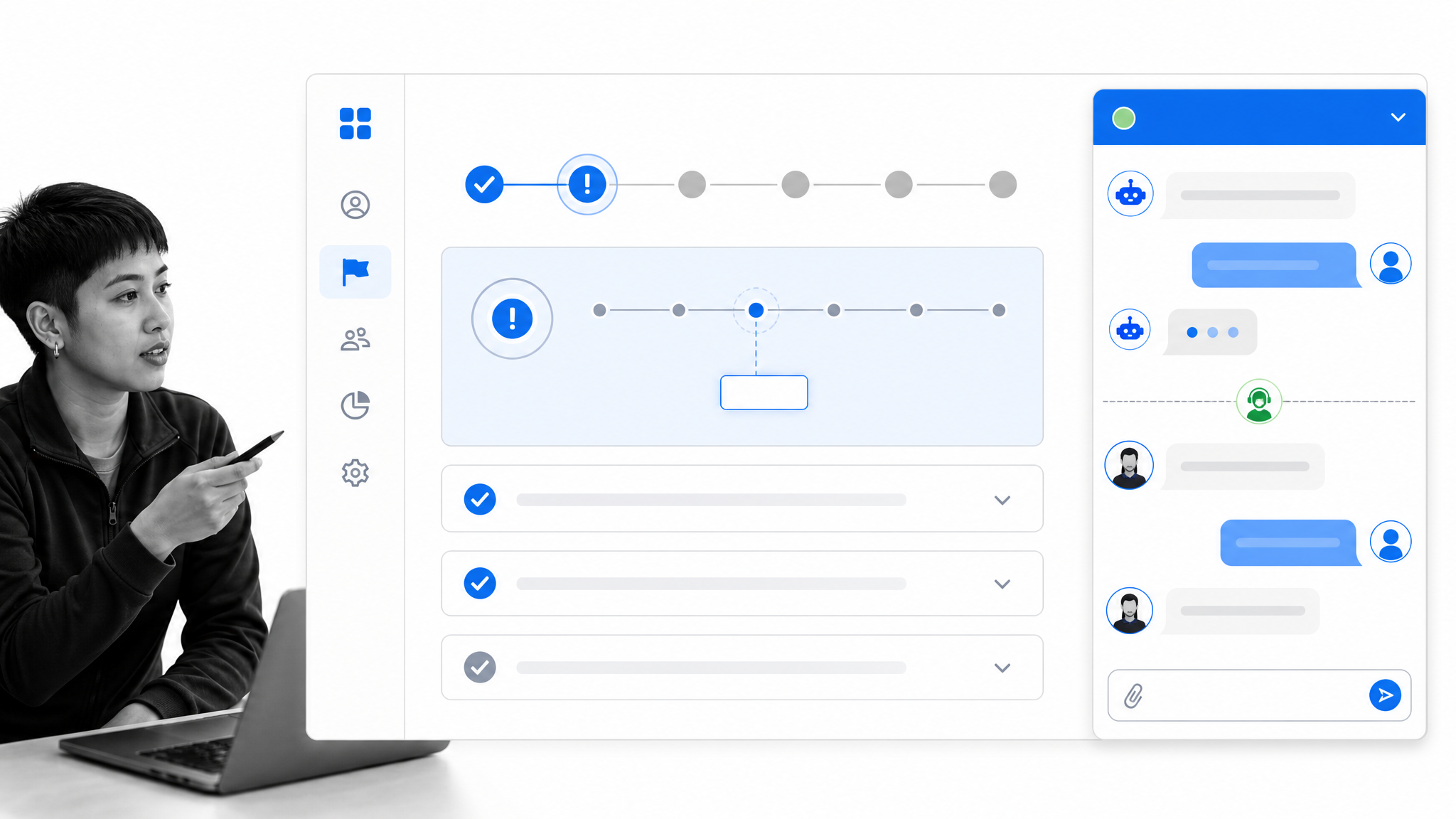
Sujan’s aggressive live chat prompts produced an approximately 30% lift in total conversions. They helped move from converting ~3% of trial users to paid customers to ~4.5%.Those numbers might not look massive, but consider that 3% to 4.5% is a 50% increase in revenue simply from implementing live chats. This looks good. The problem with live chat outreach is that it’s labor intensive. If we can better understand our users then we can make sure we focus our limited resources on customers who are more likely to convert.
Experiment 4. Use question-based onboarding to gather user insights
About 50% of people couldn’t figure out how to use the product. They tried, then gave up and didn’t come back again. The other 50% had unrealistic expectations for what the product could do. They wanted a silver bullet for the content strategy that simply doesn’t exist.After considering the implications of this knowledge, Patel came to a conclusion:
…a portion of their sign-ups,those with unrealistic product expectations,were never going to convert from free trials.This gives the ability to narrow down outreach efforts to those with reasonable expectations and to focus the company resources on explaining the product to the 50% who are struggling to understand how to use the platform. It also points toward clarifying what the product does and doesn’t do in marketing materials.
Experiment 5. Require a credit card at sign-up
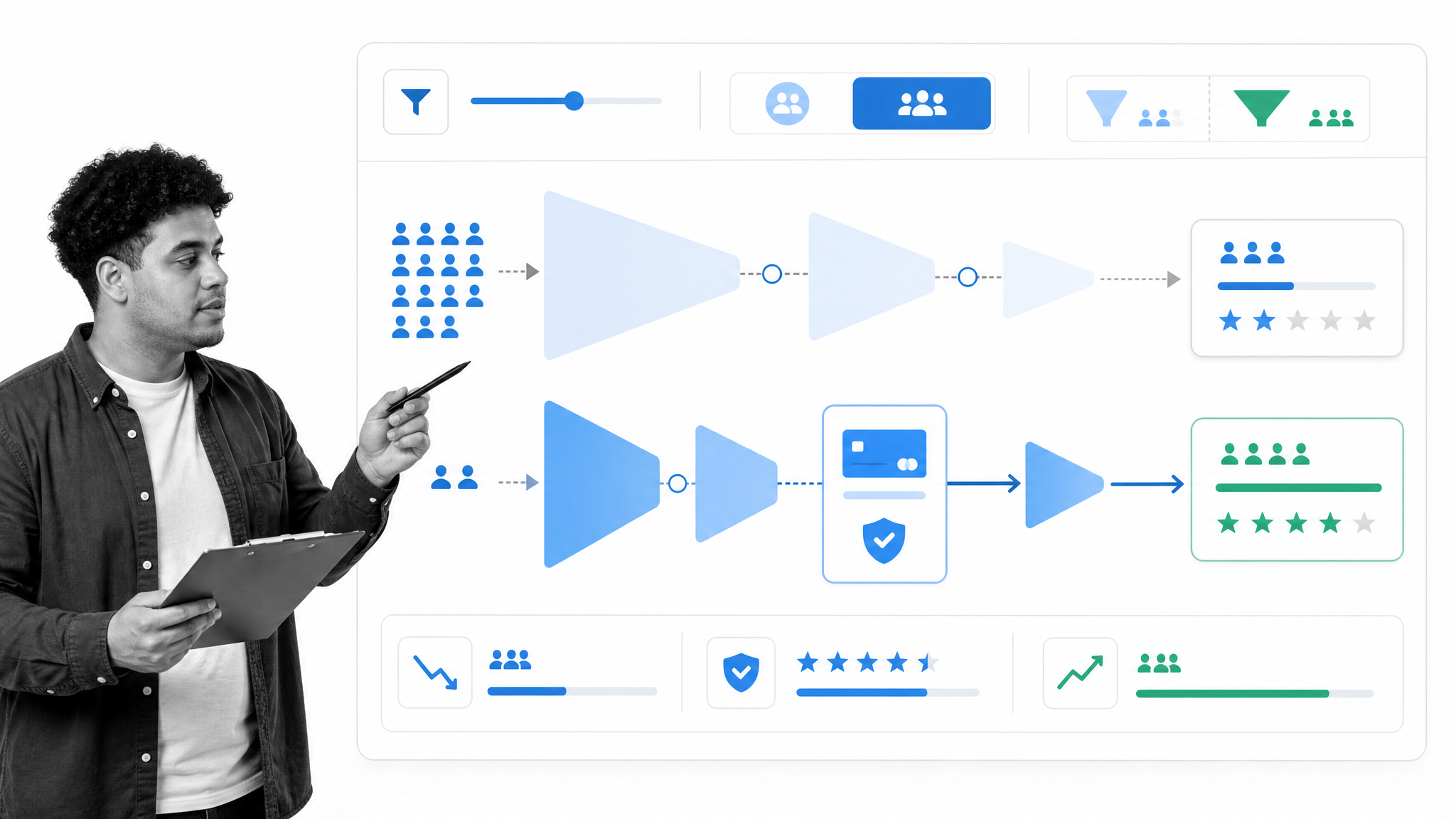
This reduced leads from 300-350 a month to 75-100, but it nearly doubled the number of paid customers they were bringing on every month. Where they were previously converting 13-15, they increased to 20-25 customers. Sujan no longer had to put up with the headaches and overhead it required to support an extraneous 250 signups every month. Instead, he was able to focus his time and attention on supporting the more serious and motivated 100 new signups.The sign-ups were reduced but the proportion of high quality leads was increased. With the smaller pool of new users, Patel was able to employ his highly effective concierge method with a much more targeted selection of users. New paying users each month almost doubled.
Experiment 6. Eliminate free trials
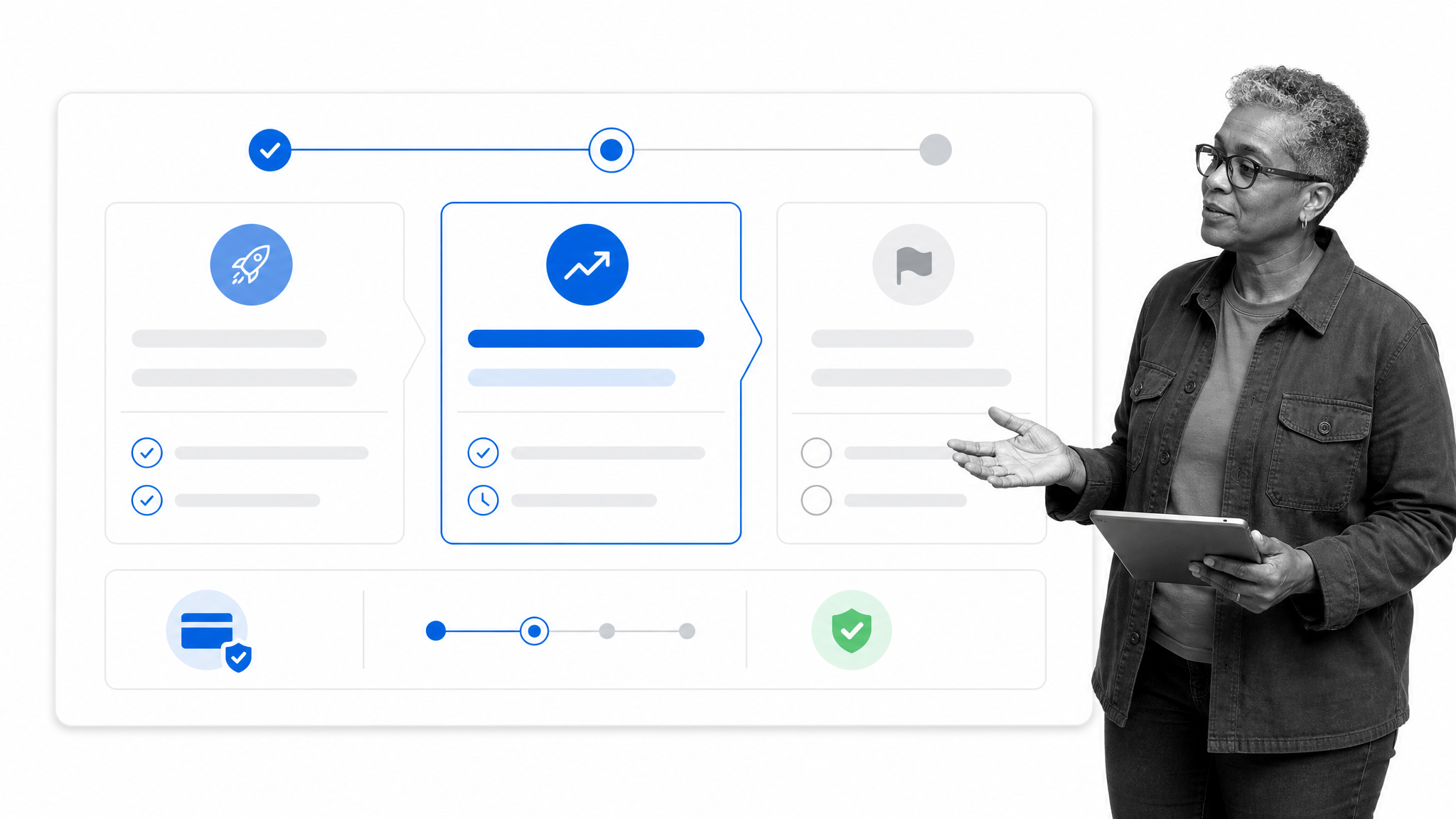
He eliminated the free trial period for new users entirely. ContentMarketer now requires an upfront payment of $50 to access the app.Now, every sign-up makes money. Every sign-up is more targeted. Every sign-up is willing to pay for the service provided it can meet their expectations – which have been managed prior to signing up.
ContentMarketer is now seeing 30-35 new customers every month, which is an all-time high,an increase from 20-25 previously and a huge improvement from where they were 9 months ago when Sujan started experimented.After 9 months of tinkering, Patel crafted a sustainable SaaS business. Patel’s approach was to recognize that he had limited resources available and to refine his userbase as much as possible so that his conversion efforts could be the best they could be. In the end, ContentMarketer did well enough to develop 3 separate tools as part of its platform: Marketer, Notifier, and Connector. Over time, it found Connector to be the most popular and chose to focus on that aspect of the business. Marketer and Notifier were eventually discontinued and Connector was rebranded to Mailshake. Mailshake now boasts nearly 15,000 users who pay either $19 per month or $39 per month depending on their package. That’s nearly $300,000 per month if every single user is on the basic plan. Not bad at all.
What we can learn from these experiments?
There are four things I want to pull out from this experiment by Sujan Patel:- Be precise in your targeting efforts. Over-inflating customer expectations to increase sign-ups will not necessarily result in more revenue. It can result in less revenue.
- Tailor your onboarding strategies to your in-house resources. If you have only one or two people to provide concierge onboarding then you’re limited to how many new users you can provide that service to. If you’re lucky to have more development resources, you can put more effort into automated strategies.
- Reduce development needs where you can. Your development team are likely pushed to their limits whatever strategy you take, so running tests which do not require a huge amount of their labor enables them to focus on product. Third party integrations for live chat are easy to install and let you experiment while your developers improve the value the product offers.
- Do what is right for the business in that moment in time. If you want to have a giant platform with a huge free tier in future, that doesn’t mean you need to have it now. The more revenue you generate now, the more you can invest toward building the future product. Taking a lean approach and reacting to market and customer needs can help you reduce waste and give you the stability to create a functional business. Patel started ContentMarketer.io and ended up with Mailshake.
Kevin Dewalt’s 4 steps to implement concierge onboarding
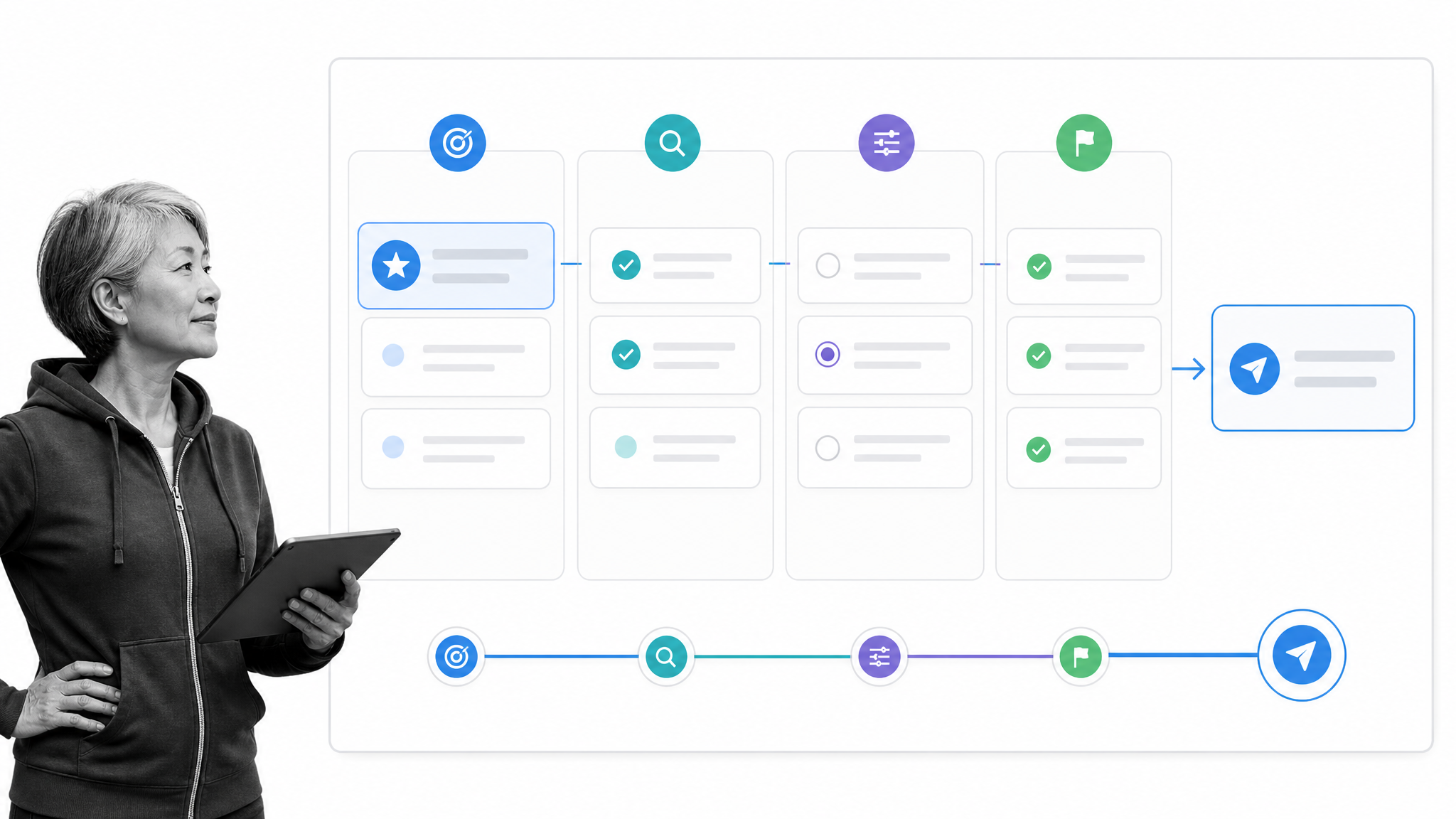
- It works. It is typically a very effective way of increasing conversion.
- Your customers learn more about your product and you learn more about your customers.
- It is simple and easy to implement on a small scale.
Analyze your customers at sign-up
Dewalt likes to take a lean approach and iterate as the process moves forward. Being quick off the mark is a valuable thing from this perspective. As such, his recommendation is to sit down with your team and look at the last 10 free trial sign-ups (for example) you have. Look into each of them with the relevant data available and try to answer the following 3 questions:- What is the problem she’s trying to solve with your app?
- Why did/didn’t she take the actions?
- Why might she decide not to pay or cancel?
Get the customer on a call
This is allegedly the hardest part of the process. Something we saw Sujan Patel in the previous section struggle with at first. Dewalt’s recommendation is to reach out individually with hand crafted emails and to add a little personal touch or two. Maybe mention the city their offices are located in? Something which shows you’re not automated and you’ve done a little research. Patel’s approach was to contact customers through live chat in order to coax them onto a call. Offering to help or train the user is a better opener than asking them to upgrade.Use the GROW method
Dewalt is an advocate of the GROW method, and outlines it as follows:- Goals (What did you want to achieve from signing up?)
- current Reality (What are you already doing?)
- Obstacles (What’s missing or wrong that’s keeping you from your goals?) and Options (Most people who’ve gone through this found that doing X, Y, or Z takes care of the problem. What do you think?)
Measure the results and document the process
Once you’ve done a call, you should have notes from the call or recordings of it which can be transcribed. These notes will then all be brought together in the next meeting to help you better answer the questions mentioned in step 1. Dewalt’s recommendation is to document your process and to follow it every time. At the end of each outreach sprint you can evaluate what you have learned and then iterate the process accordingly. This keeps best practices high and improves both your knowledge of customer needs and your conversion rates. You could use Process Street to document, follow, and iterate your process. Speaking of Process Street…How Process Street supports consistent user onboarding
A good onboarding experience depends on more than a sequence of tooltips. Product, marketing, sales, customer success, and operations all need the same guidance, clear ownership, and a reliable way to respond when a new account falls off the expected path.
Process Street is a Compliance Operations Platform with Docs and Ops capability areas plus built-in AI. That combination helps teams connect the knowledge behind onboarding with the recurring work required to deliver it.
Use Docs to turn onboarding knowledge into governed guidance
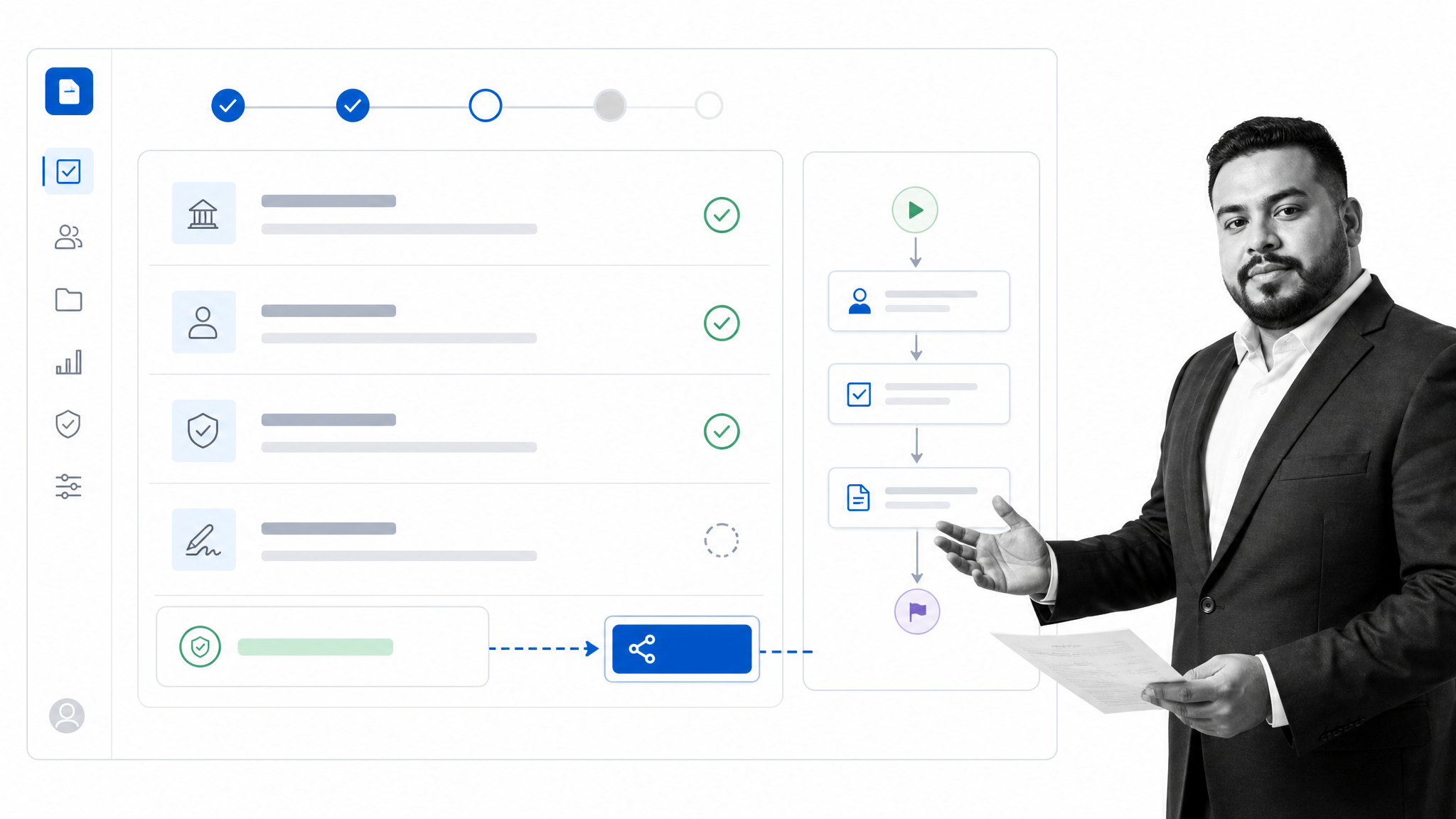
Docs gives teams a structured place for product guidance, account qualification rules, call plans, escalation criteria, and customer-facing instructions. Reviews and approvals help keep that guidance current, while a reusable source of truth reduces the chance that every customer success manager invents a different onboarding experience.
Use Ops to coordinate milestones, ownership, and exceptions
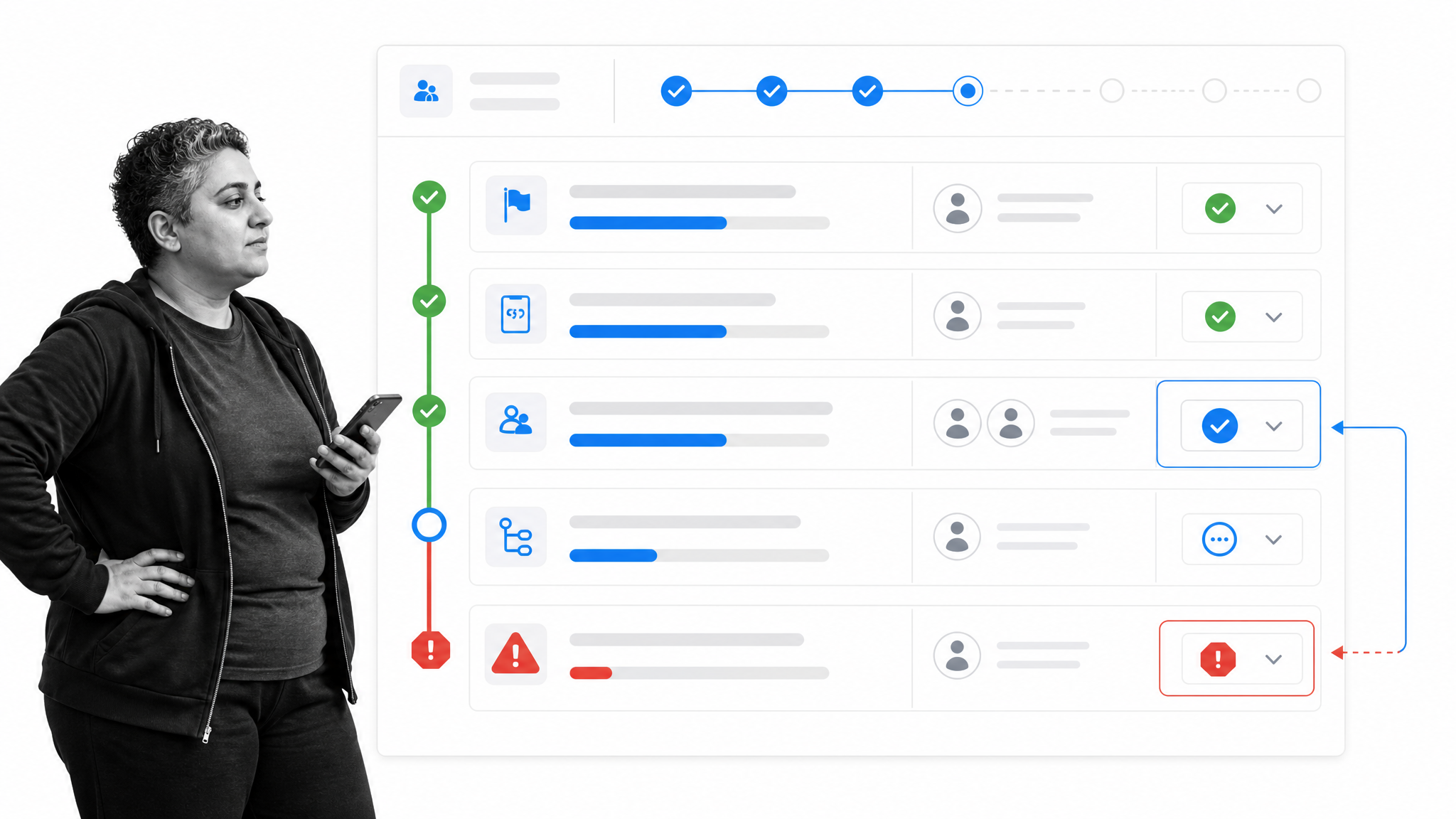
Ops turns the operating model into an active workflow. Teams can assign customer milestones, collect structured information, use conditional logic to adapt the path, request approvals, and surface exceptions before they become churn risks. Built-in AI can help complete or route work inside the process while the team keeps control of the underlying rules.
Connect onboarding to the rest of the customer system
Onboarding rarely lives in one application. Process Street has direct, universal integrations to 5,000+ systems. Need a new one? An AI agent builds it on the fly. That makes it possible to carry qualified customer data into onboarding, trigger the right workflow, and return completion or exception signals to the systems teams already use.
The practical goal is consistency without rigidity. Standardize the controls that protect the customer experience, then adapt the route to the user’s goals, product behavior, risk, and account value.
9 tools to help you experiment with your user onboarding
When evaluating an onboarding product, start with where the journey is breaking. Some tools guide users inside the product, some reduce access friction, some support high-touch handoffs, and some help teams test or operate the full process. Treat each tool as a way to test a specific onboarding hypothesis, not as a substitute for understanding the user.
These nine user onboarding tools cover communication, product guidance, analytics, video, identity, concierge routing, experimentation, and governed operations.
1. Intercom for conversational onboarding
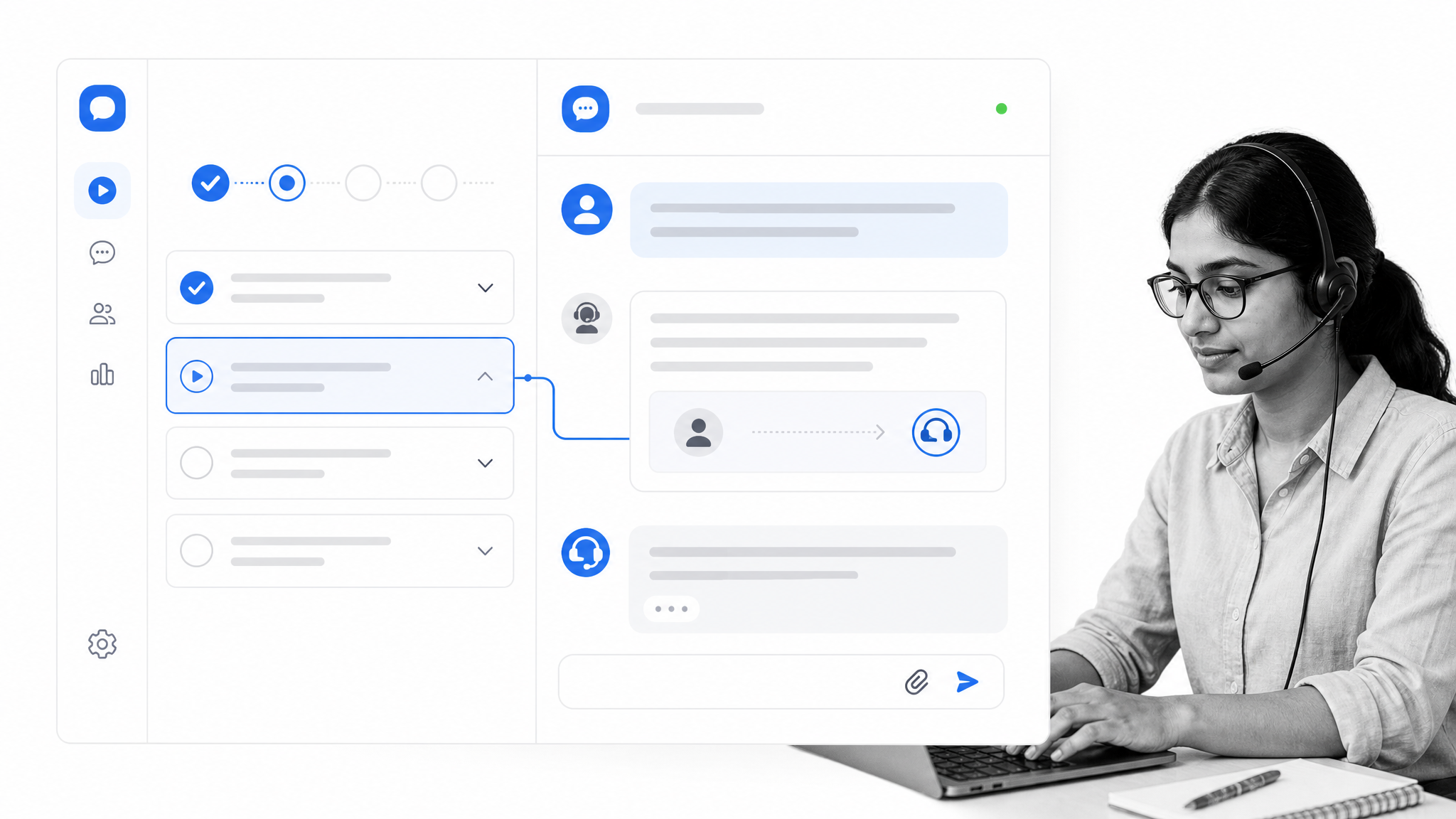
Intercom combines in-app messaging, product tours, and customer support workflows. It is useful when onboarding needs to respond to user behavior rather than send the same sequence to every account. A product team can introduce a feature in context, invite a new user to complete a short tour, and make human help available when the user hesitates or asks a question. Keep the experience focused. Too many prompts compete with the product itself, so trigger each message around a meaningful action or obstacle and measure whether it improves activation.
2. Appcues for cross-channel product guidance
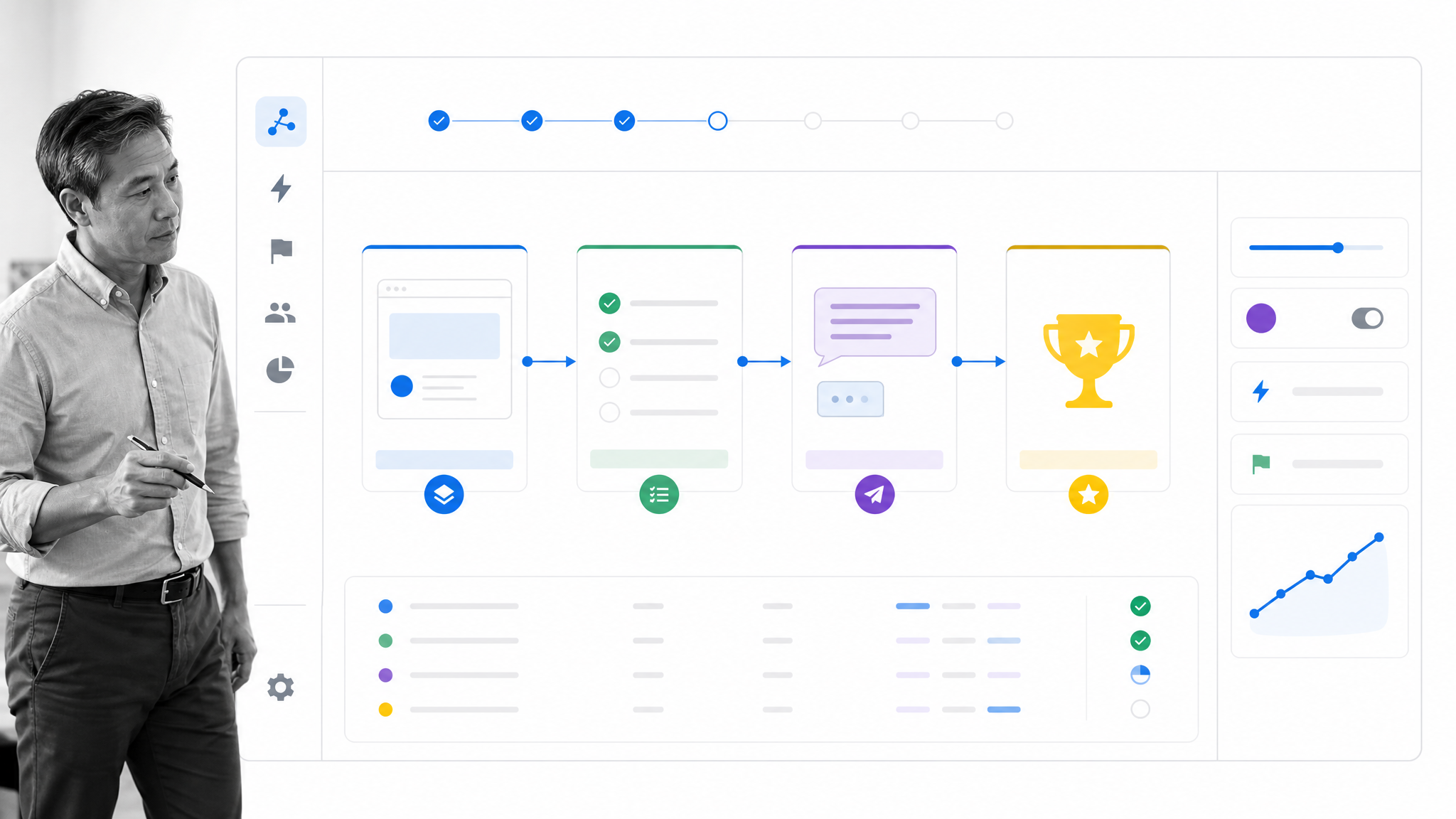
Appcues helps teams create onboarding flows, checklists, announcements, and cross-channel journeys without rebuilding the product interface for every test. That makes it well suited to teams that want to experiment with guidance while engineers focus on the core product. Use it to connect a user’s behavior to the next useful prompt, not to fill every screen with prompts. A strong flow introduces one capability, gives the user a small action to complete, and then gets out of the way until another signal shows that help is needed.
3. Userpilot for behavior-led onboarding
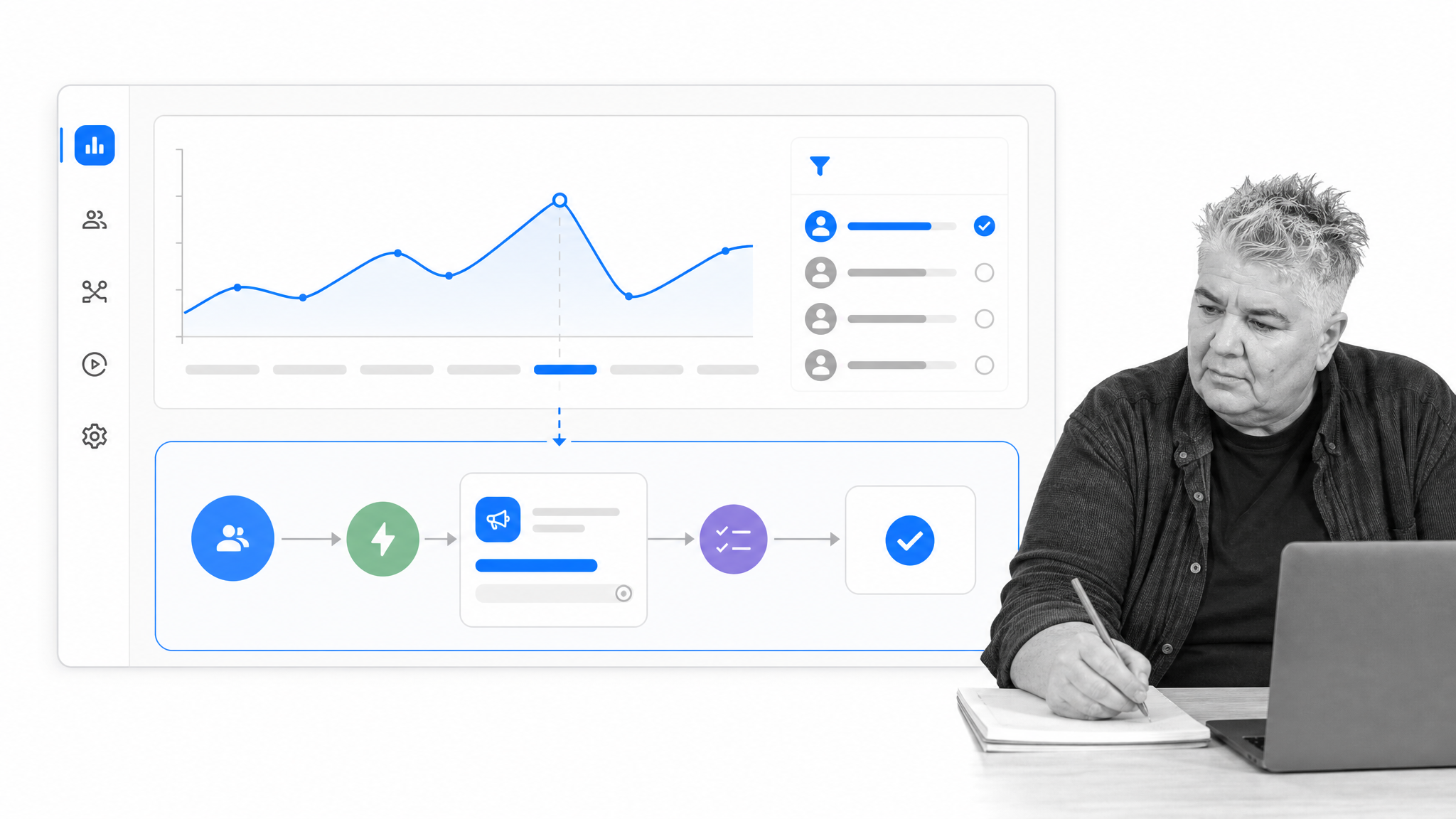
Userpilot brings product analytics, segmentation, surveys, session replay, and in-app onboarding workflows into one product growth platform. The value is the feedback loop: observe where a segment stalls, ask for context when appropriate, and trigger a more relevant experience for similar users. That is particularly useful when different roles reach first value through different actions. Start with a small number of segments based on goals or behavior, define one activation event for each, and compare outcomes before adding more branches.
4. Intro.js for lightweight guided tours
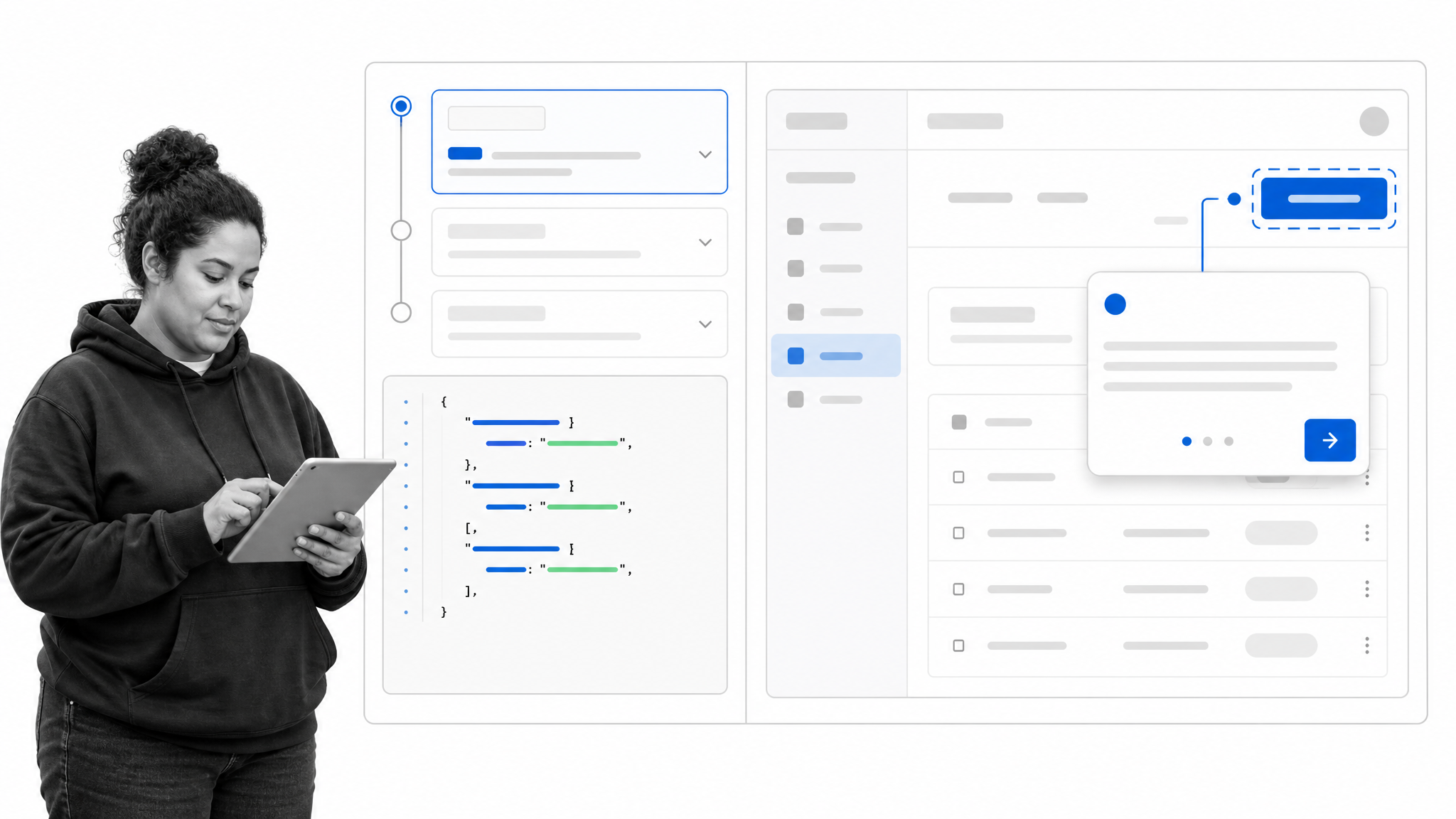
Intro.js is a lightweight JavaScript library for building step-by-step product tours and contextual highlights. It gives development teams direct control over the tour while avoiding the weight of a larger adoption platform. It works best when the task is narrow and the team is comfortable maintaining the implementation in code. Use a tour to orient the user around a specific workflow, then let the interface take over. A long sequence that explains every control usually becomes a click-through obstacle rather than useful onboarding.
5. Wistia for onboarding video
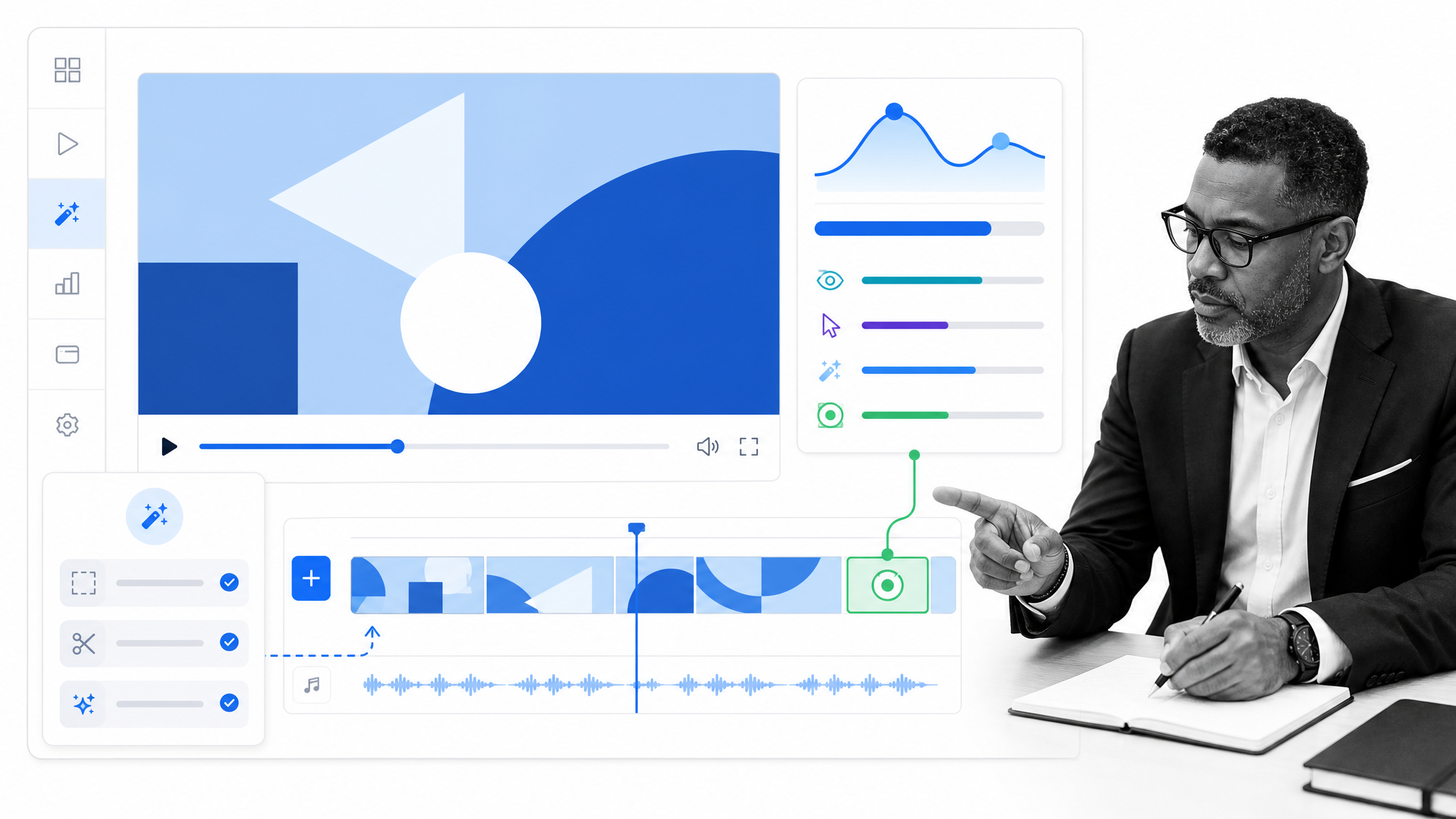
Wistia Video can demonstrate a workflow faster than a long block of instructions, especially when motion or sequence matters. Wistia gives business teams hosting, editing, engagement analytics, calls to action, and lead-capture options in one video platform. Its current feature set also includes AI-assisted editing and localization. Keep onboarding videos short and attach them to a clear next action. Engagement data can show where viewers stop, but the more important measure is whether the video helps them complete the product behavior associated with first value.
6. Auth0 for low-friction sign-in
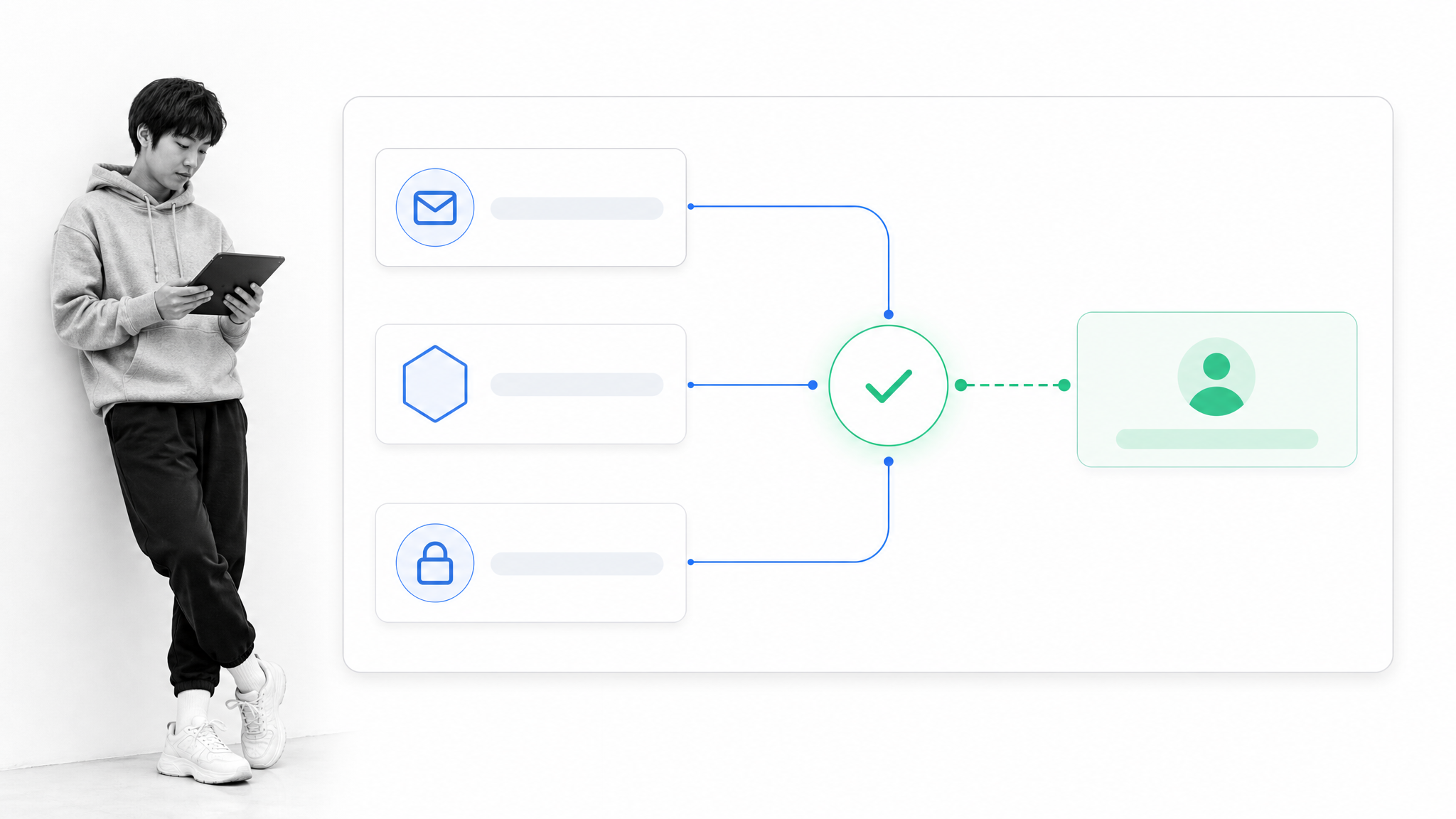
Auth0 Authentication is part of onboarding because a confusing or rigid sign-in flow can stop a user before the product has a chance to prove its value. Auth0 supports passwordless access, social sign-in, single sign-on, and other identity patterns that can reduce friction while meeting security requirements. Choose methods that match the user’s context and account risk. A consumer trial may need speed, while an enterprise rollout may require federation, governance, and stronger controls. The goal is not the fewest possible steps. It is a secure route that feels proportionate and predictable.
7. Chili Piper for instant concierge handoff
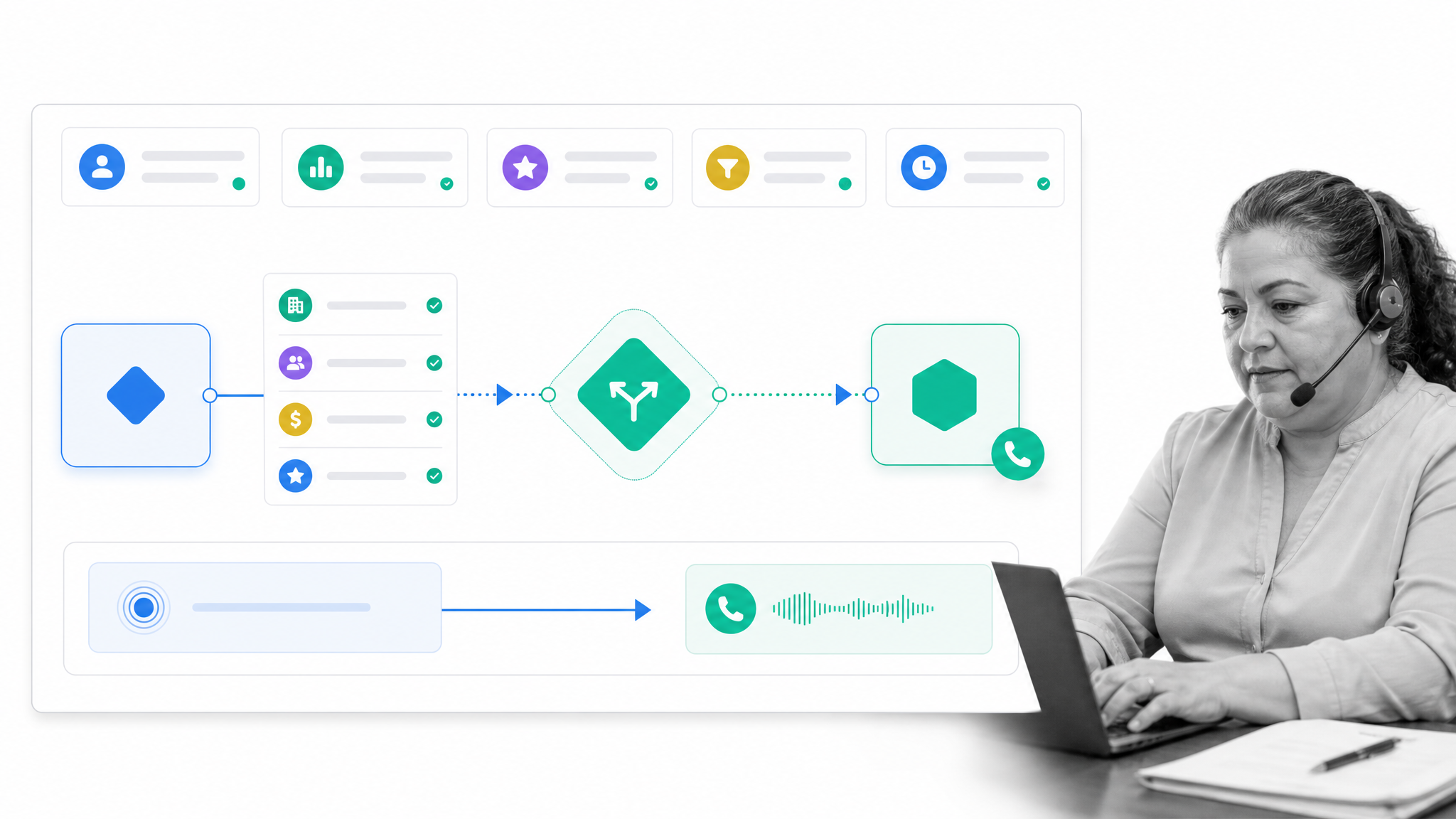
Chili Piper ‘s Concierge Live is built for high-intent inbound handoffs. It can qualify a visitor, route them to the right representative, offer a calendar, or connect an immediate phone conversation. That makes it a stronger fit than a generic callback tool when onboarding begins with a sales-assisted or high-value motion. Define the qualification and ownership rules before adding speed. An instant connection only helps when the right person receives enough context to continue the journey without making the prospect repeat everything they already shared.
8. Optimizely for onboarding experiments
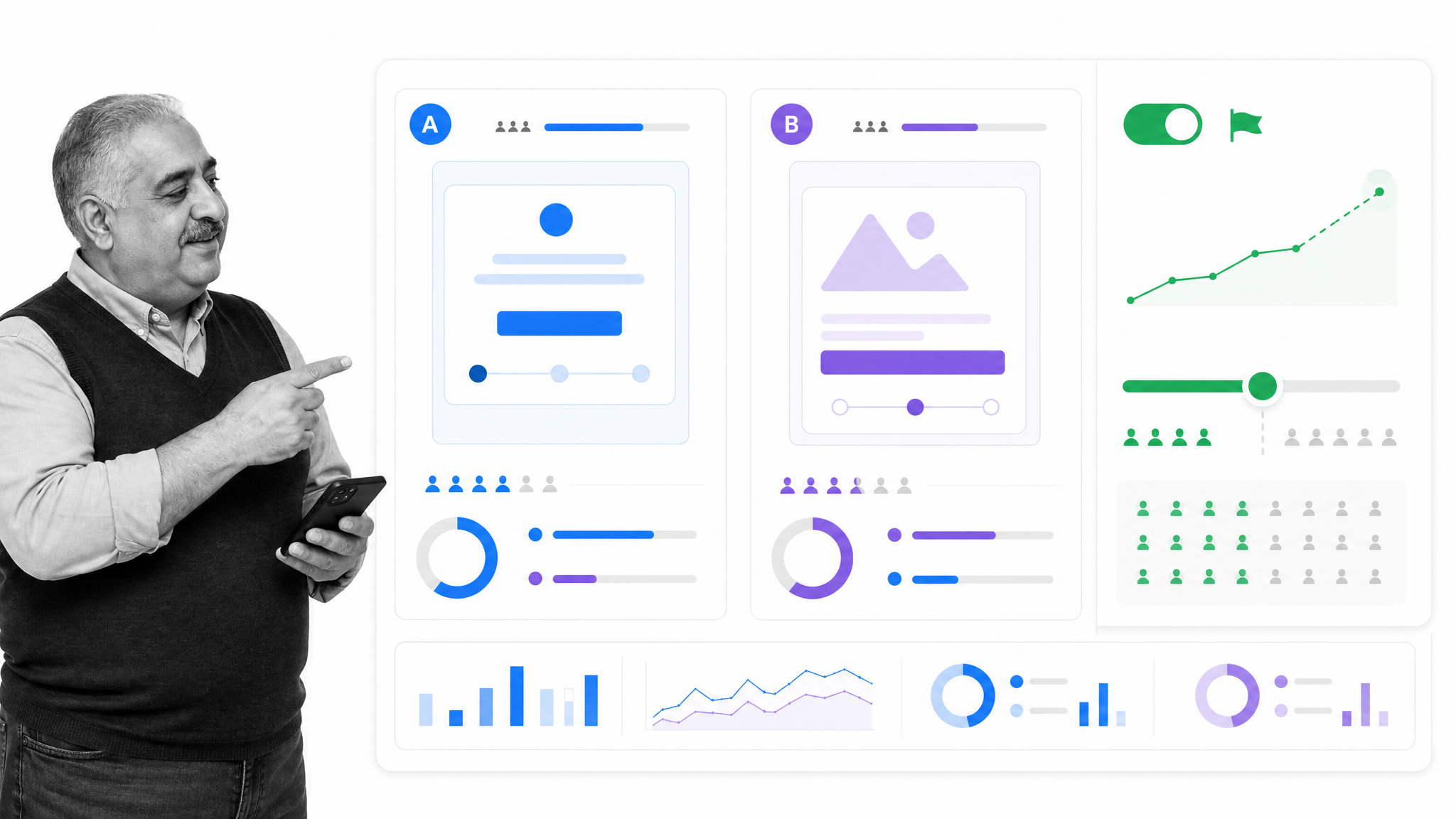
Optimizely supports digital experimentation, feature flags, staged rollouts, and personalization. It is useful when a team needs to test onboarding changes with controlled exposure rather than release one experience to everyone. Create a clear hypothesis, choose the activation or retention metric before the test starts, and protect against local wins that damage the wider journey. Feature flags also let teams separate deployment from release, making it easier to increase exposure gradually, compare segments, and stop a change when the evidence does not support it.
9. Process Street for governed onboarding operations
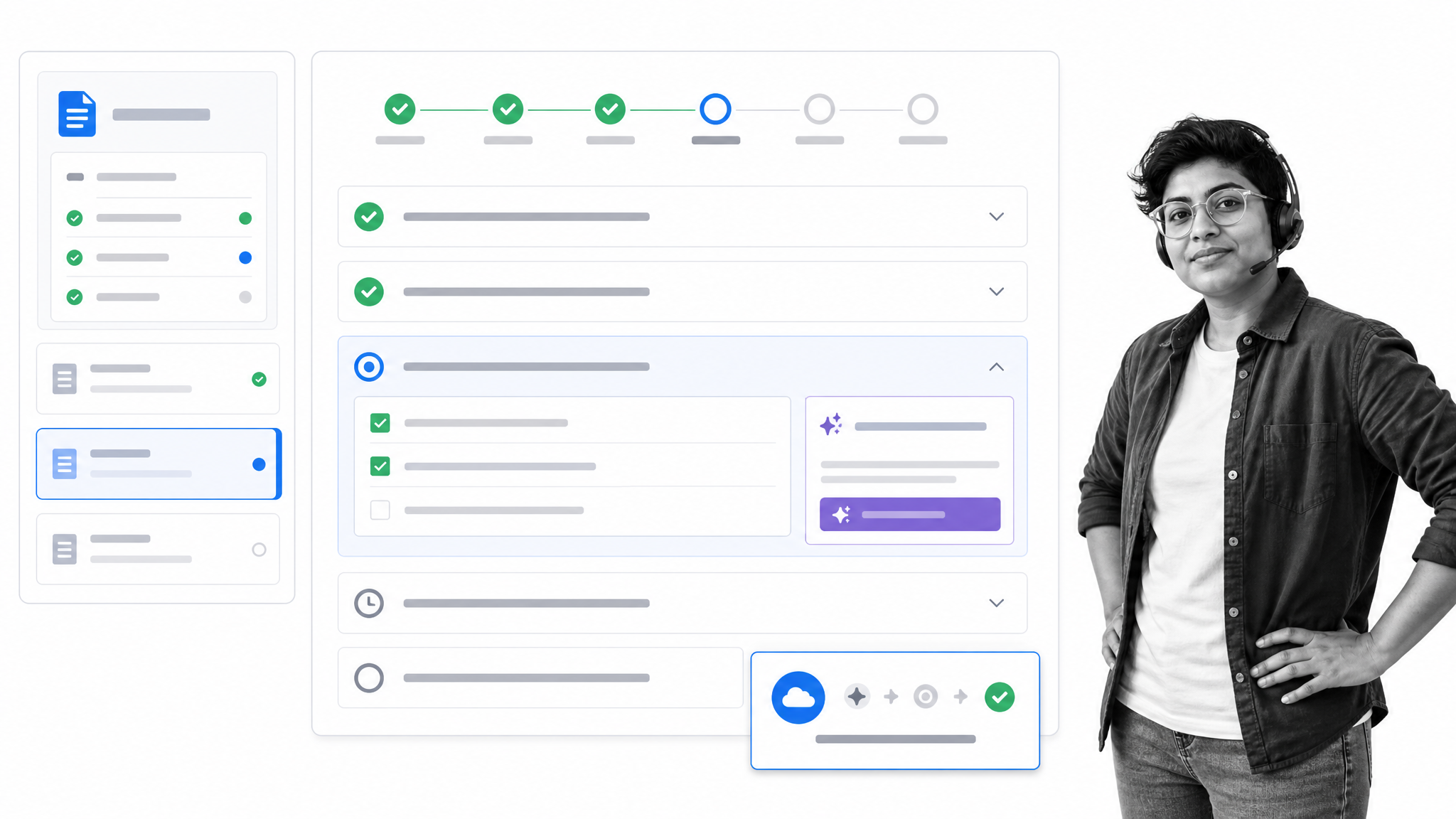
Process Street helps teams document the onboarding model and run it consistently across accounts. Docs can hold governed guidance and customer-facing material. Ops can coordinate tasks, handoffs, approvals, data collection, and exceptions. Built-in AI can assist within the workflow while the underlying process remains visible and controlled. Because Process Street is one product, the guidance and the operational run can stay connected instead of drifting across disconnected tools. It is especially useful when onboarding spans several departments, includes compliance or approval points, and needs a clear record of what happened.
Optimize your user onboarding and you optimize your business
Hopefully, this article will have impressed upon you a number of key things:- User onboarding is important
- User onboarding can help you better understand your customer
- User onboarding strategies should develop with a business
- User onboarding can significantly increase long term revenue
- User onboarding can be tweaked and improved, and there are loads of tools out there to help you.
The post 9 User Onboarding Tools to Smash Your Revenue Targets first appeared on Process Street | Compliance Operations Platform.


0 Commentaires