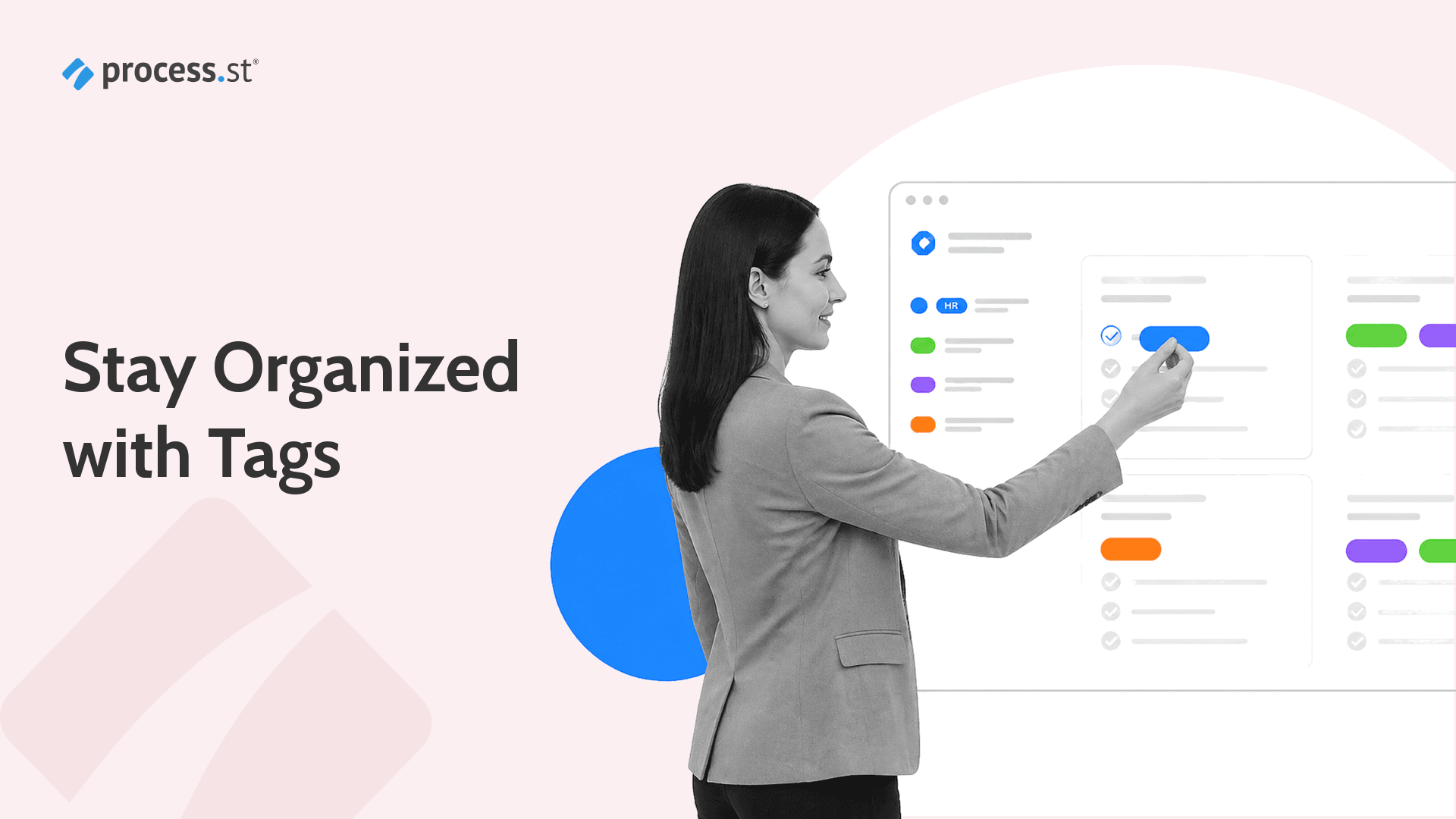
Every team that scales beyond a handful of workflows hits the same wall: finding the right process takes longer than running it. Tags solve that problem by letting you categorize, filter, and retrieve workflows instantly, no matter how large your library grows.
In Process Street, tags turn a flat list of workflows into a searchable, structured system. Whether you organize by department, compliance framework, or workflow stage, tags give your team a consistent way to navigate operations at scale.
Why Tags Matter for Workflow Organization
Folders work when you have ten workflows. They break when you have two hundred. A single workflow often belongs to multiple categories: an employee onboarding workflow might relate to HR, compliance, and IT simultaneously. Folders force you to pick one location. Tags let you assign all three.
Tags also make search faster. Instead of scrolling through a sidebar or remembering which folder something was filed in, your team can filter by tag and see every matching workflow in seconds. For compliance-heavy environments, this means faster audit prep, because every workflow tied to a specific framework or regulation is one click away.
The result is a workflow library that stays organized as you scale, without requiring constant restructuring or manual upkeep.
How to Use Tags in Process Street
Adding tags to a workflow takes seconds. Open any workflow in the editor, click the tag icon at the top of the page, and type the tag name. If the tag already exists, Process Street suggests it automatically. If it does not, a new tag is created on the spot.
Once tagged, workflows appear under the Tags section in the sidebar. Click any tag to see every workflow that carries it. You can also combine tags with search to narrow results further.
Tags work across your entire organization. Any team member with access to a workflow can see its tags, which means everyone shares the same organizational structure without needing to memorize folder hierarchies.
Tagging Best Practices for Teams
A tagging system is only as useful as the conventions behind it. These practices keep tags clean and useful as your team grows.
Start with a small, agreed-upon set of tags. Common starting categories include department (HR, Finance, Operations), compliance framework (SOC 2, ISO 9001, HIPAA), and workflow stage (onboarding, review, offboarding). Resist the urge to create a tag for every variation. Fewer, broader tags are easier to maintain than dozens of narrow ones.
Use consistent naming conventions. Decide on a format and stick with it. Inconsistent naming leads to duplicate tags that fragment your library instead of organizing it.
Review tags quarterly. As workflows are added, retired, or restructured, some tags will become obsolete. A quick quarterly review keeps the list tight and prevents tag sprawl from undermining the system.
Assign tag governance to one person or a small group. When anyone can create tags without oversight, you end up with dozens of overlapping labels. A designated owner ensures consistency and can merge or retire tags when needed.
Frequently Asked Questions
Can I add multiple tags to a single workflow?
Yes. You can add as many tags as needed to any workflow. This lets a single workflow appear under multiple categories, which is especially useful for cross-functional processes that span departments.
Can I filter workflows by tag?
Yes. The Tags section in the sidebar lets you click any tag to see all workflows that carry it. You can also use the search bar alongside tags for more precise filtering.
Who can create and manage tags?
Any user with edit access to a workflow can add or remove tags on that workflow. Organization-wide tag management, including renaming and deleting tags, is available to administrators.
How do tags differ from folders?
Folders place a workflow in a single location. Tags let you assign multiple labels to the same workflow, so it can appear in several filtered views without duplicating anything. Most teams use both: folders for primary structure, tags for cross-cutting categories like compliance frameworks or project phases.
Ready to organize your workflow library? Log in to Process Street and start tagging your workflows today.
The post Stay Organized with Tags first appeared on Process Street | Compliance Operations Platform.


0 Commentaires