
Google Docs templates are still one of the fastest ways to start a business document: proposals, invoices, manuals, HR certificates, project timelines, and resumes all become easier when the structure is already there.
The best Google Doc templates do more than save formatting time. They standardize repeatable work. This guide collects 50 business-ready document templates and pairs them with Process Street workflows so the document is not just created, but reviewed, approved, tracked, and repeated.
What is a Google Docs template? (+ a field guide to process documentation)
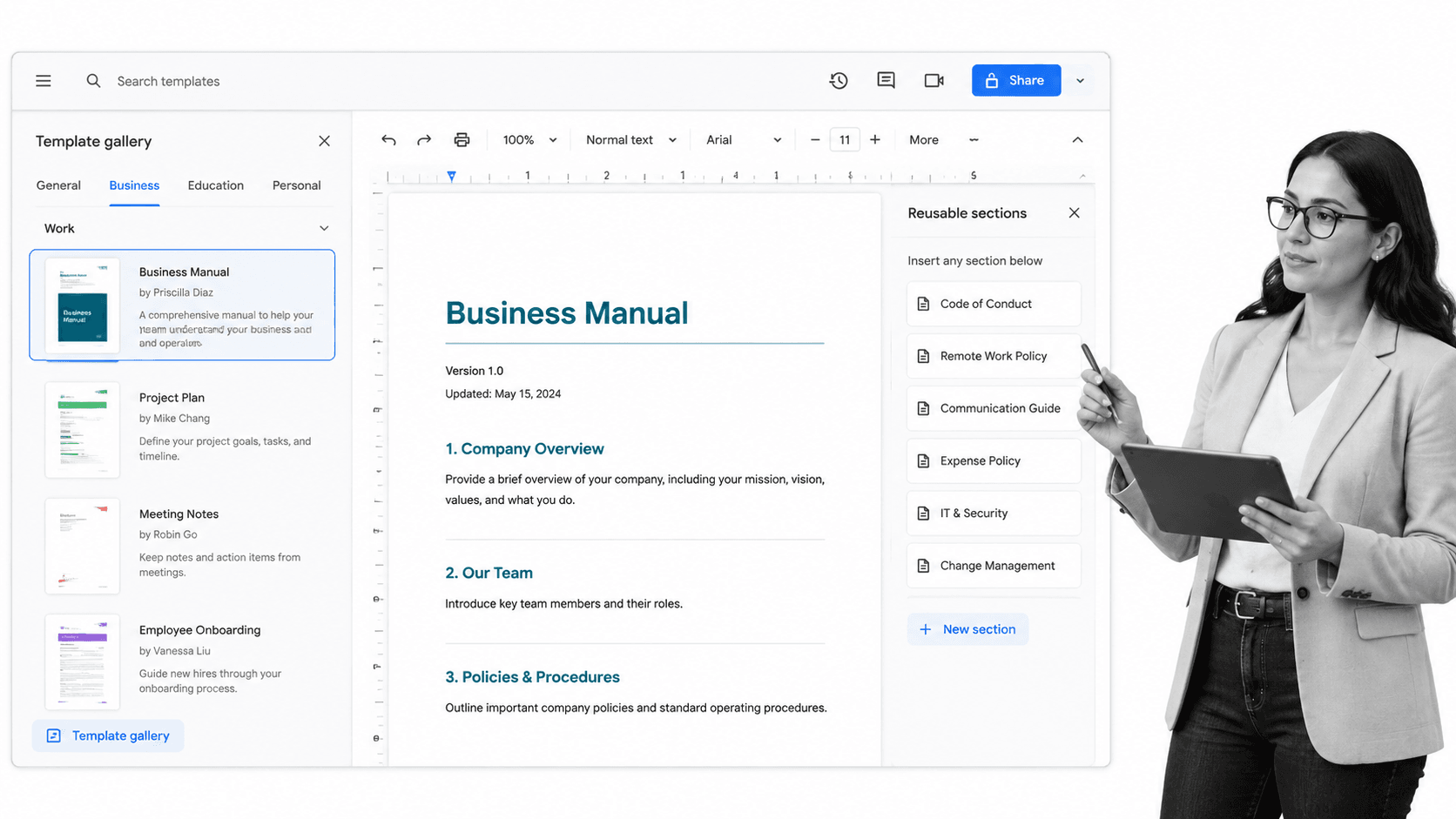
“Visually elegant with effortless collaboration.” – Edward Mendelson, PC MagazineGoogle Docs is completely free, and is primarily a web-based application that stores and creates documents on the cloud. Text documents, slide presentations, spreadsheets, drawings, surveys, you name it; these can all be created using Google Docs. It’s also a powerful collaboration tool, allowing multiple simultaneous edits in real time across a single file, making it especially suited for remote teams. Since 2006, Google Docs has been continuously improved upon and polished into a refined document management system.
Every organization needs business processes
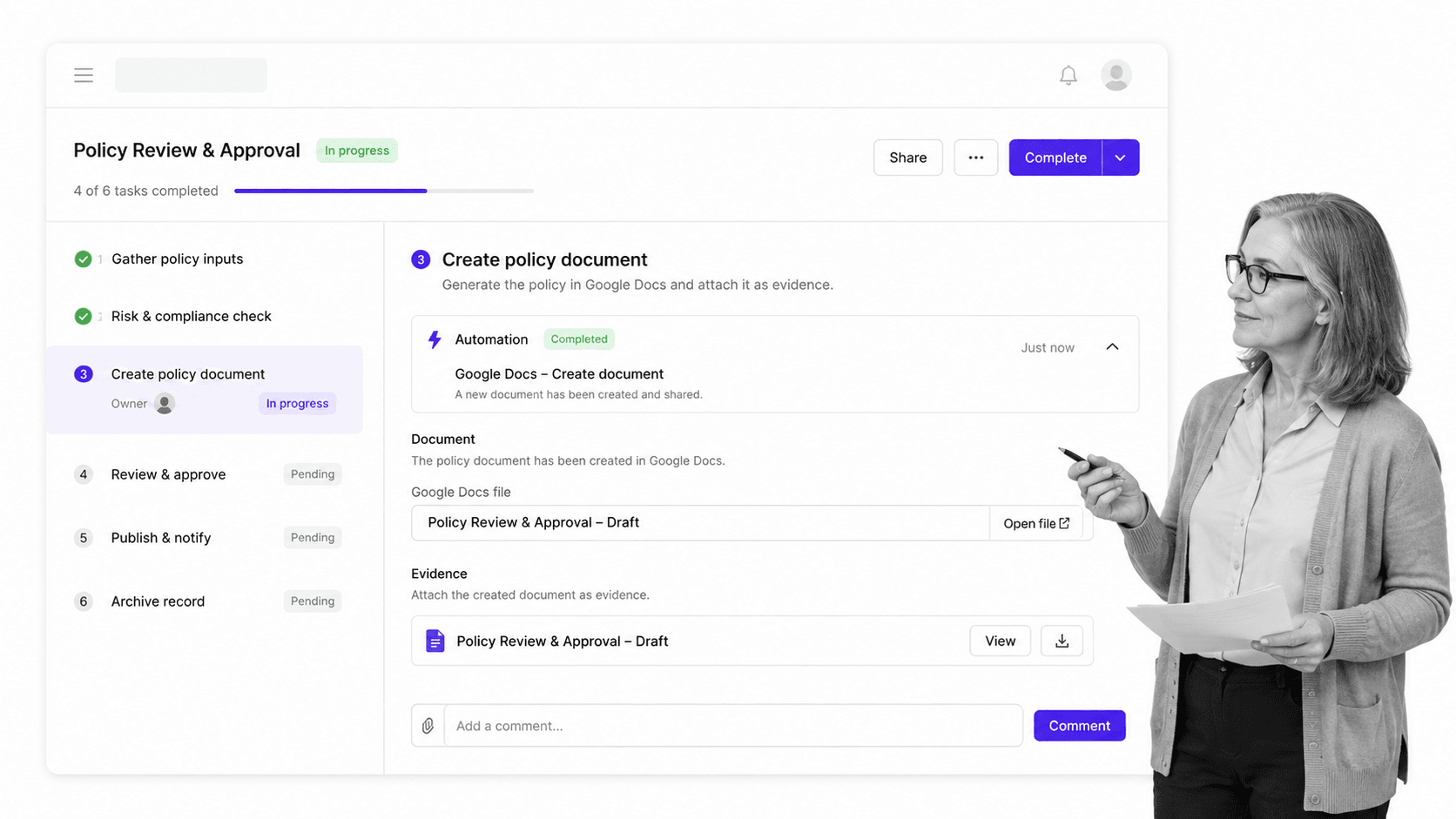
It’s here that we determine what Google Docs is as opposed to what Google Docs is not. Google Docs is a sublime document writing tool. Writing reports, CVs, invoices, or project proposals has never been easier. It’s part of the Google Workspace; a suite perfectly suited for document management. But Google Docs is not applicable for process management. Think about it. Your business processes are an ever-changing and dynamic network of tasks. Tasks need to be completed in a specific order, by specific personnel, at specific times, to get a specific job done. To incorporate something like a Google Docs .doc file into a business process, you need a proper system in place to facilitate automation and integrate these static components together. So what do we do? Introducing Process Street. Process Street is a Compliance Operations Platform for teams that need recurring work to be documented, assigned, approved, and auditable. Use Docs to control operational knowledge, Ops to run workflows, approvals, forms, and automations, and built-in AI to help teams build and improve processes faster. Once more, you can combine Google Docs within your business processes by setting up a Process Street + Google Docs integration. To do this:- Write down your business process.
- Document your business process as a checklist.
- Integrate your Google Docs account with Process Street.
- Enjoy the benefits of faster and more efficient processes and document management.
What is process documentation?
Process documentation is a detailed description of how you can execute a process. With a documented process the exact steps needed to complete a process from start to finish, are outlined. With Process Street, these exact steps are recorded in a checklist format.How to use Process Street to document your processes
There has been a lot of work detailing the profound benefits checklists bring to business (read: The Checklist Manifesto by Atul Gawande). Using Process Street, you can incorporate this checklist approach to document your business processes. Take a look at our New Employee Onboarding Checklist workflow, for example: Click here to access the Employee Onboarding Checklist for free. As you can see from this workflow, every step during the employee onboarding process has been documented. The user would simply click on this workflow, and run through each step, checking off tasks on completion. At a certain stage in the process, the user may need to create a Google Docs .doc file. For instance, in the above Employee Onboarding Checklist workflow, the Prepare paperwork task requires the user to record the employee’s information. This is where Google Docs comes in. By combining Google Docs with your Process Street workflows, you can create the documents you need at the click of a button. In this instance, the user can prepare paperwork by setting up an integration between Process Street and Google Docs. Once that task is checked off, all employee information can be transferred from the Process Street template into a Google Docs document. Keep reading and we will show you how you can set this integration up. We will also provide every Google Docs template you will ever need, along with the related business processes to help you make the most of them. Before all of that though, let’s jump into the basics: How to use Google Docs.Google Docs templates: How to use Google Docs
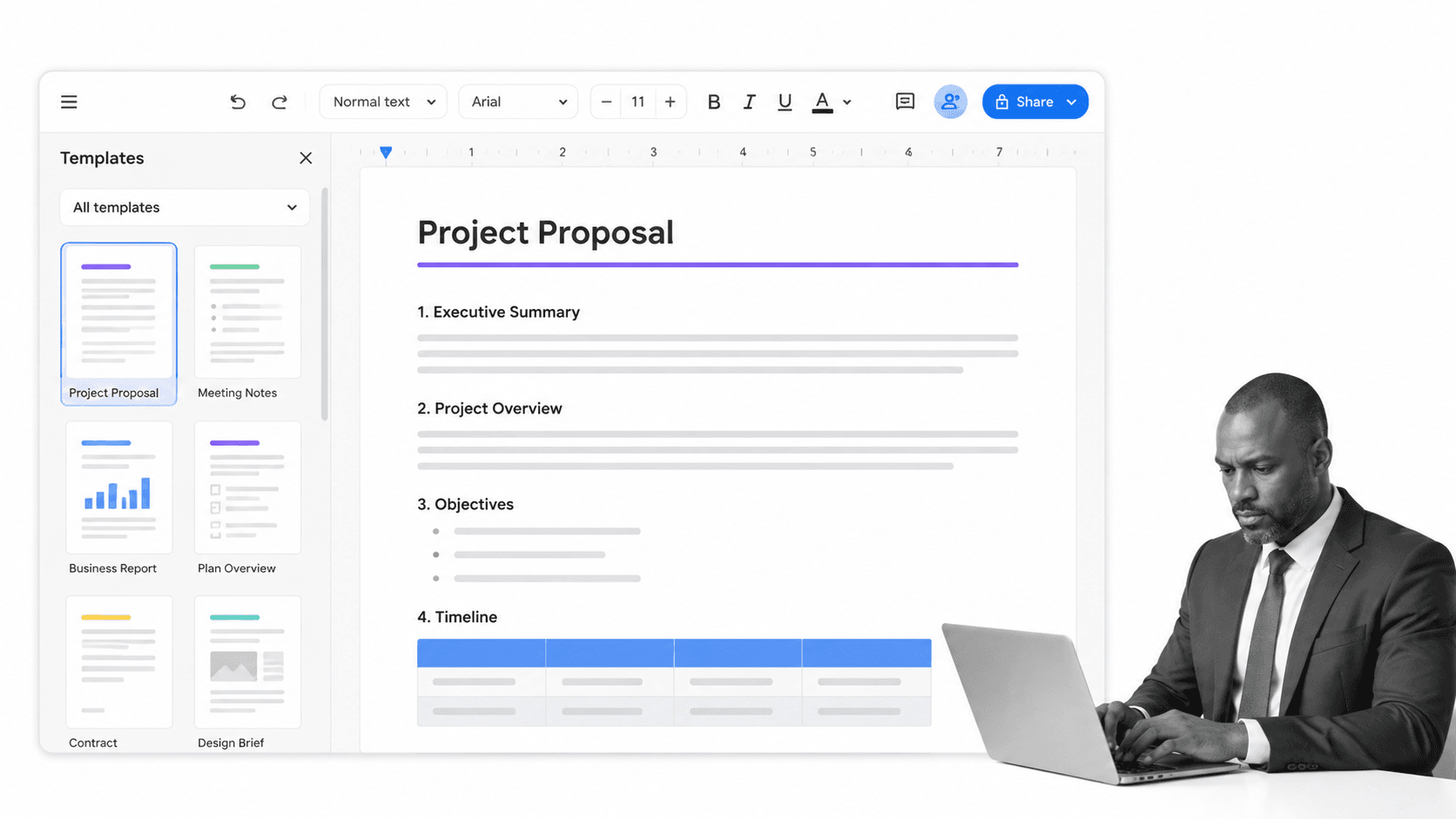
Step 1: Create a document
Open Google Doc’s home screen. In the top left corner, under Start a new document, click Blank +. You can also create a new document using this link here.Step 2: Edit and format
Once your new document is open, you can type and edit as required. Edit text, paragraphs, spacing and more. Here are some links that may come in handy:- Find out how to change paragraphs and fonts here.
- Find out how to add a title or table of contents here.
Step 3: Share and work with others
Sharing is caring, and you can share files and folders using Google Docs. Select whether the user can edit, view, or comment on your documents. For more information on how to share files from Google Docs, click here. On top of these three steps, the true value of Google Docs comes with the implementation of the app’s core features:- Talk instead of type: Say bye-bye to butter-fingers and hello to Google Doc’s built-in speech to text tool. With this feature, words will populate your Google Docs document as you speak. To use this feature, go to Tools > Voice typing. On the right-hand side of your Google Chrome screen, a microphone will appear. Toggle the microphone to control voice activation as required.
- Clear formatting: Text can easily be highlighted and edited to alter font and font size. Remove formatting from pasted text by highlighting the text, and selecting Clear formatting.
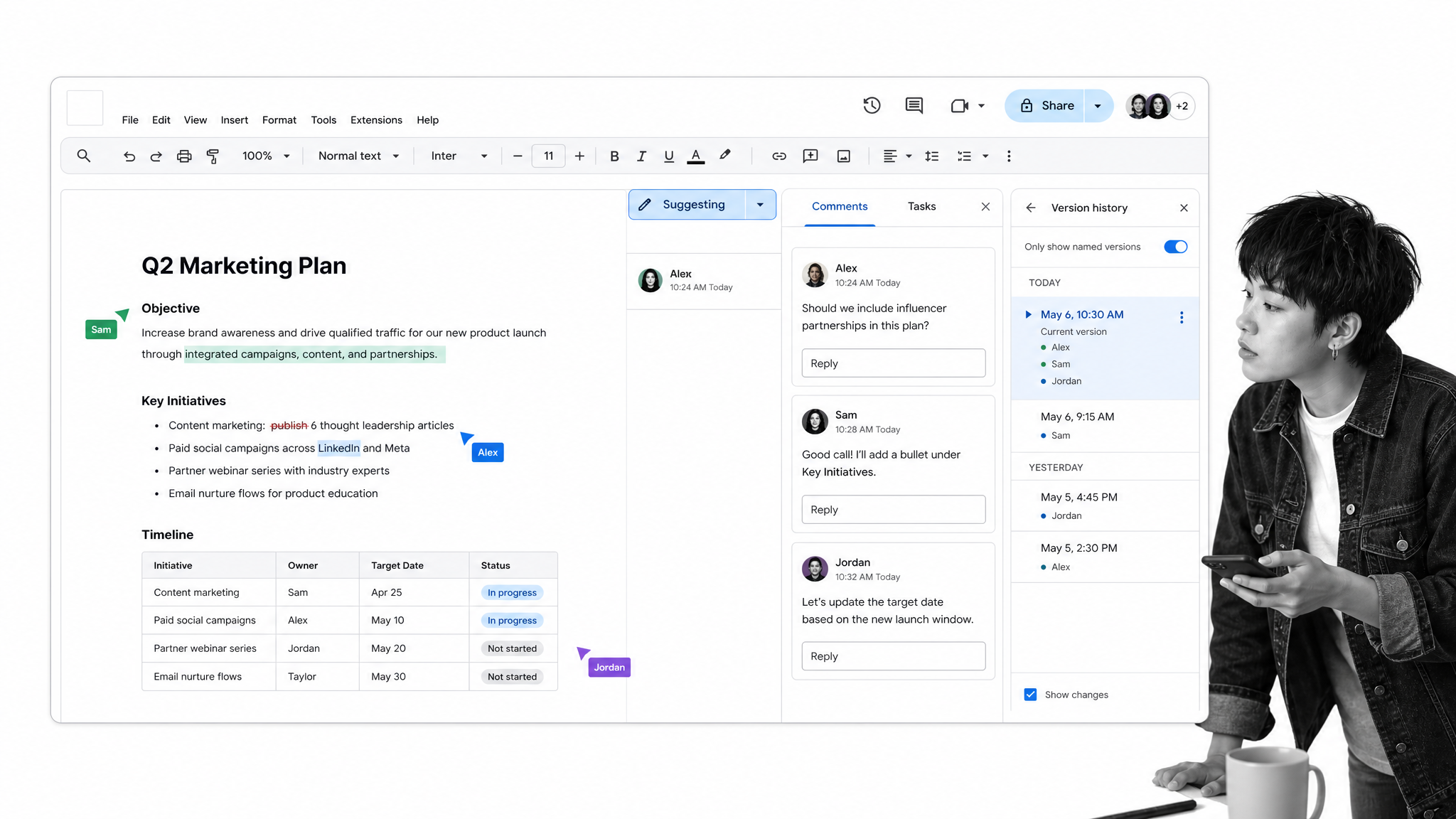
- Suggestion mode: Stop, collaborate, and listen. Entering edit mode will track changes as they are made. Opportunity is also provided to accept or reject these changes. On the upper right-hand corner of the document, select Suggesting.
- Add comments and tag others: Draw attention to comments added by tagging relevant individuals. When writing the comment, add a @ or + sign. An email will alert the tagged individuals of the comment made.
- Add bookmarks: For long documents, bookmarks can be added meaning less scrolling. To add a bookmark, select Insert > Bookmark. A small bookmark item will be added to the edge of your document.
- Revision history: Step back in time and return to an earlier version of the Google Docs document by going to File > See revision history. Click the version you want to revert to.
The benefits of Google Docs
“Why do anything unless it is going to be great?” – Peter BlockAs voiced by Peter Block, an American author, when it comes to business, why do anything that cannot be defined as great? Putting Google Docs in the spotlight, we ask you the below questions to deduce the app’s greatness:
- Have you struggled to gain access to documents when working with multiple workstations, mobile devices, and laptops?
- Are your spreadsheets and documents shared within teams of people?
- Is constant collaboration and feedback a priority within your team?
- Do you ask for feedback on projects from people around the globe?
- Version control: Controlling which document version your team works on is a huge asset for your company. You can add and remove collaborators whilst editing who can make changes to a document. Multiple users can enter, edit and evaluate one document at a time. This creates a collaborative platform that augments teamwork.
- Easy to learn: If you have experience with other word processing platforms, then you will find Google Docs a breeze. Especially now you have an insight into some of the platform’s top features and functionalities – mentioned above.
- Free: This one is pretty self-explanatory. Google Docs is free.
- Import/Export flexibility: Say good-bye to error messages and incompatibility issues. Most file types can be imported and exported from Google Docs, giving you the flexibility you need to send and receive files within and outside of your team.
- Accessibility: Working remotely, I have a newfound appreciation of the concept of accessibility. With Google Docs, you and your colleagues can collaborate over a coffee, working across two continents. Boundaries are erased. With a strong internet connection, you can access files from teams everywhere. Pretty impressive, huh?
Integrating Process Street & Google Docs
- Audit Procedures: A Quick Tour with 19 (Free) Templates
- Audit Process: 5 Expert Steps for You to Get Your Audit Right
- Operational Audit: Best Practices Used by the Experts
- Financial Audits: A Quick Guide with Free Templates
- ISO 19011:2018 Basics (8 Free Management System Audit Checklists)
- What is an ISO Audit? Free ISO 9000 Self-Audit Checklist (ISO 9004:2018)
Integrating Process Street with Google Docs: Step 1
Re-open a blank version of the Hotel Sustainability Audit. Click on the Edit Template option on the right-hand side of the screen. Once you have opened the Edit Template view, go to the Your Report task and copy/paste the entire text into a new Google Docs document as shown above. Name this document and save it. When the Zap has been created using Zapier, all the relevant information from your final report will populate the form fields in this document.Integrating Process Street with Google Docs: Step 2
Set up a Zapier account here, and click on Make a Zap. Select Process Street as your Trigger application. By doing this, you will then be able to access the Hotel Sustainability Audit workflow from your Process Street account in the next steps.Integrating Process Street with Google Docs: Step 3
Select New Task Checked as the trigger task. When a new task is checked in the Hotel Sustainability Audit workflow, a response will be triggered in Zapier.Integrating Process Street with Google Docs: Step 4
Make sure to select the Hotel Sustainability Audit workflow and the Export the Report task. Then test to see if the trigger works.Integrating Process Street with Google Docs: Step 5
Choose an appropriate action app. The Hotel Sustainability Audit report is to export as a new Google Docs document. Google Docs is our action app.Integrating Process Street with Google Docs: Step 6
Select Create a Document from Template as the action step. This will create a Google Docs document from the Hotel Sustainability Audit workflow.Integrating Process Street with Google Docs: Step 7
Edit the new document. Insert the fields from your completed Hotel Sustainability Audit workflow. This will pull the information from the workflow and populate the linked Google Docs document.Integrating Process Street with Google Docs: Step 8
Your final report should come through to your Google Drive as a new document. The information in the Google Docs document report should match the information in your final report created in the Hotel Sustainability Audit workflow. And that’s it! Your automation is set up. Your workflow can be run time and time again, with the automation unchanging. From Zapier, all you have to do is turn the automation on or off when required. To re-cap what we have covered so far, we have:- Run through a 3-step process to set up a basic understanding of how to use the Google Docs platform.
- Identified Google Doc’s core features, enabling you to obtain true value from Google Docs.
- Identified the benefits Google Docs can bring to your business.
- Found out how to integrate your business processes with Google Docs using Zapier and Process Street.
50 Google Docs templates
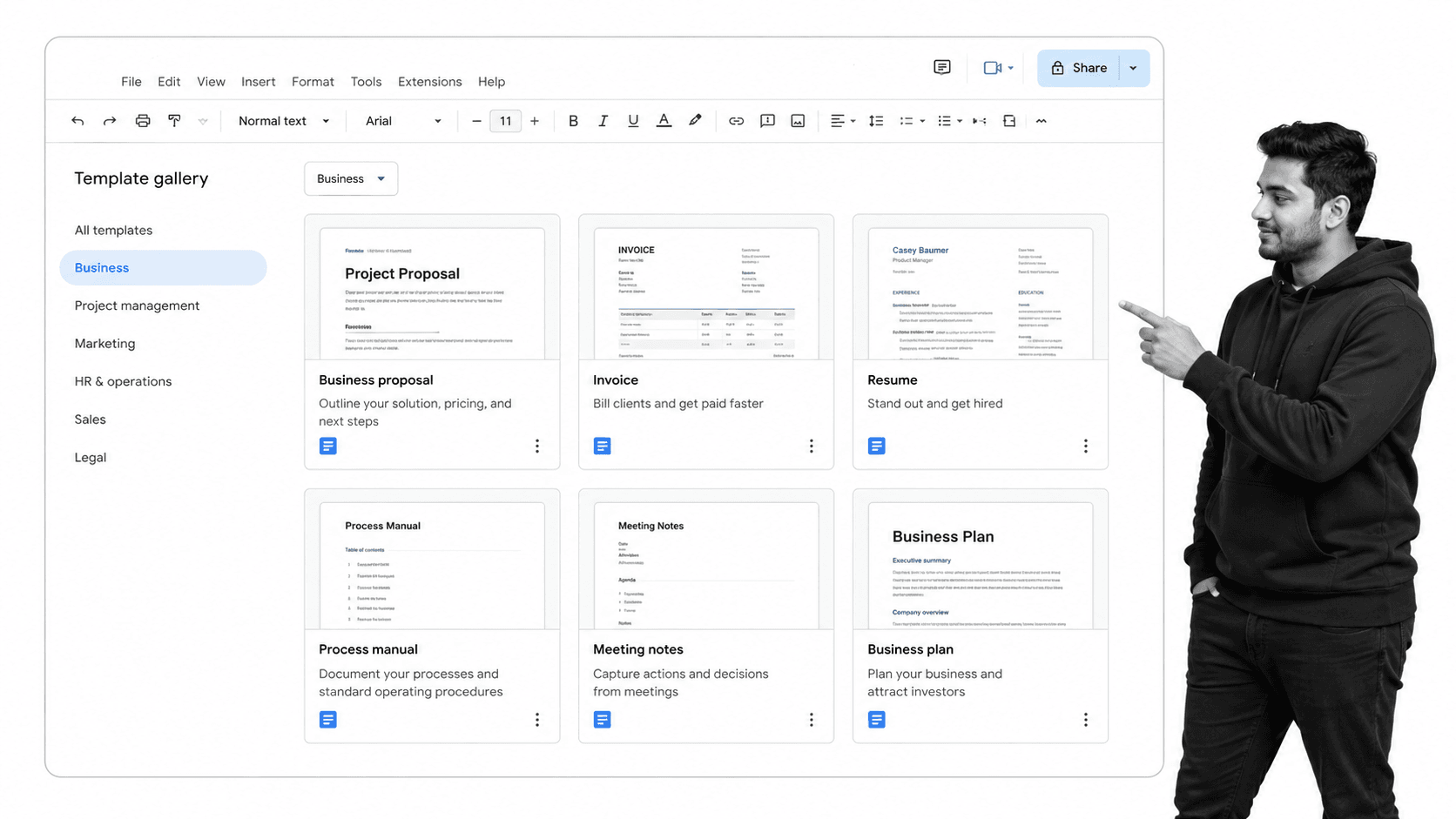
Google Docs templates for marketing
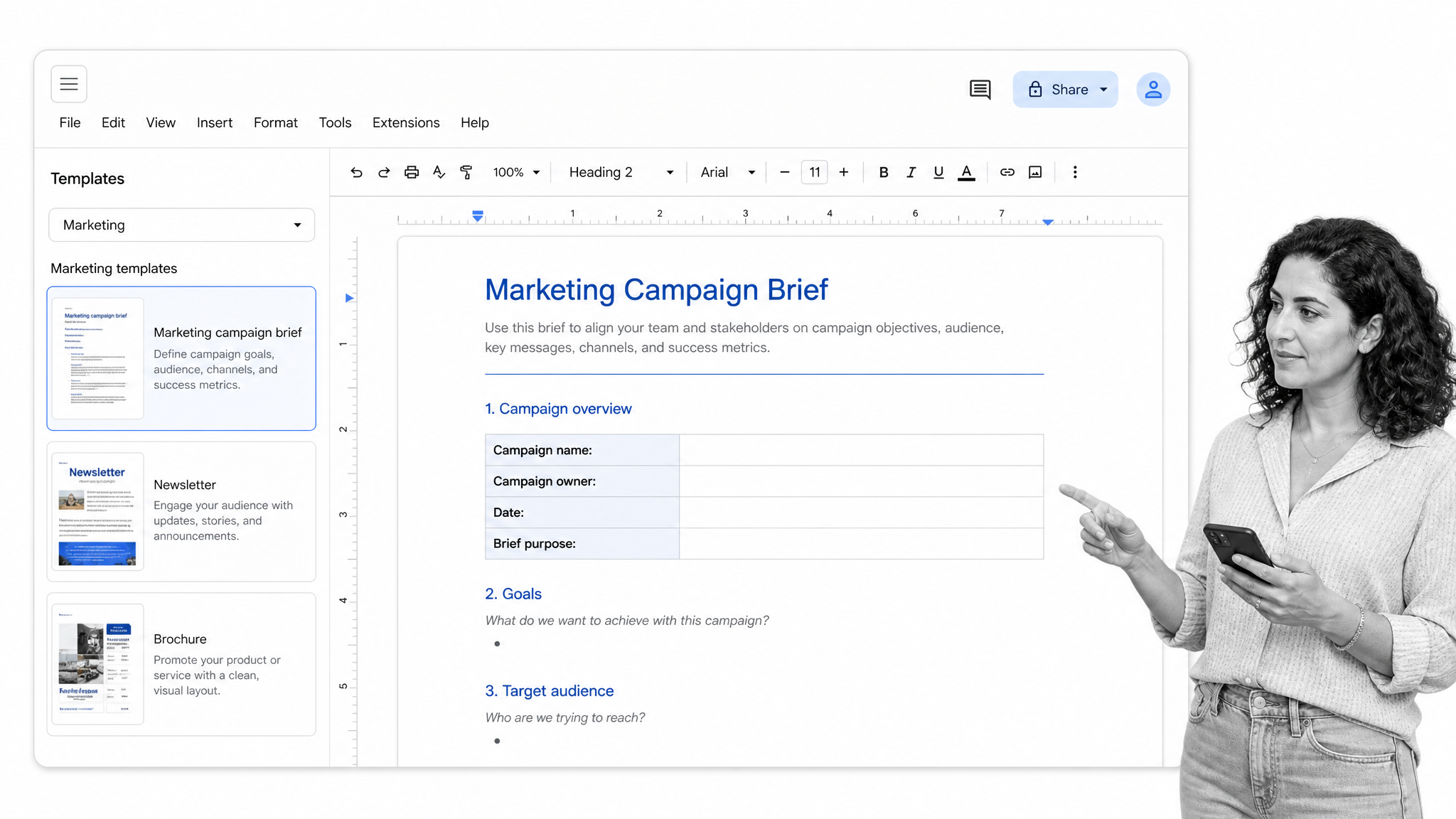
⬇️ Click here to see Google Docs templates for marketing
Google Docs template #1: Digital marketing template
Click here to access this digital marketing Google Docs template.
Google Docs template #2: Simple marketing template
Click here to access the simple marketing Google Docs template.
Google Docs template #3: Corporate business card template
Click here to access the Corporate Business Card Google Docs template.
Google Docs template #4: Minimalist business card template
Click here to access the minimalist business card Google Docs template.
Google Docs template #5: Transparent business card template
Click here to access the tansparent business card Google Docs template.
Google Docs template #6: Basic business card template
Click here to access the basic business card Google Docs template.
Google Docs template #7: Purple tri-fold brochure template
Click here to access the purple tri-fold brochure Google Docs template.
Google Docs template #8: Business tri-fold brochure template
Click here to access the business tri-fold brochure Google Docs template.
Google Docs template #9: Modern brochure template
Click here to access the modern brochure Google Docs template.
Google Docs templates #10: Creative magazine template
Click here to access the creative magazine Google Docs template.
Google Docs template #11: Newsletter template
Click here to access the newsletter Google Docs template.
Google Docs template #12: Retail newsletter template
Click here to access the retail newsletter Google Docs template.
Google Docs template #13: Marketing book cover template
Click here to access the marketing book cover Google Docs template.
Google Docs template #14: Produce promotion flyer template
Click here to access the product promotion flyer Google Docs template.
⬇️ Click here to see Google Docs templates for marketing
Google Docs template #1: Digital marketing template
Click here to access this digital marketing Google Docs template.
Google Docs template #2: Simple marketing template
Click here to access the simple marketing Google Docs template.Google Docs template #3: Corporate business card template
Click here to access the Corporate Business Card Google Docs template.Google Docs template #4: Minimalist business card template
Click here to access the minimalist business card Google Docs template.Google Docs template #5: Transparent business card template
Click here to access the tansparent business card Google Docs template.Google Docs template #6: Basic business card template
Click here to access the basic business card Google Docs template.Google Docs template #7: Purple tri-fold brochure template
Click here to access the purple tri-fold brochure Google Docs template.Google Docs template #8: Business tri-fold brochure template
Click here to access the business tri-fold brochure Google Docs template.Google Docs template #9: Modern brochure template
Click here to access the modern brochure Google Docs template.Google Docs templates #10: Creative magazine template
Click here to access the creative magazine Google Docs template.Google Docs template #11: Newsletter template
Click here to access the newsletter Google Docs template.Google Docs template #12: Retail newsletter template
Click here to access the retail newsletter Google Docs template.Google Docs template #13: Marketing book cover template
Click here to access the marketing book cover Google Docs template.Google Docs template #14: Produce promotion flyer template
Click here to access the product promotion flyer Google Docs template.Process Street workflows for marketing
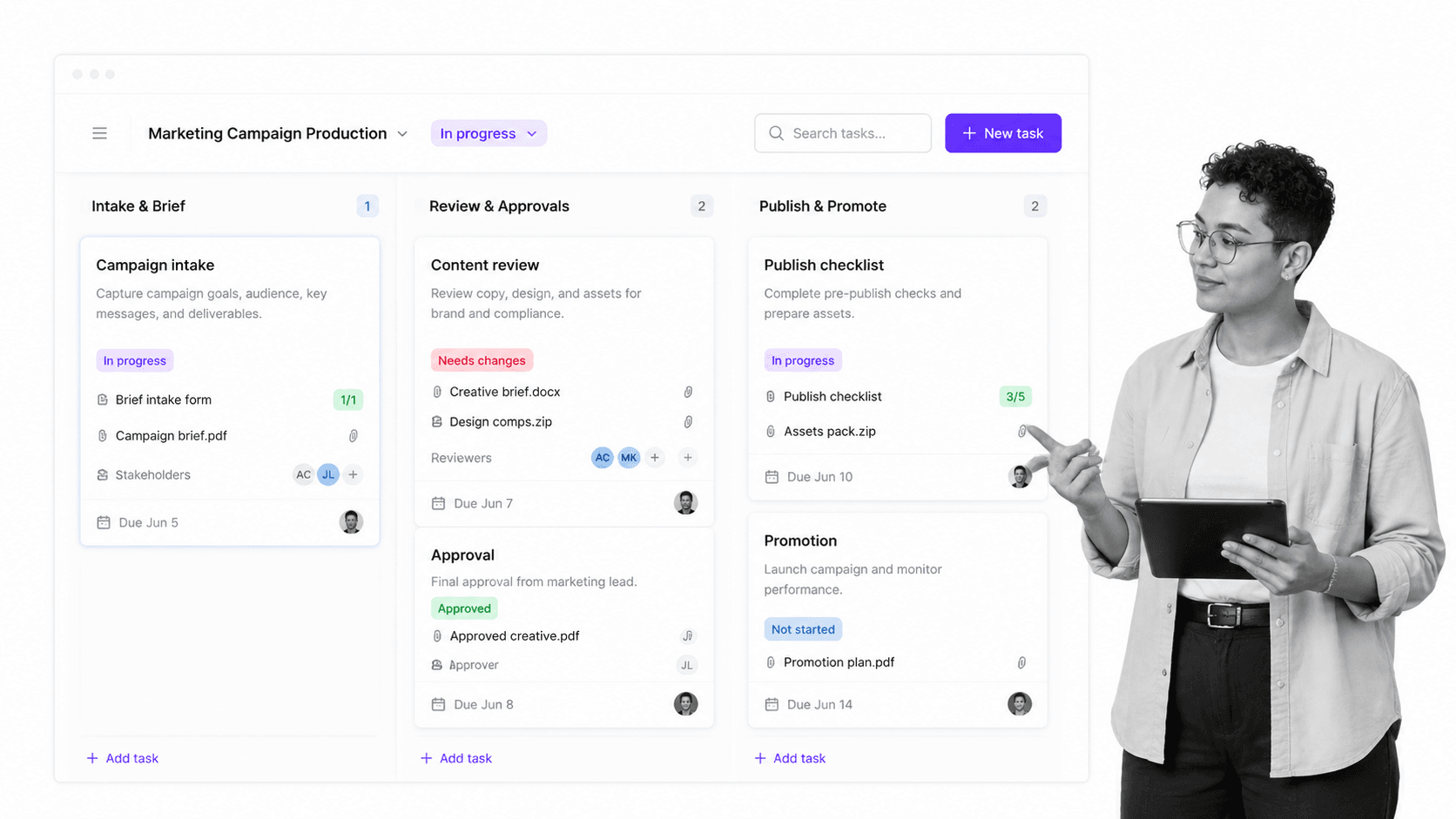
- AB Testing
- Ari Meisel’s How to Develop a Content Distribution Machine Guide
- Blog Idea Processing Checklist
- Blog Pre-Publish Checklist
- Content Promotion Checklist
- Creating a Newsletter
- Newsletter Template Process
- Peer-Editing Checklist for Bloggers
- The Ultimate Blog Post Editing Checklist
- Updating Old Blog Content for SEO (Checklist)
Google Docs templates for finance
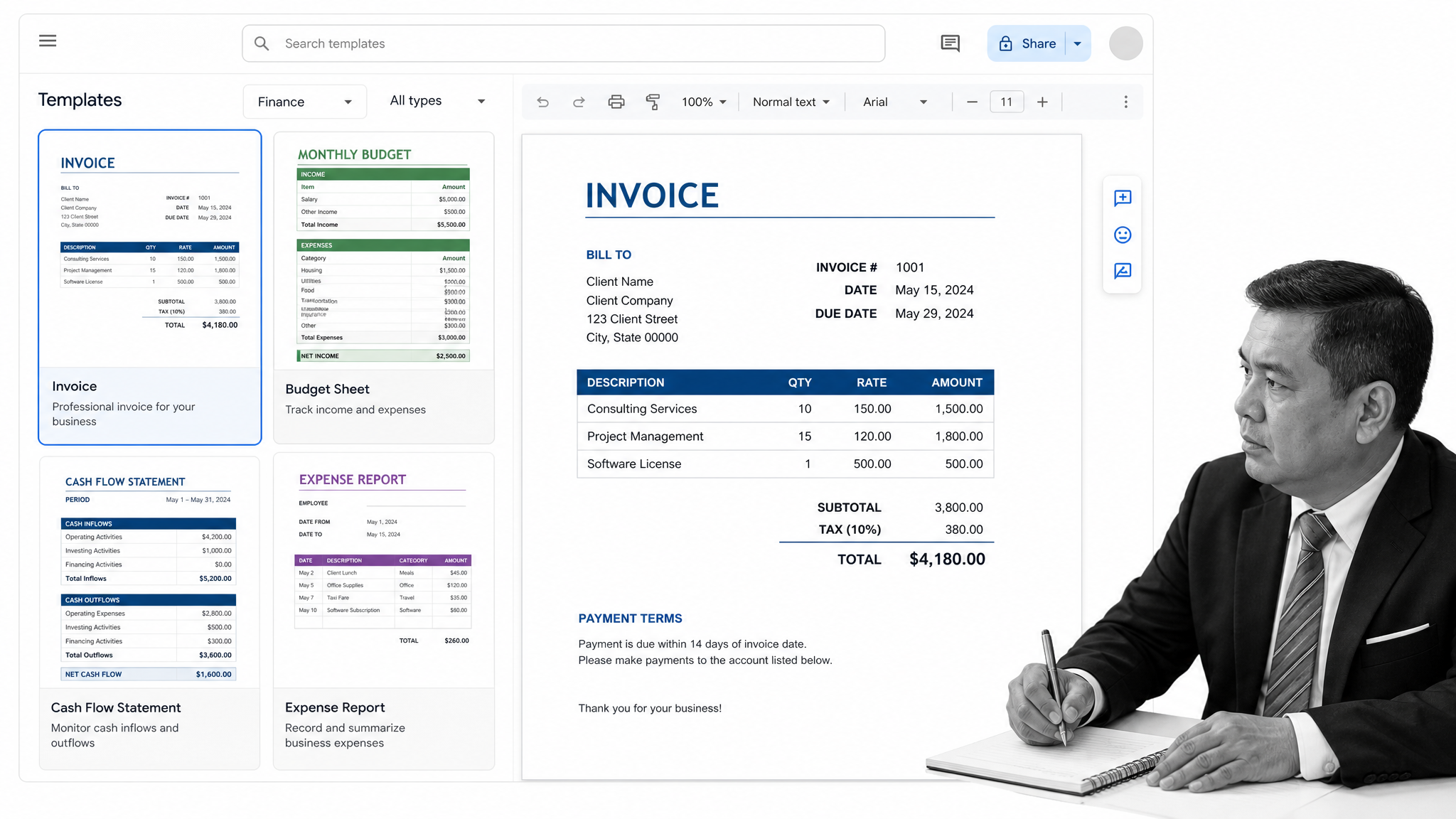
⬇️ Click here to see Google Docs templates for finance
Google Docs template #15: Professional invoice template
Click here to access the Google Docs professional invoice template.
Google Docs template #16: Basic invoice template
Click here to access the Google Docs basic invoice template.
Google Docs template #17: (Another) Basic invoice template
Click here to access the basic invoice Google Docs invoice template.
Google Docs template #18: Delivery invoice template
Click here to access the delivery invoice Google Docs template.
Google Docs templates #19: Business budget template
Click here to access the business budget Google Docs template.
⬇️ Click here to see Google Docs templates for finance
Google Docs template #15: Professional invoice template
Click here to access the Google Docs professional invoice template.
Google Docs template #16: Basic invoice template
Click here to access the Google Docs basic invoice template.Google Docs template #17: (Another) Basic invoice template
Click here to access the basic invoice Google Docs invoice template.Google Docs template #18: Delivery invoice template
Click here to access the delivery invoice Google Docs template.Google Docs templates #19: Business budget template
Click here to access the business budget Google Docs template.Process Street workflows for finance
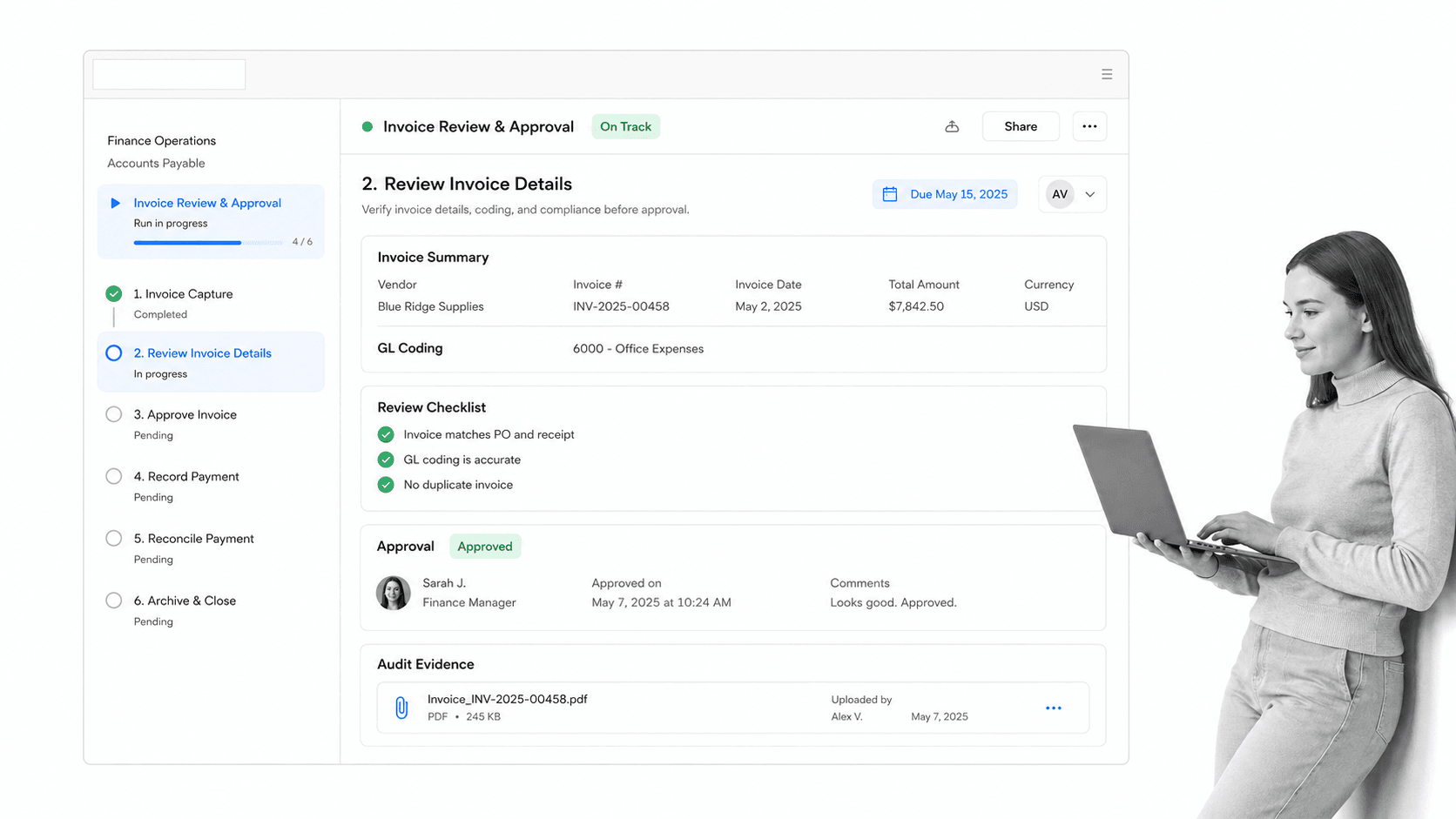
- Income (Profit and Loss) Statement Process
- Investor Pitch
- ISA Audit Checklist
- Purchase of a Business
- Annual Financial Report Template
- Financial Audit Checklist
- Financial Plan Template
- Financial Planning Process
Google Docs templates for HR
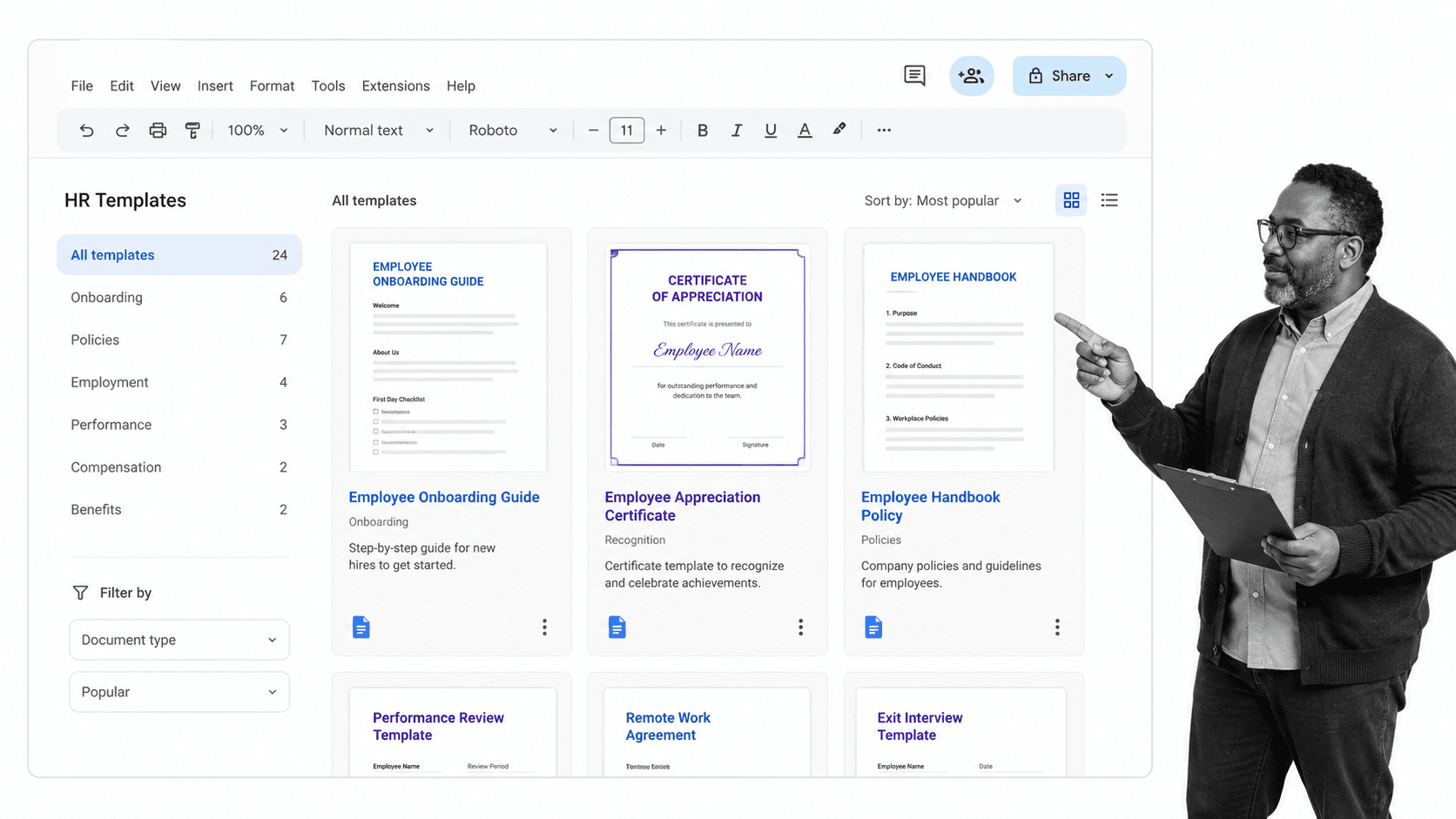
⬇️ Click here to see Google Docs templates for HR
Google Docs template #20: Employee appreciation
Click here to access the employee appreciation Google Docs template.
Google Docs template #21: Project manager certificate template
Click here to access the project manager certificate Google Docs template.
Google Docs template #22: Business certificate template
Click here to access the business certificate Google Docs template.
Google Docs template #23: Certificate of experience template
Click here to access the certificate of experience Google Docs template.
Google Docs template #24: Professional experience certification template
Click here to access the professional experience certification Google Docs template.
⬇️ Click here to see Google Docs templates for HR
Google Docs template #20: Employee appreciation
Click here to access the employee appreciation Google Docs template.
Google Docs template #21: Project manager certificate template
Click here to access the project manager certificate Google Docs template.Google Docs template #22: Business certificate template
Click here to access the business certificate Google Docs template.Google Docs template #23: Certificate of experience template
Click here to access the certificate of experience Google Docs template.Google Docs template #24: Professional experience certification template
Click here to access the professional experience certification Google Docs template.Process Street workflows for HR
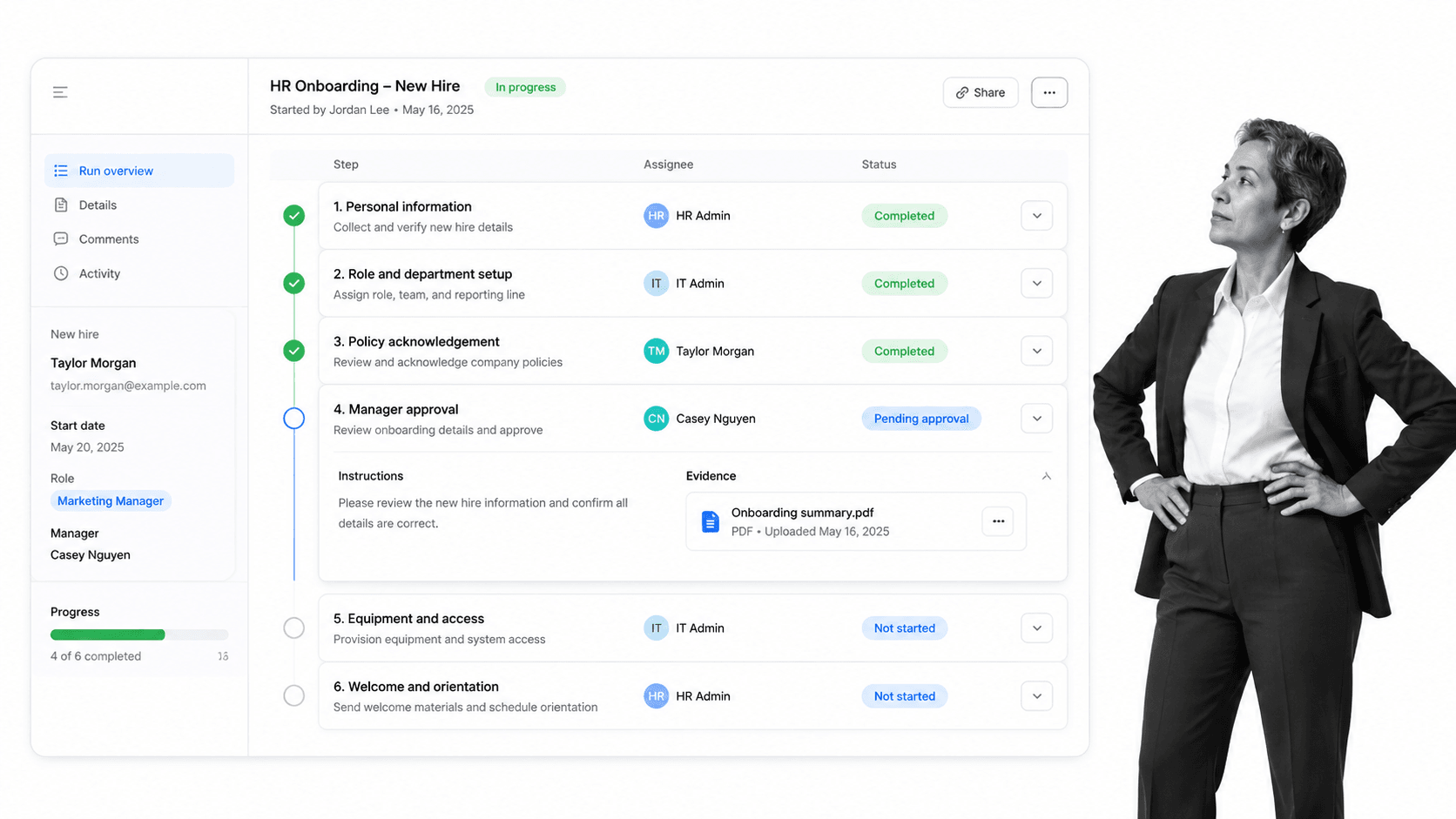
- Accountant Job Description Template
- Call Center Employee Onboarding Checklist
- Code of Conduct Policy Adherence Process
- Copywriter Job Description Template
- Customer Service Manager Job Description Template
- Customer Service Representative Job Description Template
- Editor Job Description Template
- Employee Onboarding Checklist
- HR Manager Job Description Template
- ISO-9000 Structure Template
- IT Manager Job Description Template
- Job Description Template
- Marketing Manager Job Description Template
- Performance Management
- Receptionist Job Description Template
- Sales Manager Job Description Template
- Web Designer Job Description Template
- Web Developer Job Description Template
Google Docs templates for management
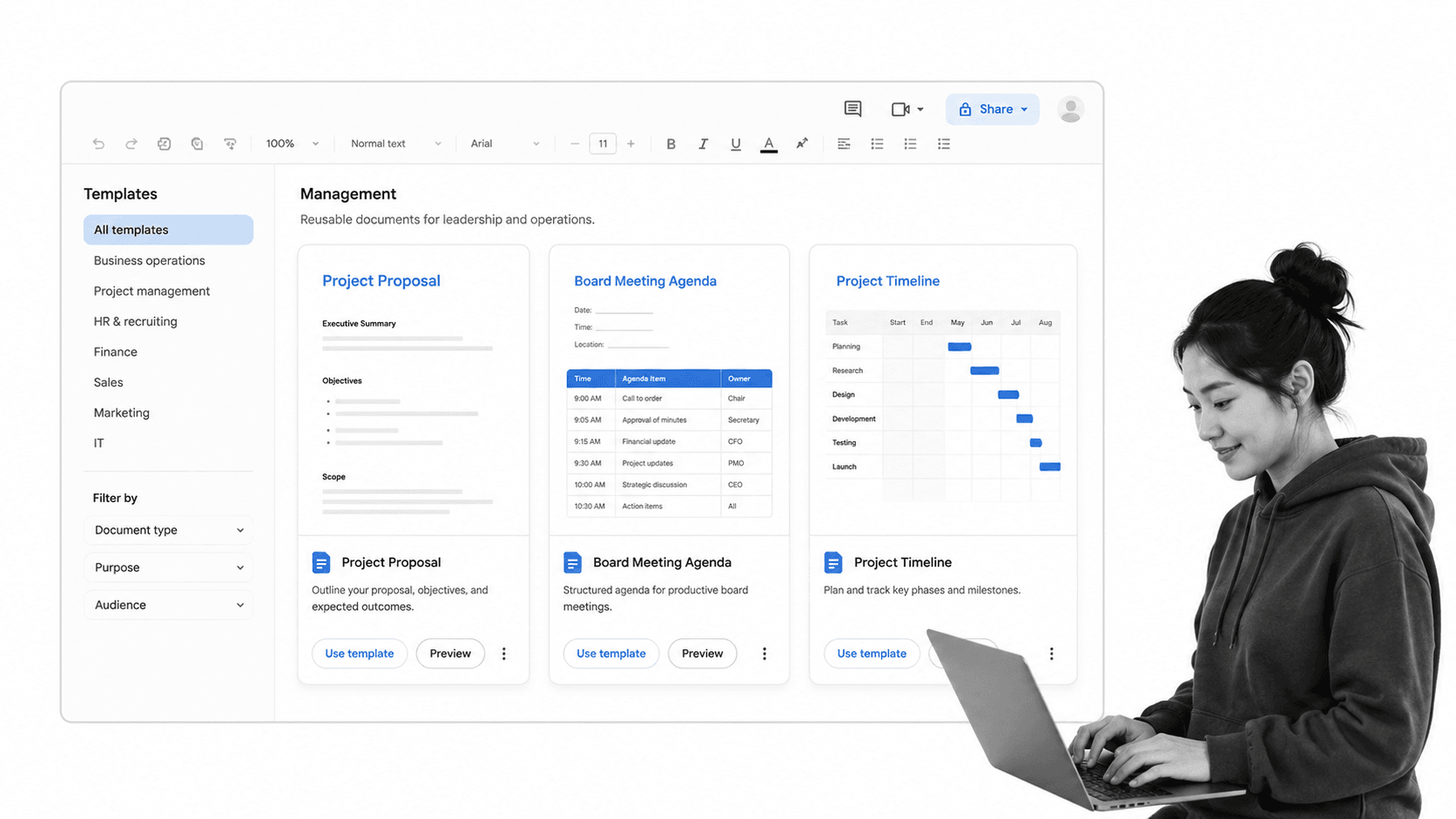
⬇️ Click here to see Google Docs templates for management
Google Docs template #25: Consulting agreement template
Click here to access the consulting agreement Google Docs template.
Google Docs template #26: Business process manual template
Click here to access the business process manual Google Docs template.
Google Docs template #27: Annual board meeting template
Click here to access the annual board meeting Google Docs template.
Google Docs template #28: Project proposal template
Click here to access the project proposal Google Docs template.
Google Docs templates #29: Sales quote template
Click here to access the sales quote Google Docs template.
Google Docs template #30: Training proposal template
Click here to access the training proposal Google Docs template.
Google Docs templates #31: Software development template
Click here to access the software development Google Docs template.
Google Docs template #32: Weekly calendar template
Click here to access the weekly calendar Google Docs template.
Google Docs template #33: Monthly calendar template
Click here to access the monthly calendar Google Docs template.
Google Docs template #34: Project timeline template
Click here to access the project timeline Google Docs template.
Google Docs template #35: Project tracking template
Click here to access the project tracking Google Docs template.
Google Docs template #36: Gantt Chart template
Click here to access the Gantt Chart Google Docs template.
Google Docs template #37: Business management book cover template
Click here to access the business management book cover Google Docs template.
⬇️ Click here to see Google Docs templates for management
Google Docs template #25: Consulting agreement template
Click here to access the consulting agreement Google Docs template.
Google Docs template #26: Business process manual template
Click here to access the business process manual Google Docs template.Google Docs template #27: Annual board meeting template
Click here to access the annual board meeting Google Docs template.Google Docs template #28: Project proposal template
Click here to access the project proposal Google Docs template.Google Docs templates #29: Sales quote template
Click here to access the sales quote Google Docs template.Google Docs template #30: Training proposal template
Click here to access the training proposal Google Docs template.Google Docs templates #31: Software development template
Click here to access the software development Google Docs template.Google Docs template #32: Weekly calendar template
Click here to access the weekly calendar Google Docs template.Google Docs template #33: Monthly calendar template
Click here to access the monthly calendar Google Docs template.Google Docs template #34: Project timeline template
Click here to access the project timeline Google Docs template.Google Docs template #35: Project tracking template
Click here to access the project tracking Google Docs template.Google Docs template #36: Gantt Chart template
Click here to access the Gantt Chart Google Docs template.Google Docs template #37: Business management book cover template
Click here to access the business management book cover Google Docs template.Process Street workflows for management
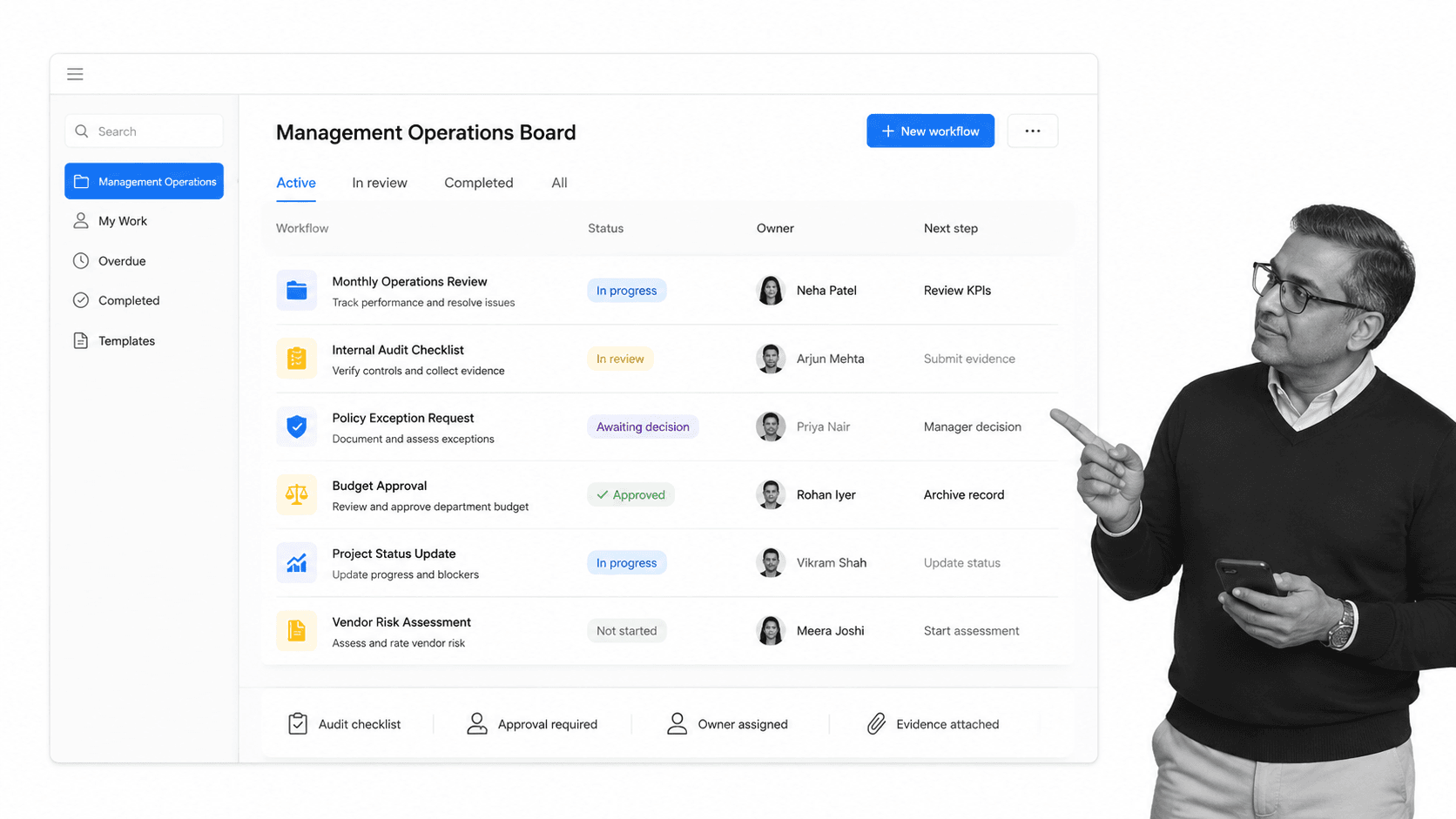
- GRI Standards 101: Foundation 2016 Checklist Template
- GRI Standards 102: General Disclosure 2016 Checklist Template
- GRI Standards 103: Management Approach 2016 Checklist Template
- ISO 14001 EMS Structure Template
- Environmental Management System (EMS) Implementation Checklist Template
- ISO 14001 Environmental Management Self Audit Checklist
- ISO 19011 Management Systems Audit Checklist
- ISO 26000 Social Responsibility Performance Assessment Checklist
- ISO 27001 Information Security Management System (ISO27K ISMS) Audit Checklist
- ISO 45001 Occupational Health and Safety (OHS) Audit Checklist
- ISO 9001 and ISO 14001 Integrated Management System (IMS) Checklist
- ISO 9001 Internal Audit Checklist for Quality Management Systems
- Risk Management Process
- Diversity Management Monthly Audit
- Environmental Accounting Internal Audit
- Firewall Audit Checklist
- Google Analytics Audit
- ISO 14001 Environmental Management Self Audit Checklist
- ISO 19011 Management Systems Audit Checklist
- ISO 27001 Information Security Management System (ISO27K ISMS) Audit Checklist
- ISO 45001 Occupational Health and Safety (OHS) Audit Checklist
- Laboratory Safety Procedure Audit
- Network Security Audit Checklist
- PPC Audit Checklist
- SQL Server Audit Checklist
- Technical SEO Audit
- UX Audit
Google Docs templates for freelancers & personal use
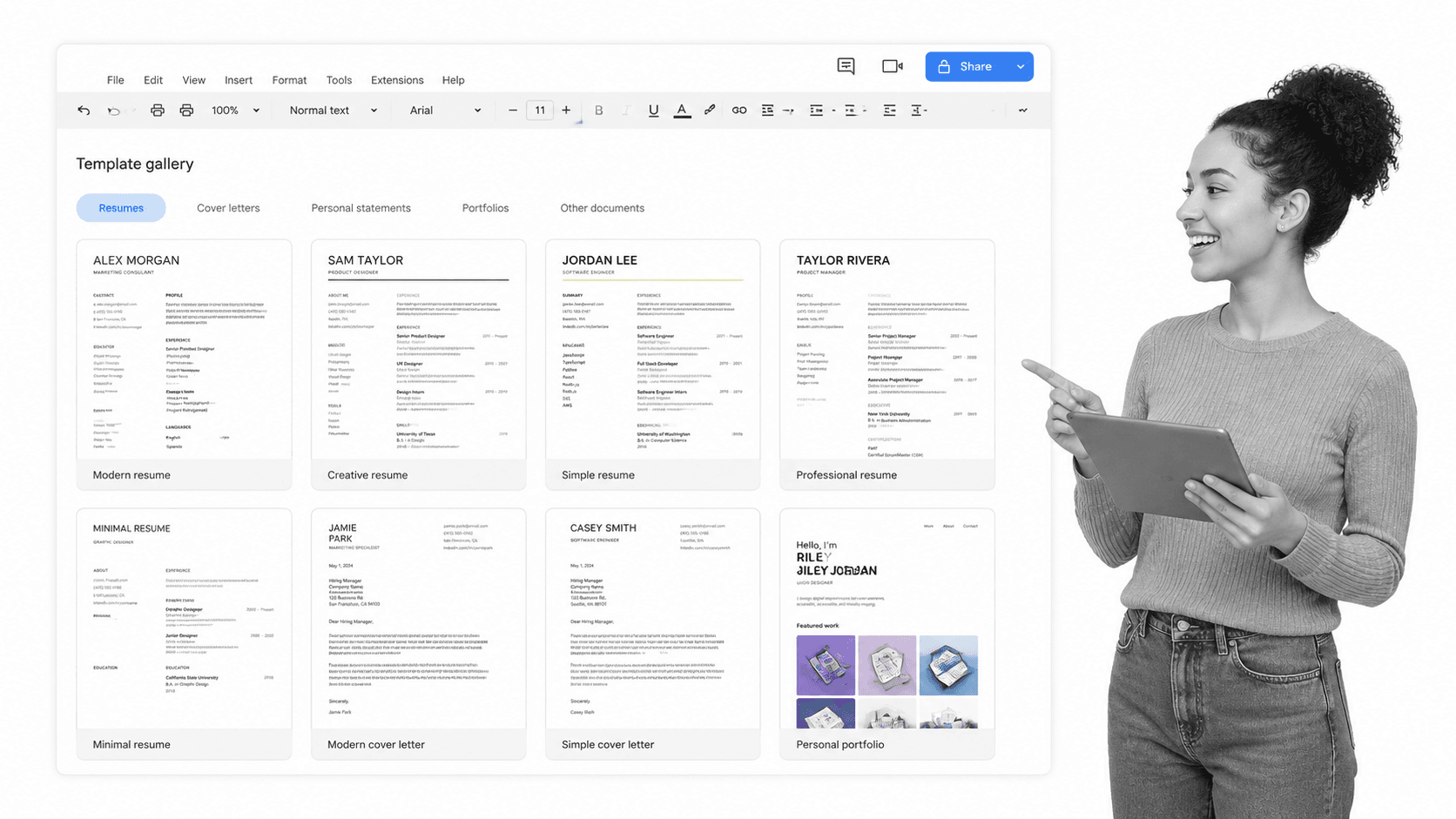
⬇️ Click here to see Google Docs templates for freelancers & personal use
Google Docs template #38: Basic resume template
Click here to access the basic resume Google Docs template.
Google Docs template #39: White-blue resume template
Click here to access the white blue resume Google Docs template.
Google Docs template #40: Light-dark resume template
Click here to access the light-dark resume Google Docs template.
Google Docs template #41: The clean CV template
Click here to access the clean CV Google Docs template.
Google Docs template #42: Smart and professional resume template
Click here to access the smart and professional resume Google Docs template.
Google Docs template #43: Laconique resume template
Click here to access the laconique resume Google Docs template.
Google Docs template #44: Infographic resume template
Click here to access the infographic Resume Google Docs template.
Google Docs template #45: Circle-pattern resume template
Click here to access the circle-pattern resume Google Docs template.
Google Docs template #46: Professional visual template
Click here to access the professional visual Google Docs template.
Google Docs template #47: Minimalist infographics resume template
Click here to access the minimalist infographics resume Google Docs template.
Google Docs template #48: Crisp and clean cover letter template
Click here to access the crisp and clean cover letter Google Docs template.
Google Docs template #49: Contemporary cover letter template
Click here to access the Contemporary cover letter Google Docs template.
Google Docs template #50: Minimalist cover letter template
Click here to access the minimalist cover letter Google Docs template.
⬇️ Click here to see Google Docs templates for freelancers & personal use
Google Docs template #38: Basic resume template
Click here to access the basic resume Google Docs template.
Google Docs template #39: White-blue resume template
Click here to access the white blue resume Google Docs template.Google Docs template #40: Light-dark resume template
Click here to access the light-dark resume Google Docs template.Google Docs template #41: The clean CV template
Click here to access the clean CV Google Docs template.Google Docs template #42: Smart and professional resume template
Click here to access the smart and professional resume Google Docs template.Google Docs template #43: Laconique resume template
Click here to access the laconique resume Google Docs template.Google Docs template #44: Infographic resume template
Click here to access the infographic Resume Google Docs template.Google Docs template #45: Circle-pattern resume template
Click here to access the circle-pattern resume Google Docs template.Google Docs template #46: Professional visual template
Click here to access the professional visual Google Docs template.Google Docs template #47: Minimalist infographics resume template
Click here to access the minimalist infographics resume Google Docs template.Google Docs template #48: Crisp and clean cover letter template
Click here to access the crisp and clean cover letter Google Docs template.Google Docs template #49: Contemporary cover letter template
Click here to access the Contemporary cover letter Google Docs template.Google Docs template #50: Minimalist cover letter template
Click here to access the minimalist cover letter Google Docs template.Process Street workflows for freelancers & personal use
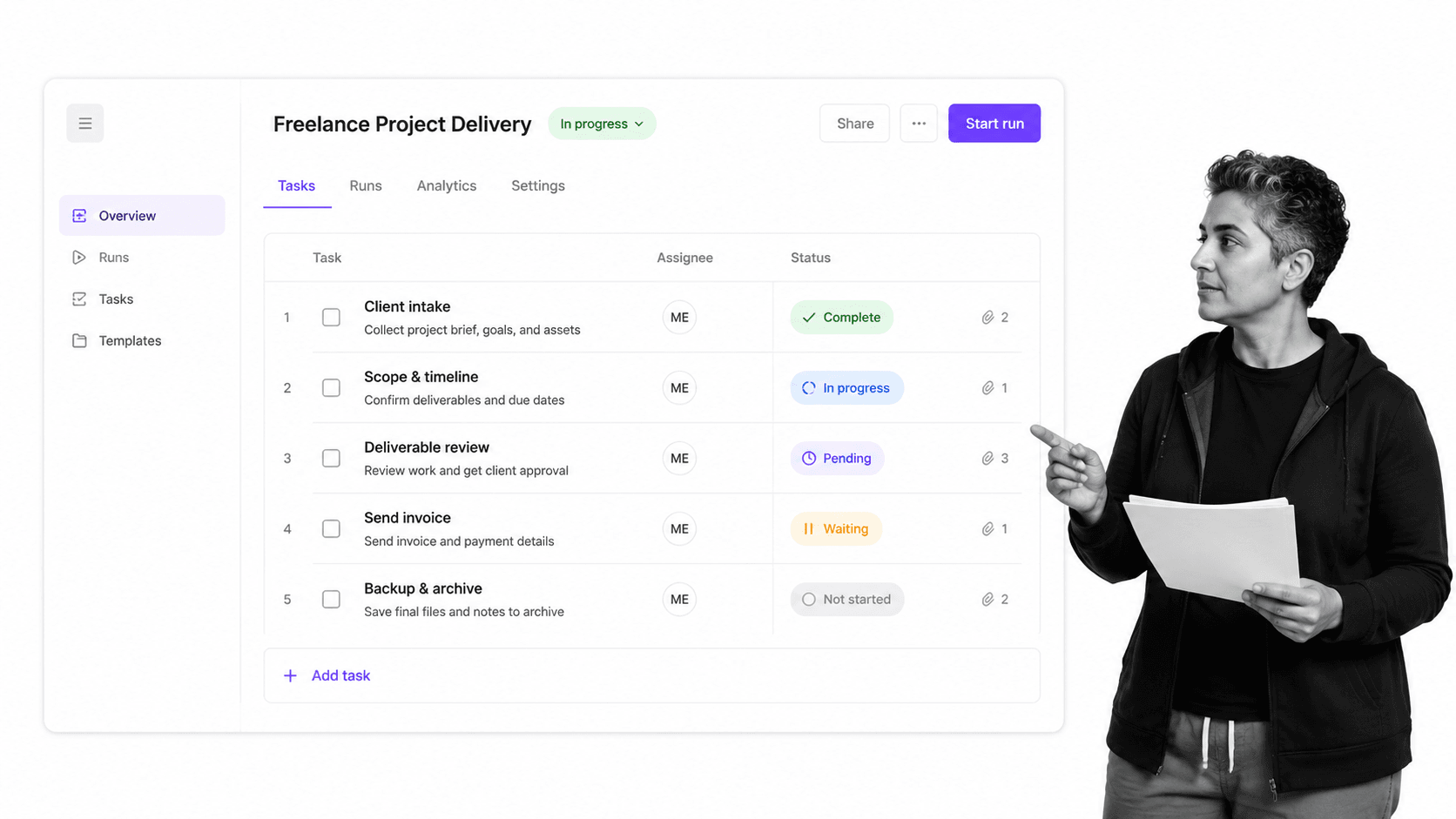
- Self-Evaluation Performance Review Template
- SMART Goal Setting Checklist
- How to Backup your External Hard Drives using Google Drive [CHECKLIST]
Process Street + Google Docs: Smooth & efficient processes
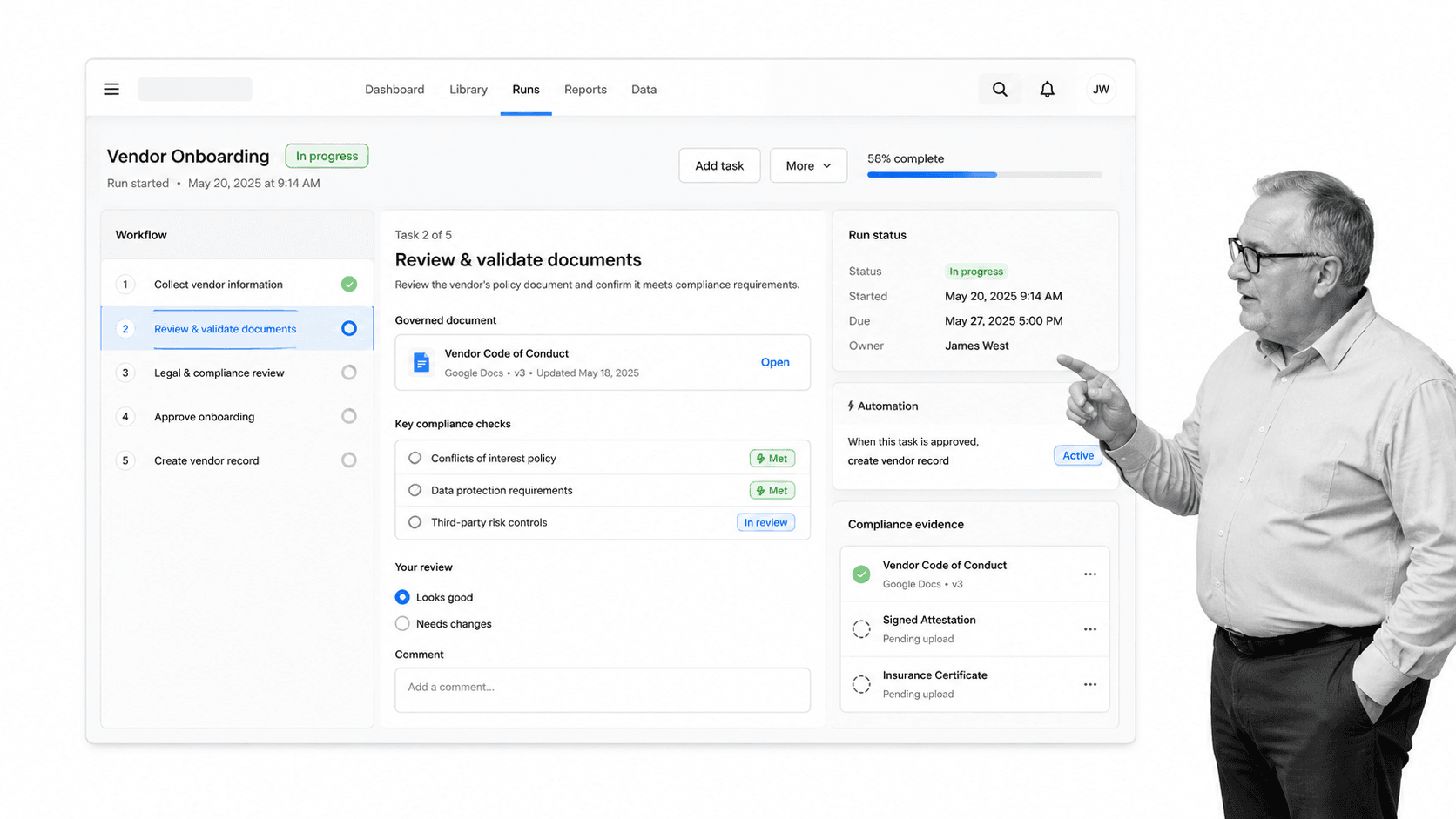
- Stop tasks, to ensure task order.
- Dynamic due dates, so no deadline is missed.
- Conditional logic, creating a dynamic workflow that caters to your needs.
- Role assignments, to ease task delegation within your team.
- Approvals, to sign tasks off within your team. Tasks can be assessed by the relevant team member/s. The assigned approver can easily open the workflow and information from the tasks is then used to either approve or reject with a comment.
Using Google Docs for knowledge management could be costing you money
Process Street Docs help teams capture, organize, and share operational knowledge inside the same platform where recurring work runs. They are useful for SOPs, onboarding documentation, policy notes, and other controlled information that needs clear ownership but may not need to be run as a dynamic workflow. You can collaborate with your team by sharing operational documents across departments, then connect those documents to the workflows, approvals, and automations that keep work moving. For more on documenting operational knowledge in Process Street, watch the video below:The post 50 Google Docs Templates for Business Success (With 60+ Process Checklists) first appeared on Process Street | Compliance Operations Platform.


0 Commentaires