
A help desk is software that gives customer support teams one place to receive questions, assign ownership, automate repetitive work, and measure service quality. A support rep’s life becomes much easier when their help desk seamlessly fits into their workflow. Tools are simple to use, tasks get accomplished faster, and a personalized help desk lets the rep solve human problems instead of figuring out software. Freshdesk, Help Scout, Zendesk, and Classic Groove all cover that foundation, but they are designed for different levels of support complexity.
The more you customize your help desk, the more useful it is to your team. While all help desks have customization options, not all help desks can be personalized to the same extent. The best choice depends on how many channels you support, how much routing control you need, how deeply you want to analyze performance, and how much administration your team can absorb. This help desk showdown focuses on the three capabilities that shape daily support work: ticketing, automation, and analytics.
One status note matters before the comparison: Groove was acquired by Helply, and the Classic Groove transition guidance positions the product for existing customers rather than as the default choice for a new help desk purchase. It remains in this guide because current Groove customers still need a fair comparison when deciding whether to stay or migrate.
| Help desk | Best fit | Ticketing | Automation | Analytics | Current status |
|---|---|---|---|---|---|
| Freshdesk | Teams that want broad capability without maximum complexity | Flexible views and multichannel queues | Creation, update, and time-based rules | Curated and custom reporting | Actively sold |
| Help Scout | Customer-first teams that prefer an email-like shared inbox | Simple inboxes with customizable Views | Accessible workflows for routine routing | Focused service reports and filtered report Views | Actively sold |
| Zendesk | Large or complex support operations that need deep control | Highly configurable personal and shared Views | Routing, triggers, automations, macros, and SLAs | Advanced analysis through Explore | Actively sold |
| Classic Groove | Existing Groove customers that value continuity and simplicity | Compact shared inboxes | Rules with triggers, delays, conditions, and actions | Practical team and conversation reports | Maintained for existing customers under Helply |
Help desk ticketing systems
Everything in help desks revolves around tickets. Every time a customer sends a request to your support channel, a ticket is created to track the conversation. Over time, ticket volume begins to grow, and before long a team can be swamped in tickets it cannot keep track of. Ticketing is the operating layer of a help desk. A strong ticketing system should make ownership obvious, keep urgent work visible, and give agents enough context to respond without searching across multiple tools.
Without a ticket sorting system, finding tickets becomes messy and overwhelming. The essential test is not how many fields a product can store. It is whether the queue helps an agent answer the next question correctly, whether users can organize tickets around the work in front of them, and whether a manager can see where work is stuck.
Freshdesk ticketing for flexible queues in a growing team
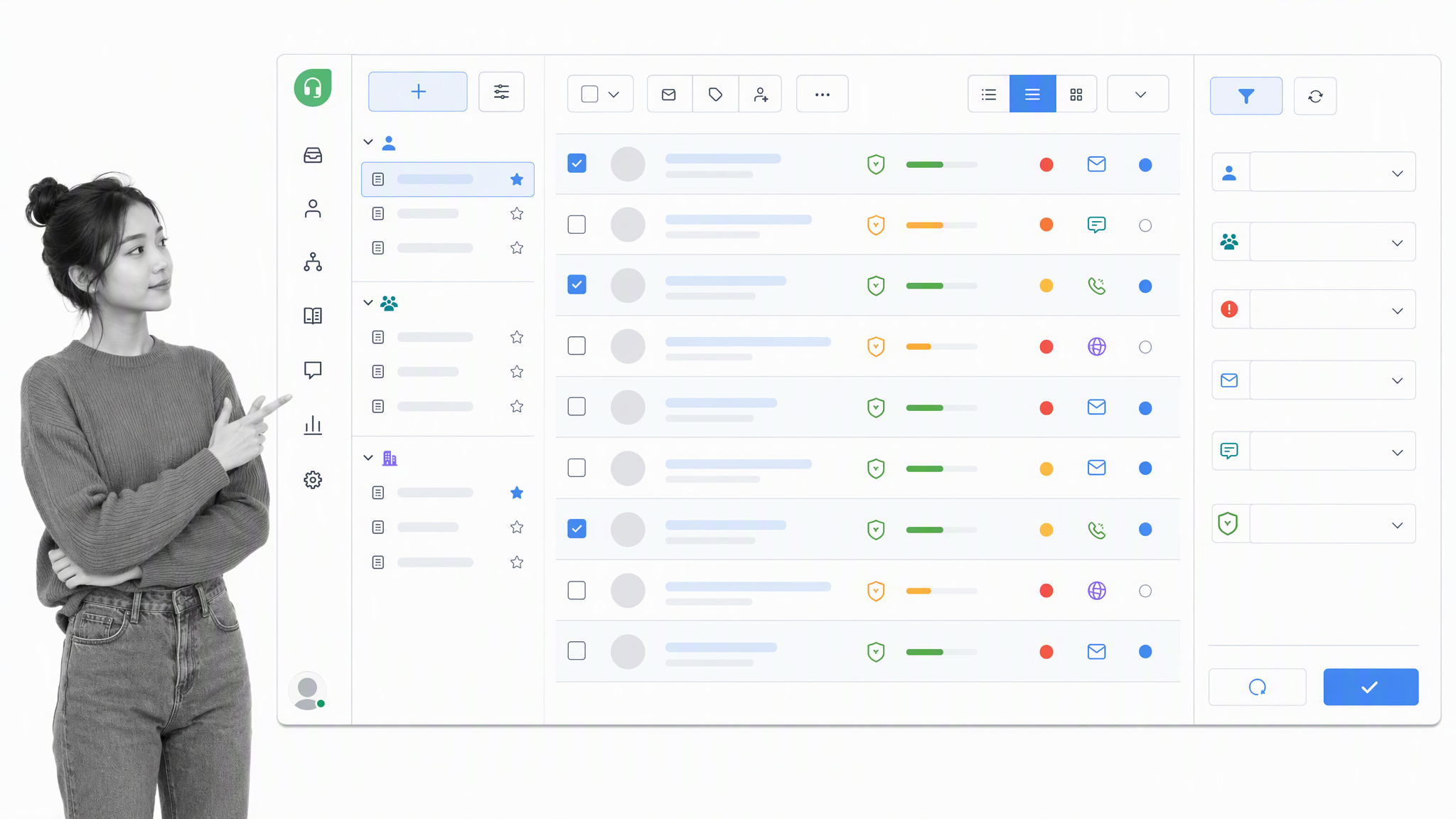
Freshdesk uses filters to sort its tickets. These filters, called Views, can be customized and then accessed from a handy sidebar that appears alongside the feed. Anyone can make personal Views, while Views shared across the team are managed by admins. Agents can work in card, inbox, or table layouts and filter by agent, group, priority, source, status, type, and custom fields.
The ability for all users to create personal Views is a major advantage. A customer service rep can create a View of all tickets related to a product’s new chat feature without having to ping a supervisor for permission. Freely editing the ticket list gives users autonomy to minimize time and effort spent sorting tickets. That balance is Freshdesk’s main ticketing strength: more structure than a basic shared inbox without an enterprise-scale administration project.
Best fit: A small or mid-sized support organization that expects its queue structure to become more sophisticated over time.
Help Scout ticketing for a customer-first shared inbox
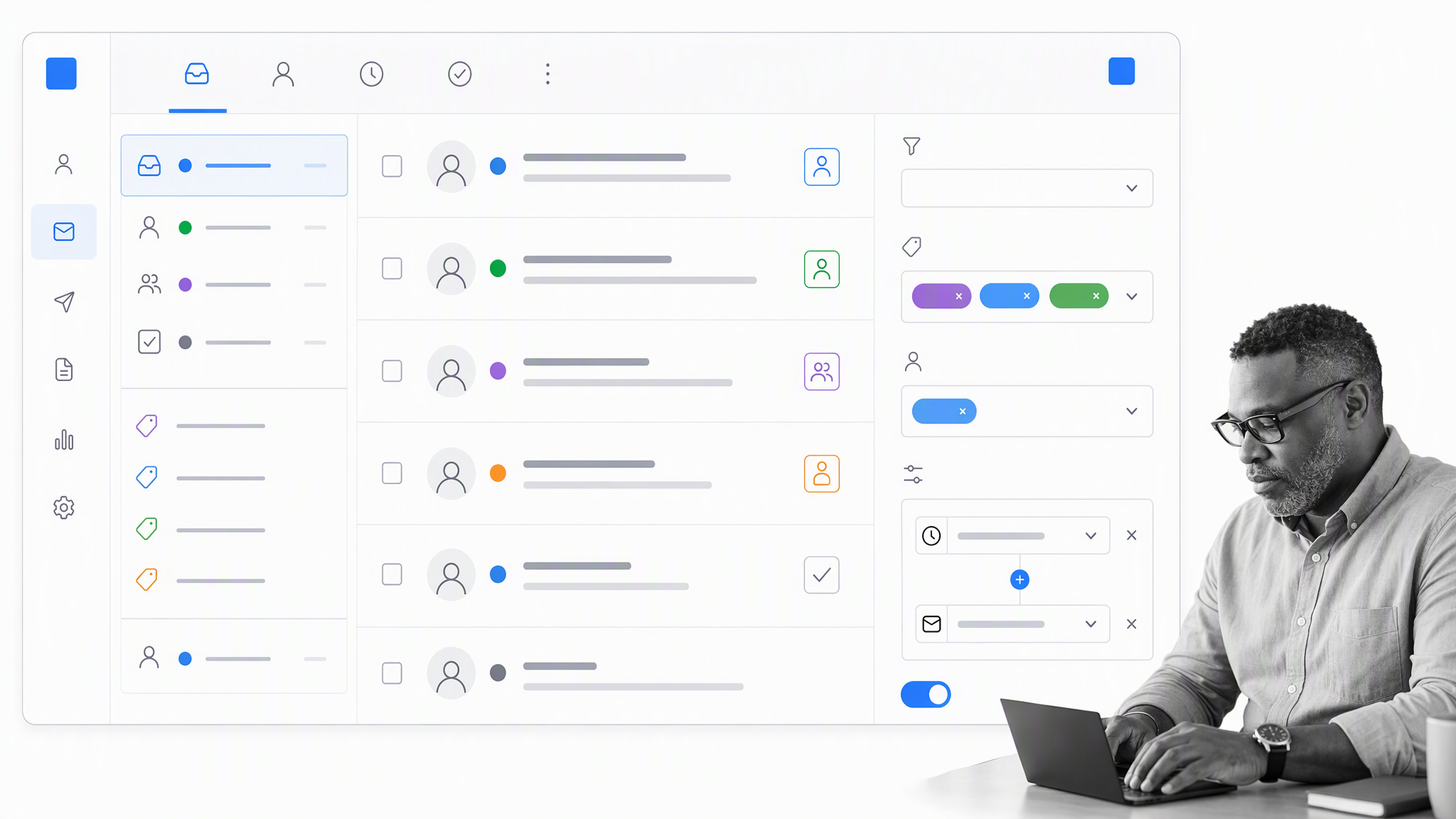
Help Scout ticketing revolves around Inboxes, each of which can be connected to an external email. Inboxes organize tickets by the email channel they came through, while familiar folders such as Unassigned, Mine, Assigned, Closed, and Spam make daily navigation easy to learn. This mailbox model is an intuitive way of categorizing tickets when a team runs multiple support emails, and the head of support can distinguish between internal tickets and customer tickets.
Customizable Views add more flexibility than the older folder-only model. Teams can create quick links based on tags, customer properties, custom fields, and conversation activity. That gives managers a way to surface important segments without turning the workspace into a dense ticket database.
Best fit: A customer success or support team that values a calm, email-like experience and wants agents to focus on the relationship rather than ticket mechanics.
Zendesk ticketing for control across complex support operations
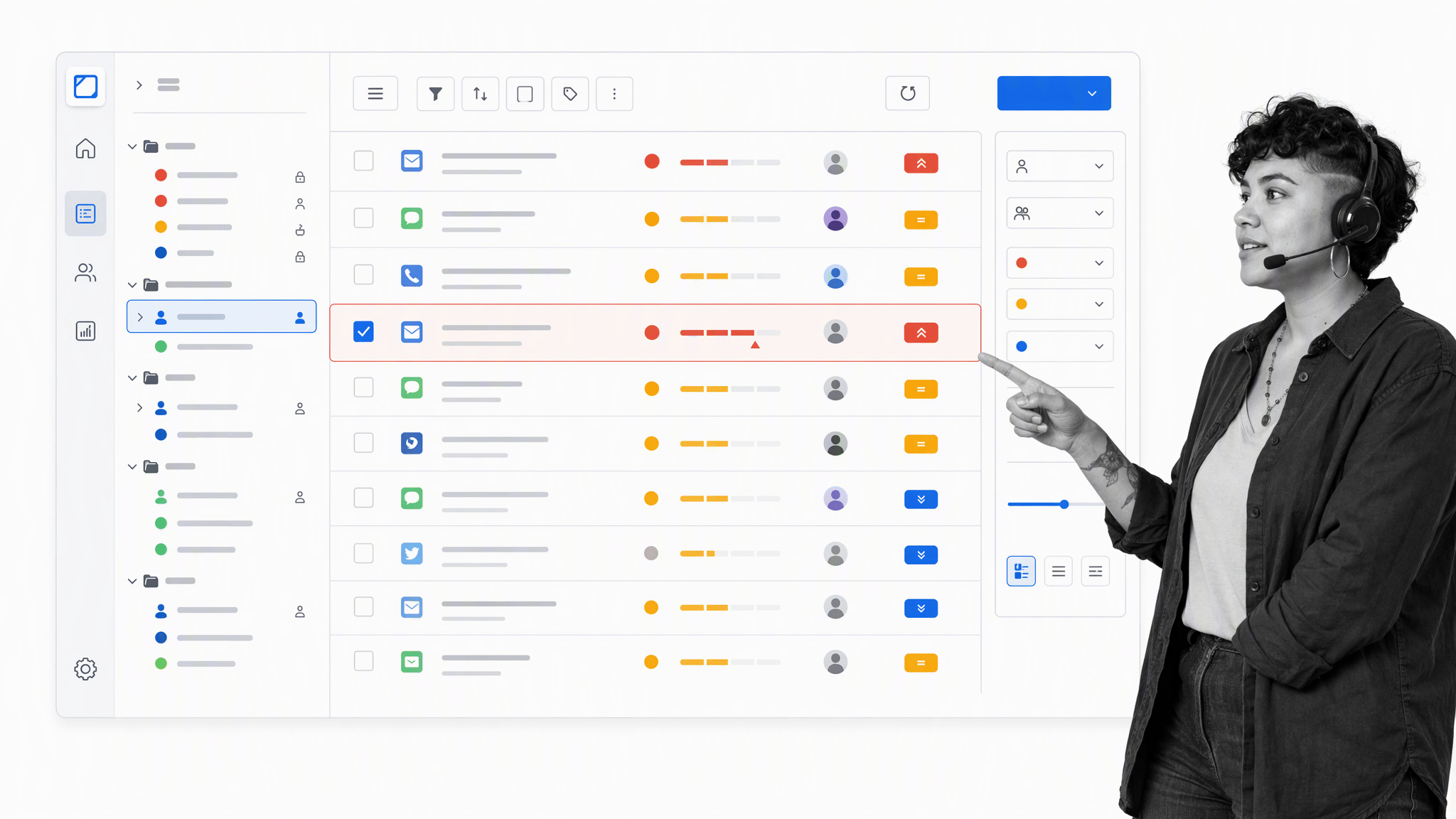
Zendesk also uses Views to organize its ticket list. Any Zendesk user can create new Views by setting up a series of ticket conditions, then access those Views to the left of the feed. Listing Views next to the ticket feed makes it convenient to switch between queues. Administrators can group and order the resulting work by assignee, organization, status, priority, channel, or other fields.
That configurability is powerful, but it comes with operating overhead. Someone needs to govern fields, forms, Views, groups, and routing logic so agents receive a coherent workspace rather than a collection of overlapping queues. For a large support organization, that investment can be worthwhile because the system adapts to specialized teams, tiered service, and complex escalation paths.
Best fit: A larger support operation with dedicated administration and multiple queues, products, regions, or service levels.
Classic Groove ticketing for compact continuity among existing customers

Classic Groove ticketing resembles an email inbox. On the sidebar, Groove lists inboxes and folders as tabs, and users can change the ticket list by opening a different folder. Teams can separate conversations into multiple inboxes, assign owners, use tags, snooze work, and keep customer details close to the reply. Groove’s inboxes are easy to switch between, which helps people who work on multiple support teams.
The purchasing context has changed. Helply now owns Groove, and its transition guidance distinguishes Classic Groove for existing customers from Helply’s newer offering. Current Groove teams can still evaluate whether the familiar inbox meets their needs, but a new buyer should compare actively sold platforms before committing to a long-term setup.
Best fit: An existing Classic Groove customer whose current inbox remains adequate and who values continuity more than a broader product roadmap.
Ticketing verdict
Freshdesk’s filter bar is what sets it apart in ticket management. The advantage of Views is the ability to modify the ticket feed directly instead of sifting through folders, and saving Views is simple. Zendesk offers deeper queue configuration, Help Scout offers the cleanest customer-first inbox experience, and Classic Groove remains a workable continuity choice for some existing customers.
Help desk automation
There are many menial chores that go along with resolving a ticket. A support team faces the repetitive work of prioritizing tickets, assigning them, closing them, reopening them after a pending update, and sending customer surveys after a defined interval. Help desks can accomplish these tasks automatically, but some do it better than others. Automation should remove predictable manual work while preserving human judgment.
Rule automation can be accomplished in different ways. Individuals can use a single command to carry out multiple actions with one click, while admins can create overarching rules that run on ticket events or schedules. The important question is the extent to which each help desk allows agents and admins to tailor automation for their workflow needs without hiding decisions in a maze of overlapping conditions.
Freshdesk automation for clear rules around common ticket events
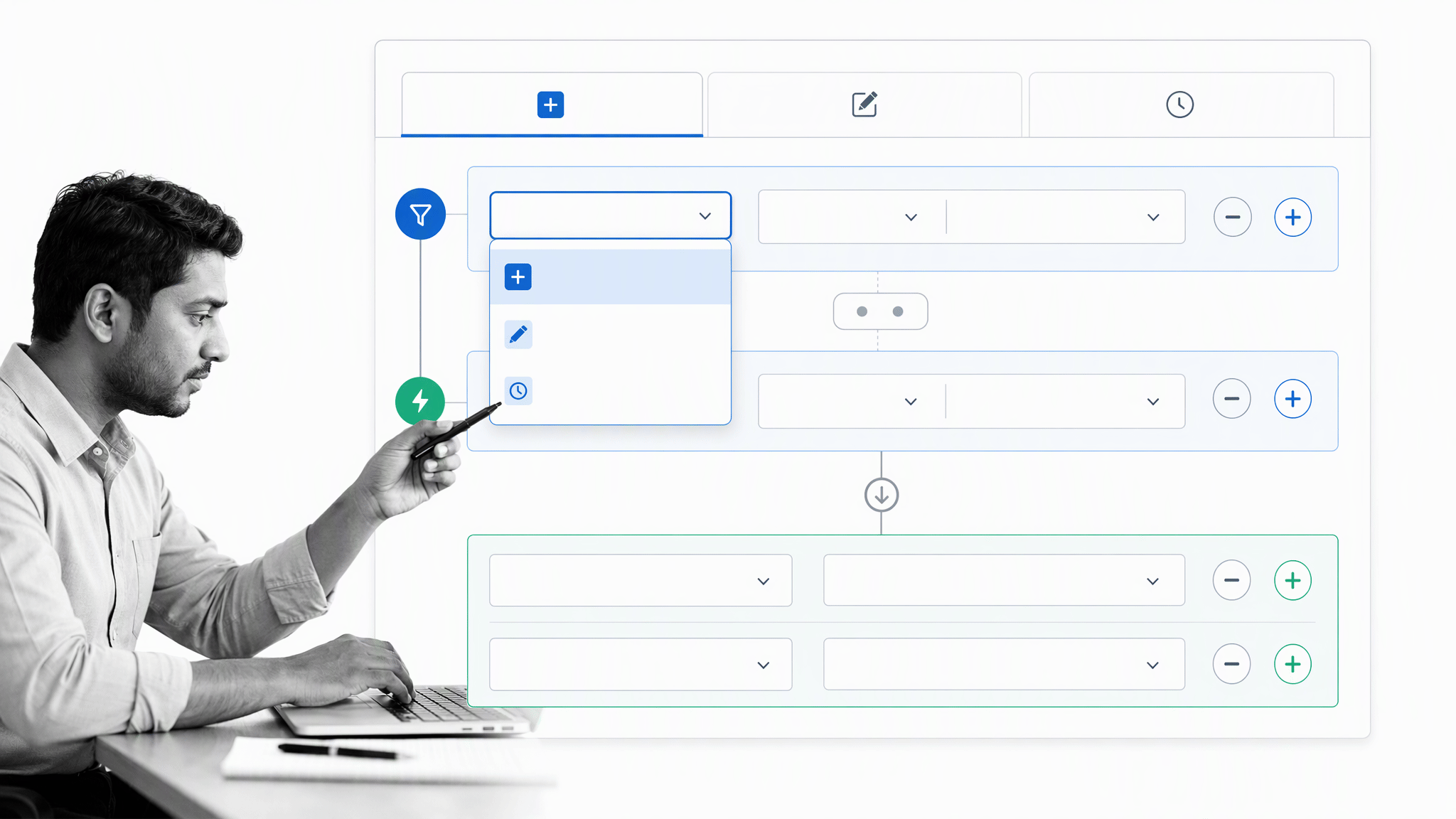
Freshdesk groups automation around ticket creation, ticket updates, and hourly triggers. A creation rule can route an incoming request based on channel, subject, customer, or other properties. An update rule can respond to an agent or customer action. An hourly rule can find tickets that have remained in a particular state and take action before they are forgotten.
This model is easier to reason about than the product’s retired Dispatch’r, Supervisor, and Observer labels. Dividing automation by function makes it conceptually easier for admins to understand. The current structure tells an administrator when a rule runs, then lets them define conditions and actions. It is well suited to sorting, prioritizing, assigning tickets, sending notifications, updating fields, and taking time-sensitive actions.
Best fit: A growing team that wants capable routing and escalation without the full operational weight of an enterprise rules program.
Help Scout automation for approachable routine routing
Help Scout automations are called Workflows. Workflows are Inbox specific and use conditions and actions to process conversations. A team can assign messages from a key account, add tags when a topic appears, move a conversation to another Inbox, or trigger an action when a conversation matches a defined pattern. Because Workflows are Inbox specific, they are inherently specialized for certain teams.
The advantage is accessibility. A support manager can create useful workflows without treating the help desk like a programming environment. That is a good match for the product’s customer-first philosophy. The tradeoff is that teams with many products, service tiers, exception paths, and interdependent rules may prefer a system with deeper orchestration and governance.
Best fit: A smaller support team that needs dependable routing and categorization more than intricate cross-team logic.
Zendesk automation for depth across the ticket lifecycle
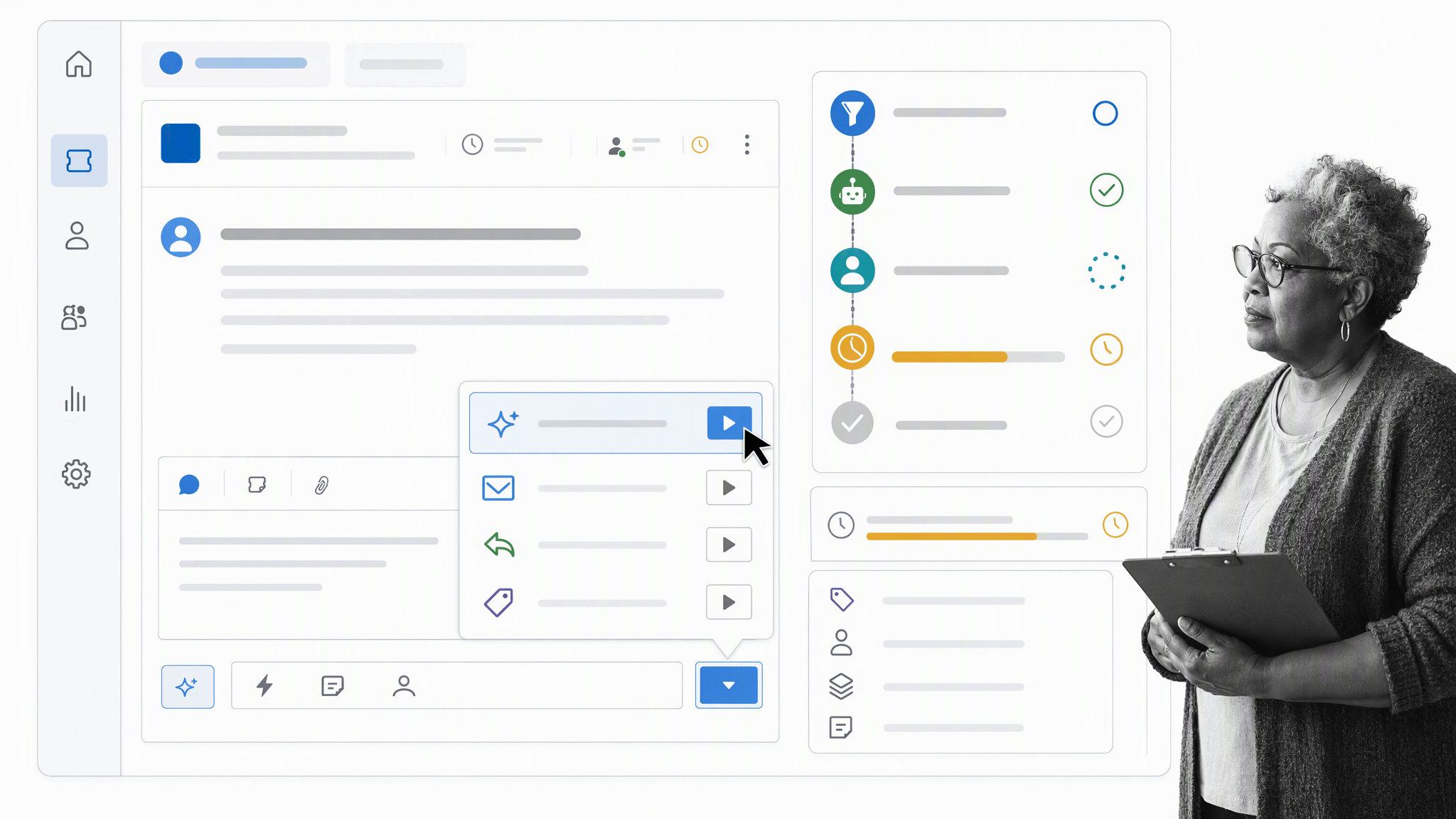
Zendesk ticket automation comes in several varieties. Triggers execute rules immediately after a ticket is created or updated and can sort tickets. Automations execute timed event rules. Service level agreements notify agents when work approaches an allotted resolution time and help maintain performance standards prearranged with customers. Macros let any agent execute several ticket changes and a repeatable response with one command.
Keeping macros separate from admin automation gives agents freedom to streamline their own work while administrators retain software-wide control. Together, these tools support detailed workflows across channels and teams. The cost is governance: administrators should document rule ownership, test changes, watch rule order, and retire obsolete logic.
Best fit: A complex support organization that can invest in administration, testing, and ongoing optimization.
Classic Groove automation for practical Rules in a compact inbox
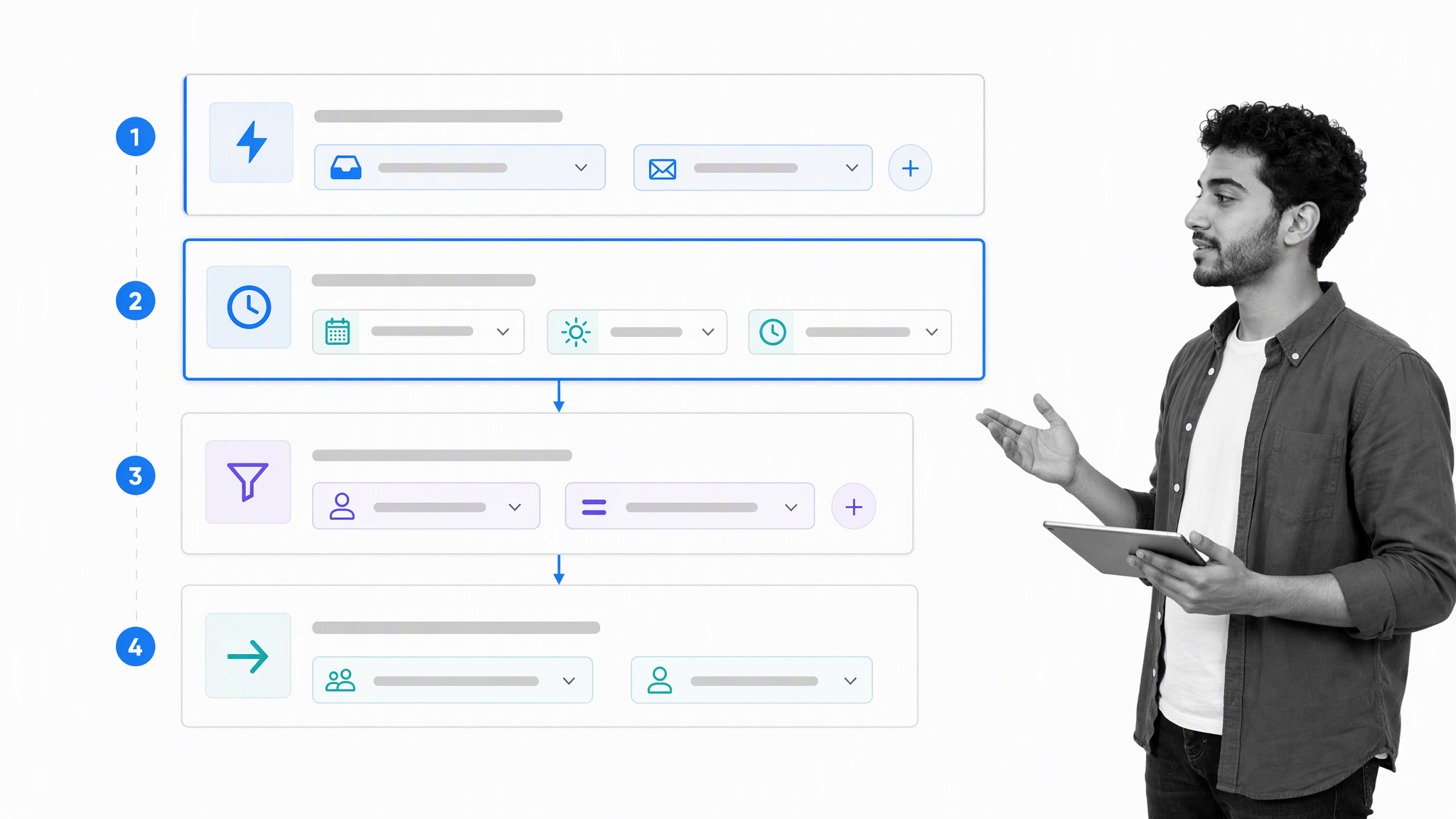
Classic Groove Rules can combine event triggers, delays, conditions, and actions. That supports common patterns such as assigning a conversation, moving it to another inbox, adding a tag, or waiting for a business-hours interval before the next action. Rules run in sequence, so their order matters when several could affect the same conversation.
This is more capable than the simple immediate-action model often associated with older Groove comparisons. It still suits a compact operation best. Existing customers should test their most important rules and confirm that the current platform roadmap supports future requirements before expanding the setup.
Best fit: An existing Groove team with a manageable rule set and a preference for a lightweight shared inbox.
Automation verdict
Zendesk’s range in automation is why it leads the category when routing, macros, SLAs, triggers, and time-based actions must work together. Individuals have direct access to personal macros while admins can create software-wide rules that act on tickets. Freshdesk is the strongest middle ground, Help Scout makes routine workflow automation easy to own, and Classic Groove covers practical Rules for existing customers.
Help desk analytics
Analytics can prove what intuition only guesses at. Writing a better email template becomes much easier when you know which messages customers rate highly. Without reporting analytics, the root cause of problems can be untraceable and customer preferences can go unrecorded. Basic measures such as first response time, resolution time, ticket volume, and customer satisfaction are useful, but the real value comes from focused questions.
Good measurements are not enough. Customizing what data you gather and report is necessary when you want deeper insights specific to your operation. These help desks use different methods to let teams approach data on their own terms, from filtered Views to custom reports, calculated metrics, scheduled deliveries, and focused service dashboards.
Freshdesk analytics for broad, customizable reporting
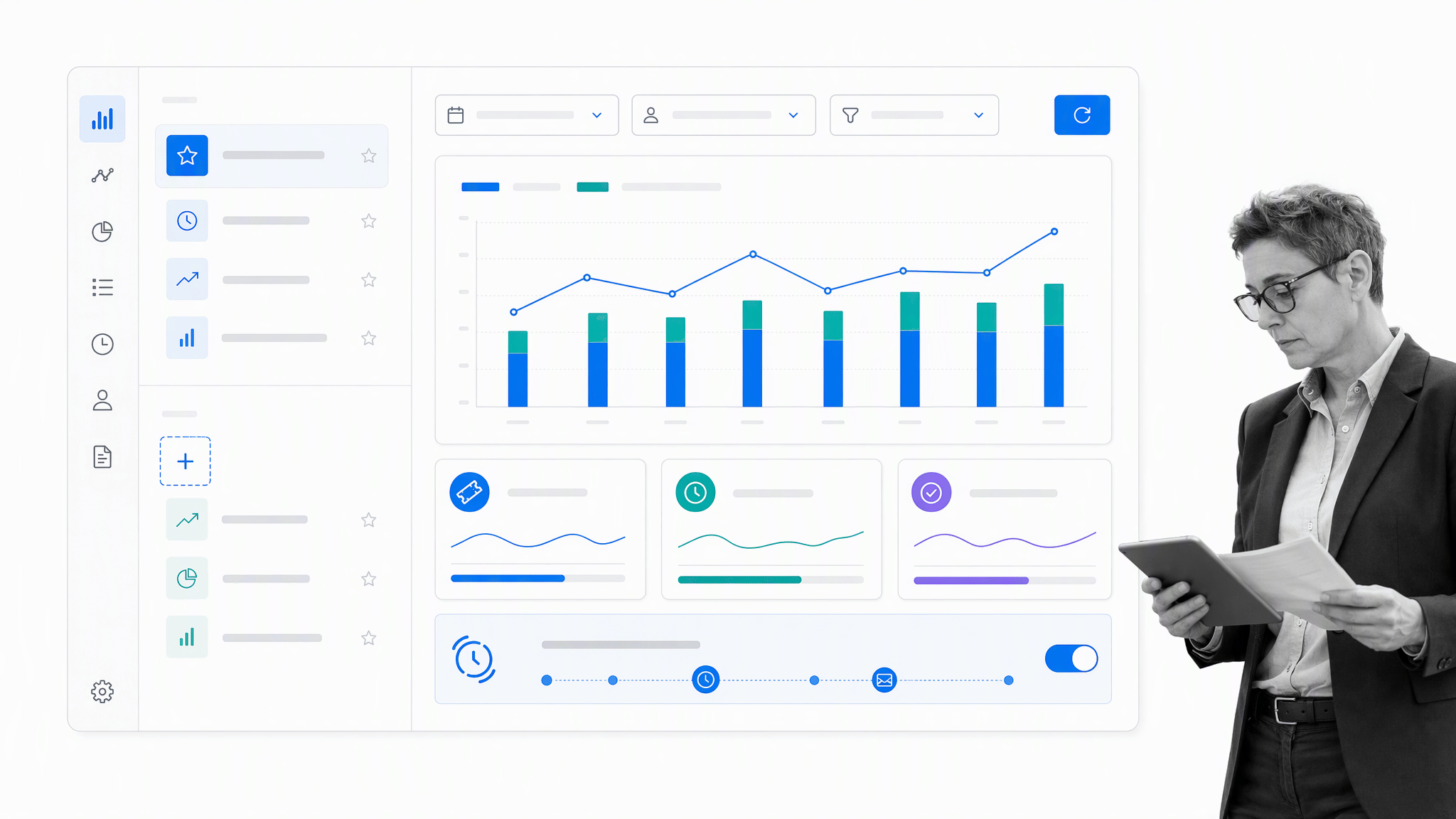
Freshdesk offers report customization through curated and custom analytics. Teams can start with standard service metrics, apply data filters, build report pages, add widgets, and save the result as a custom report. Reports can also be scheduled for periodic email delivery, which is useful for keeping team members informed without requiring everyone to rebuild the same view.
The current reporting experience is more flexible than older descriptions that focused on a fixed number of filters or a narrow report list. As with any customizable analytics tool, teams get better results when ticket fields and tags are governed consistently.
Best fit: A growing support organization that wants useful reports immediately and enough customization for deeper operational questions.
Help Scout analytics for focused reports with filtered Views
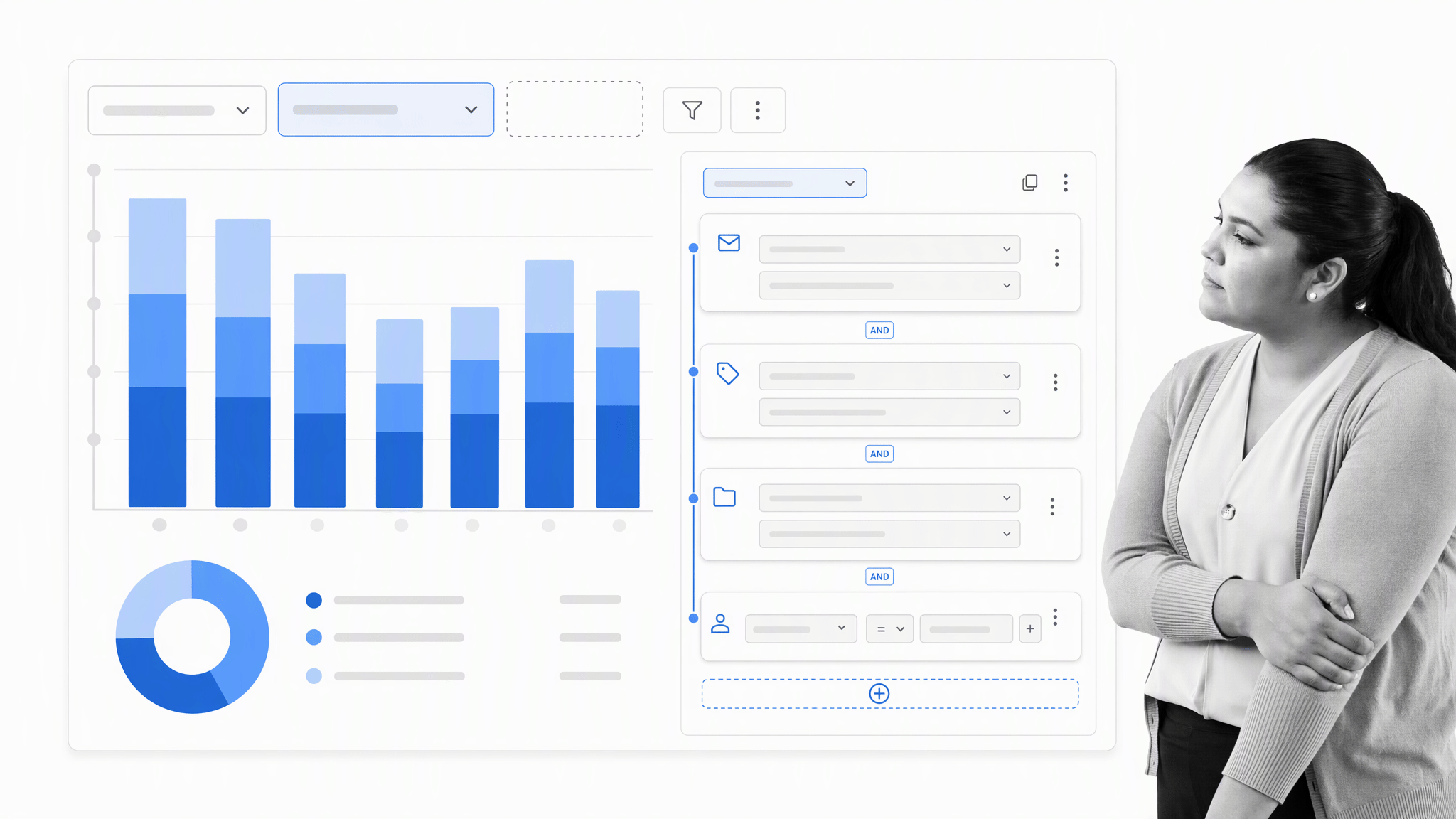
Help Scout reports focus on the measures support and success teams use regularly, including conversation volume, response and resolution performance, productivity, happiness, and team activity. Report Views modify reports with data filters created by adding search fields. Views can filter by Inbox, tag, folder, and custom field, and they can both include relevant data and exclude particular information.
This design keeps reporting approachable. It is strong when the goal is to understand customer service performance without building a separate analytics practice. A team that wants a highly open-ended dataset builder, many joined data sources, or extensive dashboard governance may reach the product’s natural boundary sooner.
Best fit: A customer-first team that wants clear service reporting and practical segmentation without heavy analytics administration.
Zendesk analytics for advanced analysis through Explore
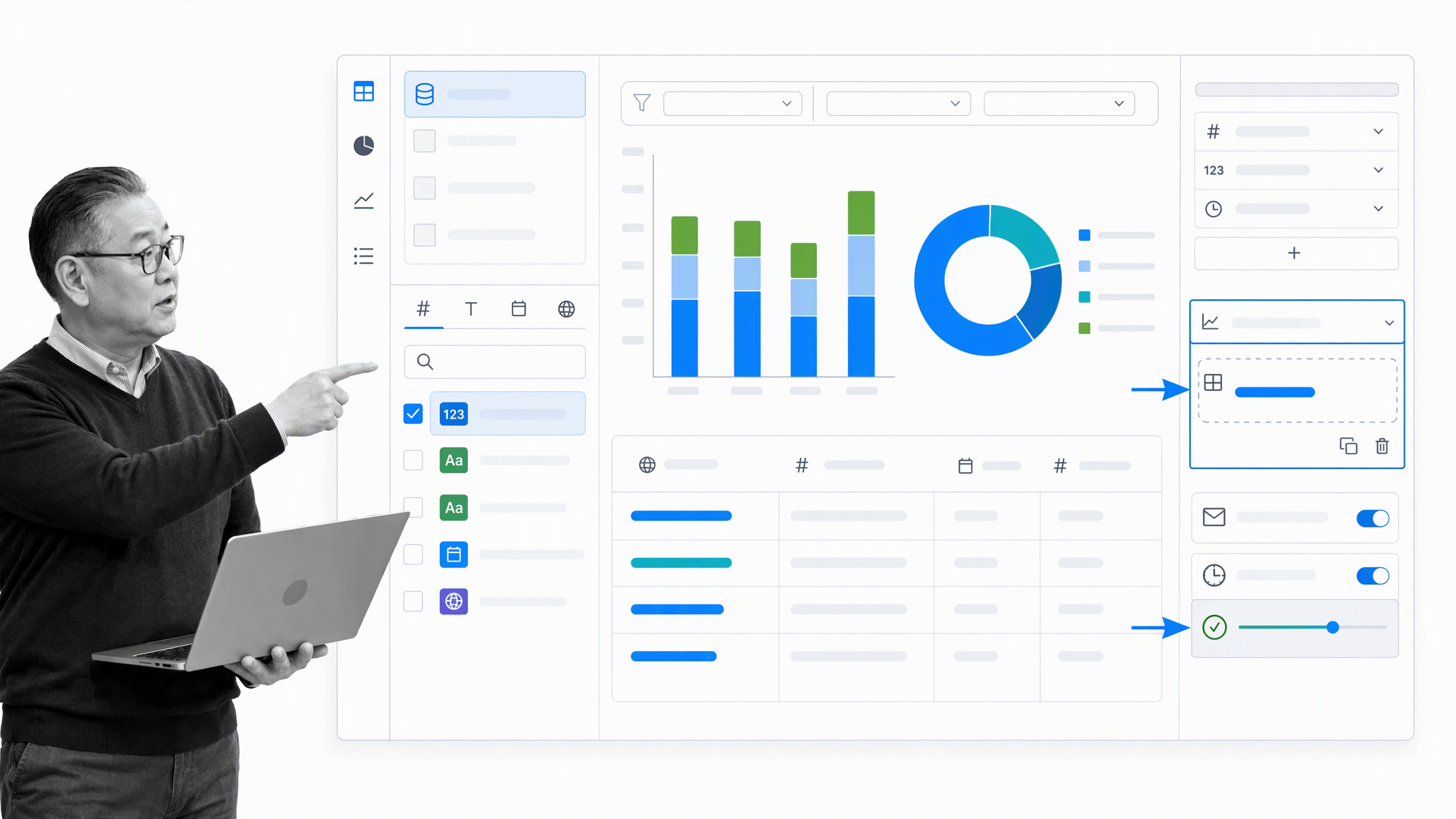
Zendesk Explore is the current analytics environment and replaces the retired Insights experience. Users create custom reports by choosing metrics and attributes, while admins can define calculated data fields and assemble dashboards. Explore supports prebuilt dashboards, filters, and scheduled email distribution.
The ability to use ticket information to make reports allows agents and managers to share their angle on a problem. A support rep could create a custom ticket View about a problematic client and share it with the team for response advice. That depth can answer detailed questions, but field definitions, ticket lifecycle practices, and reporting ownership need to remain clear.
Best fit: A mature support operation that needs deep analysis and can assign ownership for data quality and report design.
Classic Groove analytics for practical service-performance reports
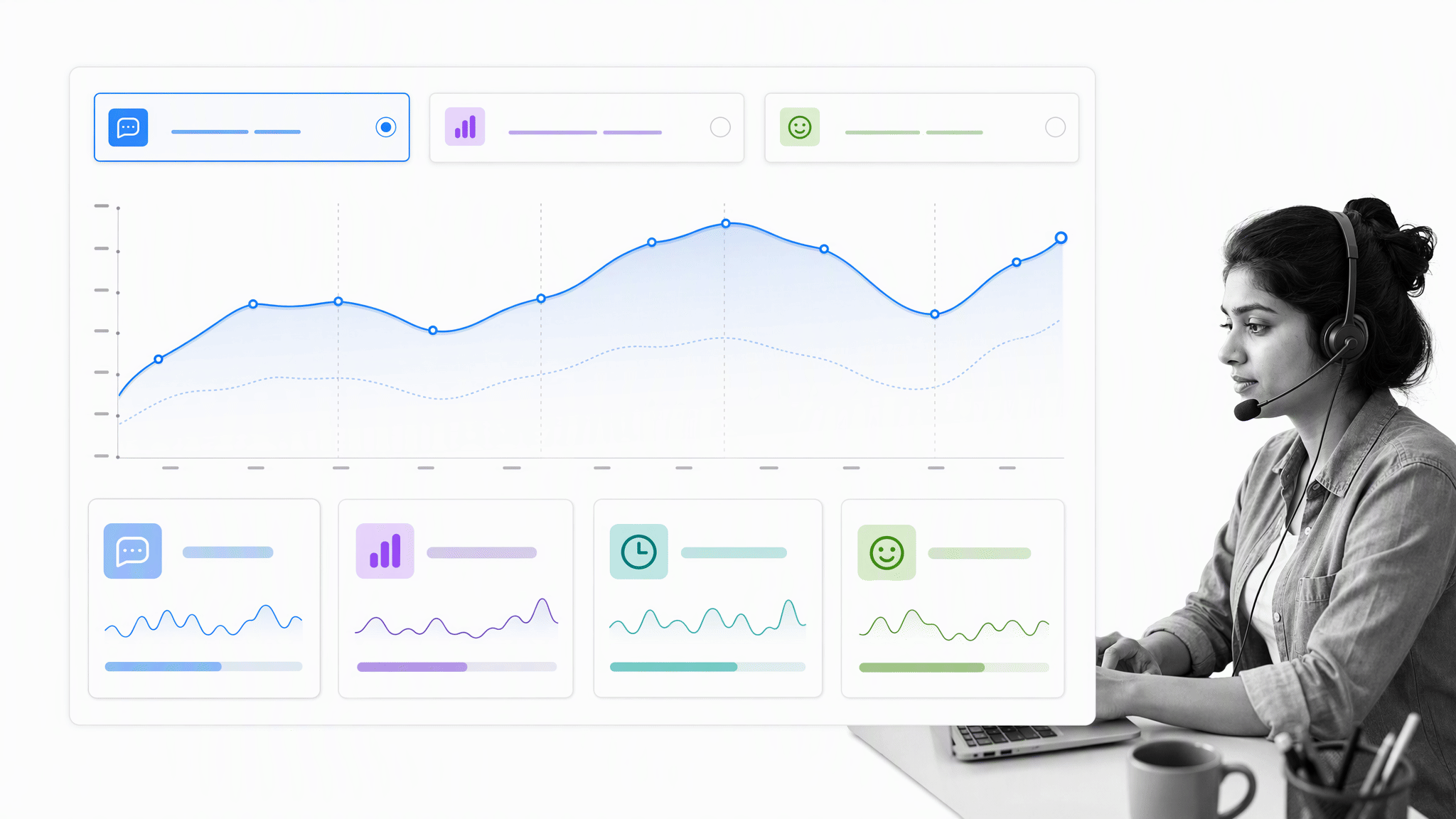
Classic Groove presents support data in one place and lets teams filter it by Inbox. Its reports cover conversations, productivity, performance, happiness, knowledge base activity, and team results. Clicking into a report reveals a more detailed breakdown of the data, helping an existing customer monitor workload, response behavior, and feedback without building a large reporting environment.
The reporting layer is most compelling when a team’s questions are straightforward and the data already lives comfortably inside Groove. Teams planning a migration or a more ambitious service-operations program should compare the reporting depth and export options of their target platforms before expanding dashboards in the current system.
Best fit: An existing Groove team that needs direct operational reporting rather than extensive custom analytics.
Analytics verdict
The ability to turn ticket Views and detailed measures into reports exemplifies Zendesk’s high custom reporting capabilities. Its power to create custom data fields and custom reports gives it the deepest analytical range. Freshdesk combines accessible reporting with meaningful customization, Help Scout is strong for focused customer-service analysis, and Classic Groove provides concise operational reporting for current users.
Which help desk is best overall?
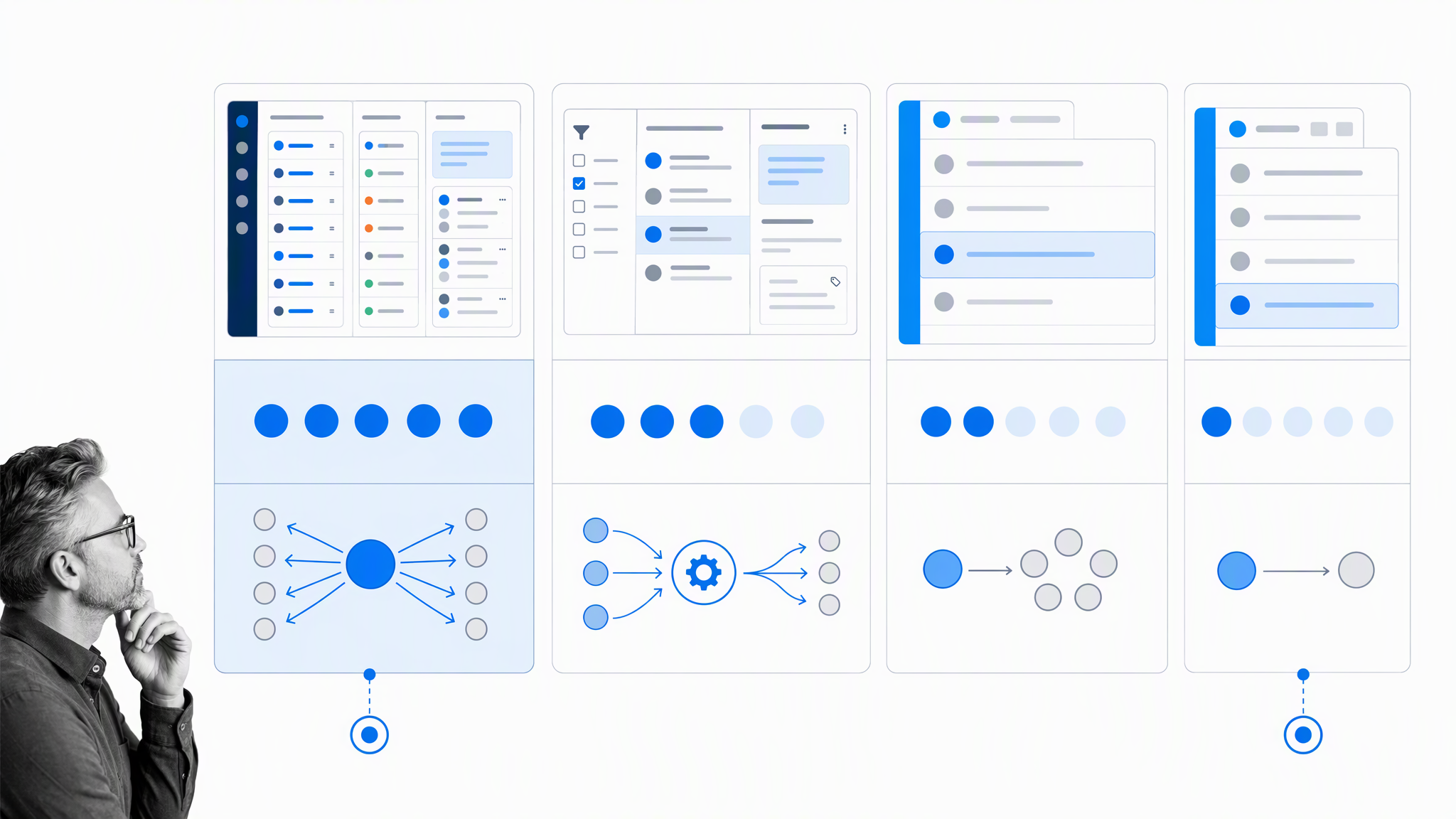
There is no honest universal winner because the products optimize for different operating models.
- Choose Zendesk when support is complex, queue design is specialized, analytics requirements are deep, and dedicated administration is available.
- Choose Freshdesk when you want broad ticketing, automation, and reporting capability with a more approachable path to adoption.
- Choose Help Scout when the shared inbox should feel human, simple, and customer-first while still supporting useful Views, workflows, and reports.
- Stay with Classic Groove when you are an existing customer, the compact inbox still fits, and continuity is more valuable than moving to a broader platform right now.
Run a short pilot with real conversations before deciding. Recreate two important queues, three common routing rules, one escalation path, and the reports used in a weekly support review. Then ask agents what became easier, ask managers what became more visible, and ask administrators what will require ongoing maintenance.
Connect the help desk to repeatable operations
A help desk manages customer conversations, but many resolutions depend on work beyond the support queue. A security review, refund exception, product escalation, customer onboarding correction, or compliance decision may require owners, evidence, approvals, and an auditable record.
Process Street is a Compliance Operations Platform for turning that cross-functional work into repeatable operations. It is one product with Docs and Ops capability areas plus built-in AI. Teams can document the procedure, run it as a controlled workflow, collect required evidence, route approvals, and track completion without asking the help desk to become the system for every business process.
For service teams exploring how AI can support consistent work across the customer lifecycle, see this guide to customer service AI. The goal is not to remove people from important decisions. It is to give them reliable context, clear responsibilities, and structured paths for the work that follows a customer request.
Help desk comparison FAQ
Is Freshdesk easier to use than Zendesk?
Freshdesk is often easier for a growing team to configure because its queue, automation, and reporting tools offer a broad middle ground. Zendesk can support more complex operating models, but that flexibility usually benefits from dedicated administration and stronger governance.
Is Help Scout a ticketing system?
Yes. Help Scout manages customer conversations as trackable work with ownership, status, tags, customer context, workflows, and reports. Its interface intentionally feels more like a shared email inbox than a traditional ticket database.
Can new customers still choose Groove?
Groove was acquired by Helply. Classic Groove remains available to existing customers, while Helply is the company’s newer product direction. A new buyer should confirm current availability and compare actively sold alternatives before selecting a platform.
Which platform has the best analytics?
Zendesk Explore offers the deepest analytics for teams that need custom metrics, datasets, dashboards, and scheduled delivery. Freshdesk is a strong balanced option. Help Scout is well suited to focused service reporting, and Classic Groove covers practical reports for existing customers.
How should a team evaluate help desk software?
Use real work. Test queue setup, ownership, automation, escalation, customer context, reporting, integrations, administration, and agent speed. The best platform is the one that supports the team’s actual service model with an acceptable level of ongoing maintenance.
The post Help Scout vs. Zendesk vs. Freshdesk vs. Groove: The Ultimate Help Desk Showdown first appeared on Process Street | Compliance Operations Platform.


0 Commentaires