Ahrefs vs Moz is a classic SEO tool showdown because both platforms cover the work that matters: rank tracking, keyword research, on-page optimization, backlinks, competitor analysis, and content ideas. The difference is not whether either tool can help. It is how much depth, guidance, and operating simplicity your team needs.
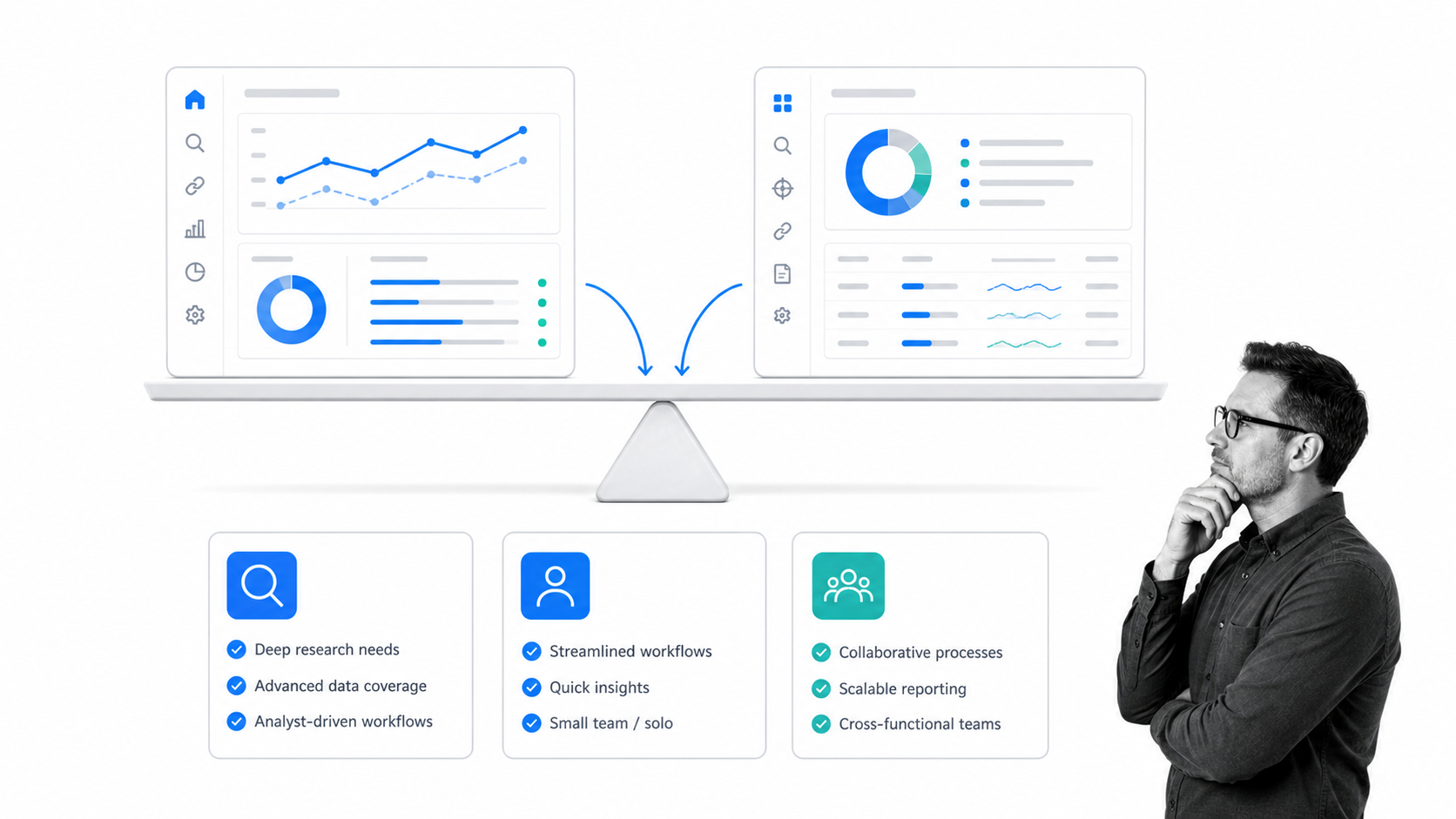
Here is the short answer. Ahrefs is the stronger choice for deep backlink research, broad competitor discovery, and advanced organic search analysis. Moz Pro is a credible fit for teams that want approachable workflows, familiar authority metrics, practical on-page guidance, and a lower-friction path into SEO. The right choice depends on the jobs you need to perform every week.
What are our SEO requirements?
Looking at pricing pages and marketing material for complex software products can be confusing enough. Comparing two similar products is a real pain on paper. A long list of features rarely tells you which product will fit your actual process, so I start with requirements instead.
Process Street is a Compliance Operations Platform for teams that need repeatable, auditable work. It is one product with Docs and Ops capability areas plus built-in AI. Content, search visibility, and the operating processes behind them still matter to how people discover the company. That makes reliable SEO research more useful than a collection of impressive dashboard screenshots.
Our evaluation is based on six durable jobs:
With a lot of content, both on and off-site, tracking rank against a keyword is extremely important. We do not promote only our own content. Guest posts, videos, partner pages, and articles on news sites can all send the right audience toward us. Whenever we create content, we do it with a topic and a searcher in mind. Ranks fluctuate over time, so it might be a month or two before a useful page starts ranking for the keyword you want. It could also appear for keywords you were not directly targeting. That is valuable information because it shows the path your audience takes before they land on your site.
- Track keyword and page performance. We need to know which keywords our content ranks for, how positions change, and whether important pages are gaining or losing visibility.
- Find quality keywords quickly. A useful tool should move from a seed keyword to relevant ideas, show the likely search intent, and help us judge whether the opportunity is worth pursuing.
- Analyze on-page optimization. We want practical signals that show where a page is strong, where it is weak, and what to investigate next.
- Track backlinks. We need to see new and lost links, referring domains, anchor patterns, and the pages that attract links over time.
- Research competitors. We want to understand which sites compete with us in search, where their traffic comes from, and which keyword or content gaps are realistic opportunities.
- Generate content ideas and move them into a workflow. Research has value only when a team can turn it into a brief, review the work, publish it, and measure the result. A reliable content workflow keeps that handoff from becoming hit-and-miss.
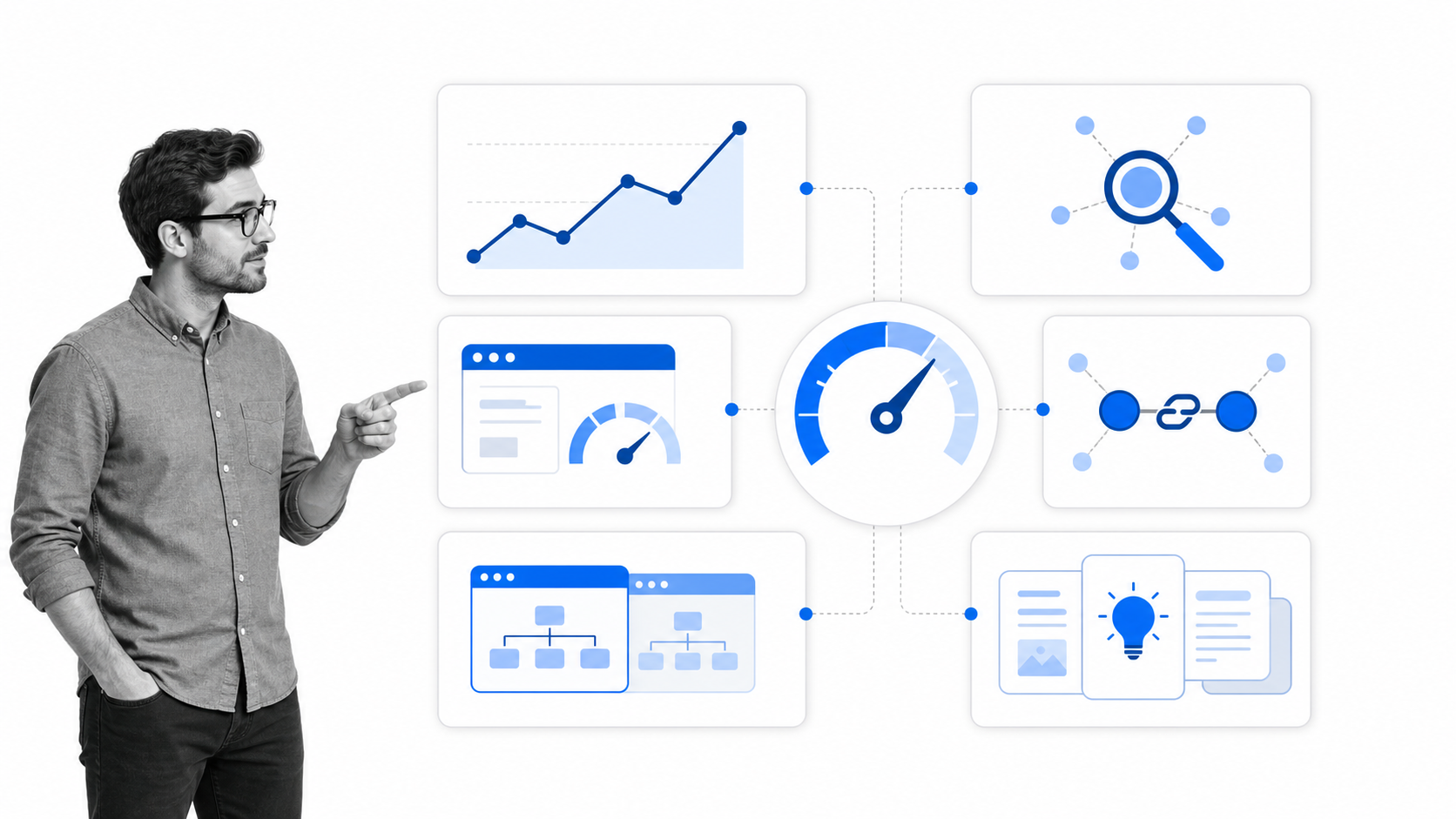
There are also practical questions behind the feature list. Can several people use the data without constant explanation? Are useful limits available on the plan you can justify? Can you export the data for real analysis? Does the interface help a newer operator make a sound decision, or is it designed for an experienced SEO who already knows where to look?
High-quality keyword research is part of the same operating system. A research checklist can include Google Keyword Planner, a search of the live results, a competitor review, and a final judgment about intent. Google Keyword Planner remains useful, but its imagination is limited when the goal is to discover a focused topic rather than plan an advertising campaign. The ideal SEO platform works like that foundation with more common sense: it shortens tedious steps, finds relevant alternatives, and creates a more all-in-one solution without hiding the evidence behind the recommendation.
How do the features of Moz and Ahrefs match up with our needs?
To compare both tools, I map the software against the requirements rather than relying on landing page copy. I use the same kinds of inputs in each platform: our domain, an exact URL, a seed topic, a known competitor, and a page we might improve. That makes the comparison about the quality of the answer, not the quantity of features.
Ahrefs organizes much of this work around Site Explorer, Keywords Explorer, Rank Tracker, Site Audit, Content Explorer, and newer discovery surfaces such as Brand Radar. Moz Pro brings together Keyword Explorer, Rank Tracker, Link Explorer, Competitive Research, On-Page Grader, and search visibility workflows. Both products evolve, so always check the current pricing and usage limits against the work your team expects to do.
The sections below focus on the outcome of each job. That is a better buying guide than declaring one platform the universal winner.
For each test, I also look beyond the headline metric. A ranking report should show the exact pages involved. A keyword difficulty score should lead back to a SERP analysis. A backlink total should reveal who linked, which page earned the link, and whether the pattern changed. A competitor report should identify the ranked keywords and the content responsible for them. Those details determine whether the platform can shape an SEO strategy in the future or merely generate another dashboard.
Both Moz and Ahrefs come with large proprietary indexes, and both show estimates rather than a perfect copy of Google. Their algorithms collect and process data in different ways, so the backlink count, keyword volume, and amount of competitive data can be drastically different. That discrepancy does not prove that one report is wrong. It is a reason to compare trends within one platform, take a better look at the exact pages, and avoid treating any single number as the conclusion. The exact details matter more than a database claim.
Both tools can export a file, generate a ranking report, and give additional information about a domain. They can also find link-building opportunities, run a keyword analysis report, and show existing content that performs well. Ahrefs, however, generally provides more filters and a broader blanket approach to discovery. Moz takes a more concentrated approach and often makes the next action easier to explain. The useful question is not whether one product is capable. It is whether the tool can replace an arduous task, fit the team’s habits, and provide enough evidence for better-informed decisions.
Another point about both products is access and cost. A free version or limited trial can give you a useful first look, but it may not include the data breakdown, bulk search, or export limits needed for daily work. Test a comparable plan against a certain keyword, exact URL, and competitor’s pages. Ahrefs gives an experienced operator more ways to cross-reference the result; Moz can however be quicker to understand. Avoid paying for a category of features the team will not use.
Tracking on and off-site page ranks
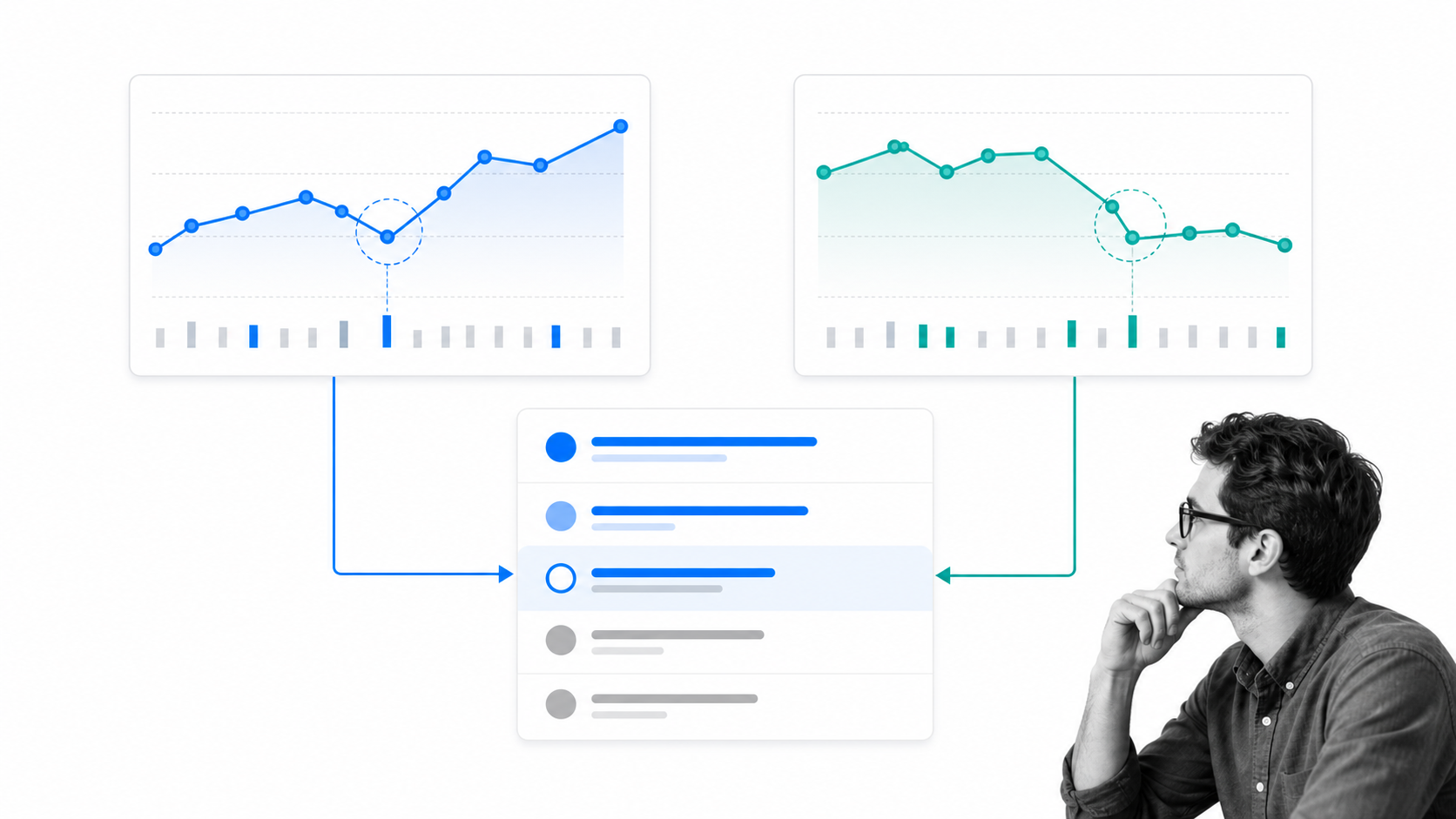
To be clear, there are two different questions here. The first is: how does our own domain rank for a known set of keywords over time? The second is: which queries bring visibility to any exact URL, including a guest post or mention on another domain?
Organic keyword discovery with Ahrefs
Ahrefs Site Explorer can check a domain, subdomain, directory, or exact URL and return the organic keywords it ranks for. This is useful when you want to investigate a page you do not control, including a guest post, partner page, or competitor article. Filters help narrow the list by position, volume, keyword difficulty, intent, and change.
Rank Tracker handles the monitoring job. You provide the target keywords, locations, and competitors, then use the reports to watch position history and visibility. The combination is powerful: Site Explorer discovers unexpected queries, while Rank Tracker monitors the terms you have decided matter.
External-domain tracking still requires care. Ahrefs can investigate a guest post or mention by exact URL, but a broad portfolio of off-domain content may still need a separate spreadsheet or reporting process. That does not make the feature incapable; it means the operator should be clear about scale before promising a single automated report. Exporting a focused CSV for real analysis is often more useful than forcing every unusual URL into a standard campaign view.
Focused campaign tracking with Moz
Moz Rank Tracker takes the more concentrated approach of monitoring a chosen keyword set. That is often easier for a team with a defined portfolio of pages and target terms. Moz can show movement, search visibility, and competitor performance without requiring the operator to explore a very large data set first.
Moz Competitive Research and keyword tools also help investigate ranking opportunities outside the tracked set. Ahrefs still has the edge when the job is broad discovery across domains and exact URLs. Moz is competitive when the job is a clear, recurring report for a known campaign.
Verdict: Ahrefs wins for organic keyword discovery and deep URL-level research. Moz is a sound choice for focused rank monitoring that a broader marketing team can interpret quickly.
Finding quality keywords quickly
Good keyword research is not about generating the longest list. It is about finding terms that match the audience, the page you can realistically create, and the result the searcher expects. Volume and difficulty are useful inputs, but they are not substitutes for reading the search results.
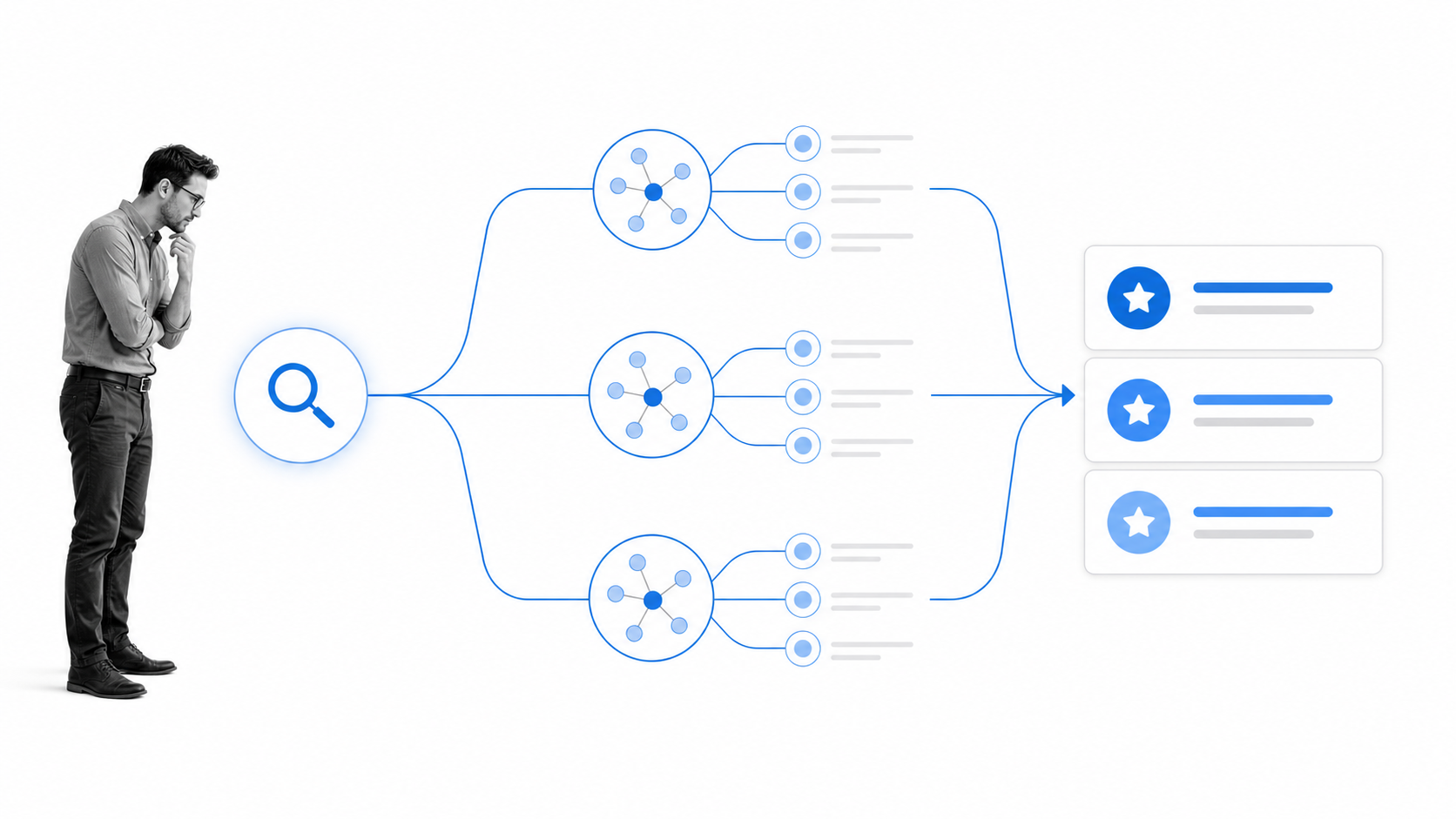
Moz Keyword Explorer
Moz Keyword Explorer is strong when you want a guided path from a seed term to a manageable set of options. Keyword suggestions, SERP analysis, difficulty, volume, and priority signals help narrow a pool of potential keywords. The interface makes it relatively easy to create lists and explain why one opportunity deserves attention before another.
Moz’s familiar Domain Authority and Page Authority metrics also give many teams a common language for discussing competition. Those scores are comparative estimates, not Google ranking factors. Use them to compare sites and pages within a consistent analysis, not as a promise that a page will rank.
Ahrefs Keywords Explorer
Ahrefs Keywords Explorer is built for depth. Starting with a seed keyword, it can surface related terms, matching phrases, questions, parent topics, traffic potential, SERP history, and competitive signals. The strength is the number of ways an experienced operator can segment the data and move from one clue to a larger topic cluster.
Ahrefs also makes it easy to move between a keyword and the pages or domains already winning for it. That connection between keyword research and competitor research reduces the number of separate reports needed to form a view of the opportunity.
The old-fashioned way of narrowing potential keywords was to Google each term, inspect the pages, estimate their authority, and record the result by hand. That manual review is still worth doing for the final candidates. The improvement is that both tools can now generate the initial pool, expose the competition, and help you decide where a deeper look will save time. If I target a commercial term, I want to see the exact pages I would be up against and whether my page can offer a more useful answer.
Verdict: Ahrefs wins when research depth and segmentation matter most. Moz is excellent for a guided workflow, clear prioritization, and teams that do not need to explore every possible branch of a topic.
Analyzing on-page optimization
There is a lot of content that will tell you how to optimize a page, but the useful question is whether the tool helps you find a specific problem. A single score can be reassuring while hiding the difference between technical health, search intent, content coverage, internal links, and the authority needed to compete.
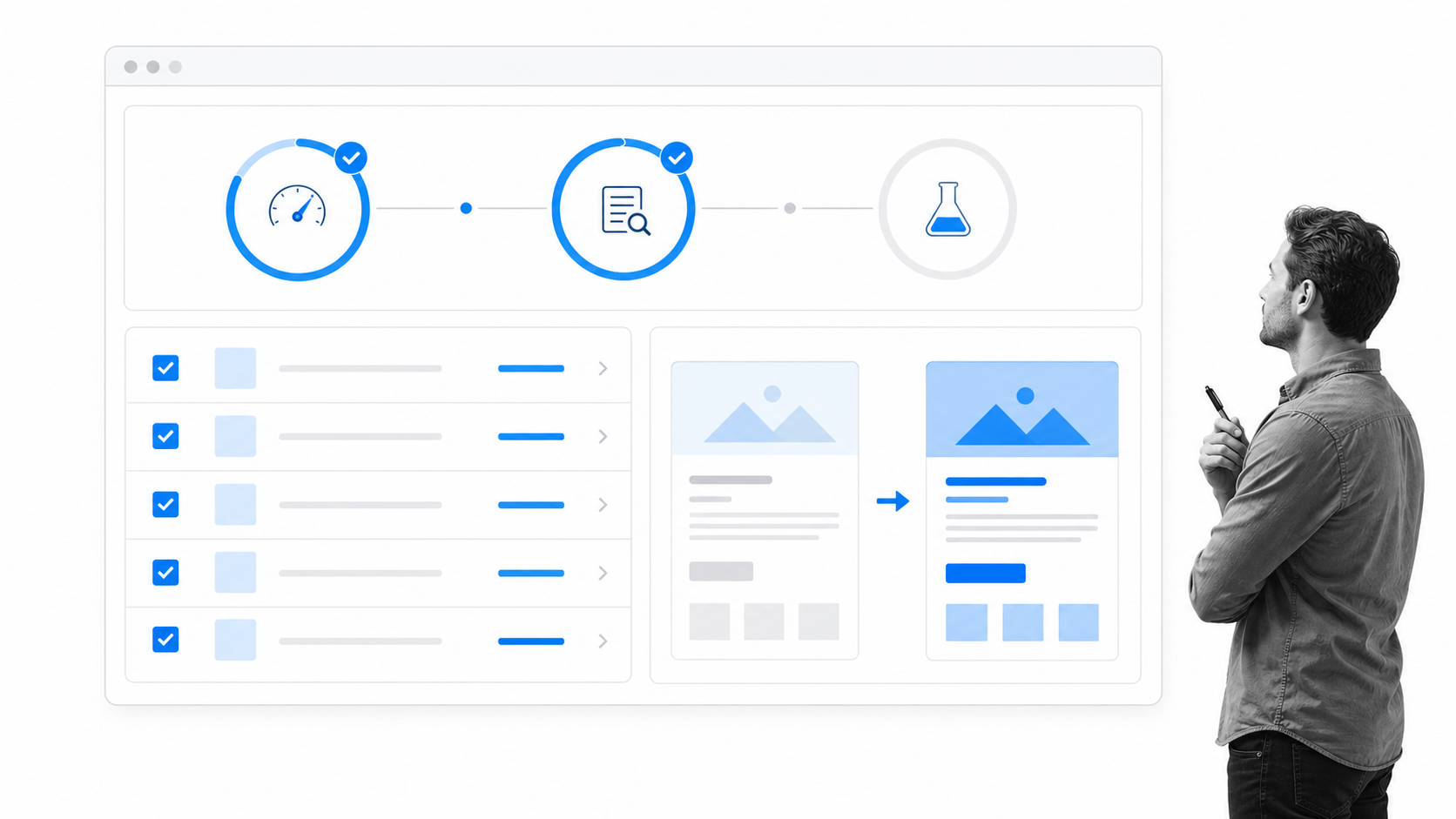
Moz On-Page Grader remains a practical option for checking a page against a target keyword and getting prioritized suggestions. Its advantage is accessibility. An operator can use the recommendations as a starting checklist, then apply judgment to decide which changes will improve the page for a reader.
Ahrefs approaches on-page work through Site Audit, Site Explorer, and its content tooling. Site Audit is particularly useful for technical and structural issues across a site, including indexability, internal linking, performance, and other checks that can affect organic visibility. Ahrefs AI Content Helper is designed to support content-level analysis, but no automated recommendation should replace a review of search intent and factual quality.
For an older post, I still use a simple manual process alongside either product. I compare the page with the current result set, confirm that the primary question is answered early, check the title and headings, inspect internal links, verify sources, and make sure the page offers something more useful than a summary of competing articles. We use the same discipline in our marketing workflow and in pages explaining topics such as business process management.
Verdict: Moz is the simpler choice for direct page-and-keyword guidance. Ahrefs is stronger when on-page work needs to connect with a broader technical audit and competitive research.
Tracking backlinks
Backlink analysis is where the difference between a quick overview and a research system becomes obvious. Counting links is not enough. You want to understand referring domains, new and lost links, the pages earning attention, anchor context, link quality, and changes over time.
Is your SEO strategy working? The number of backlinks is only one clue, but not knowing where your site is linked makes it difficult to grab opportunities for further promotion. A detailed overview can show which content earns authoritative backlinks, which relationships are new, and which links disappeared. Without SEO tools, there is not much more you can do than search your own keywords, check referring pages one at a time, and hope you notice a change. That work gets tiring fast.
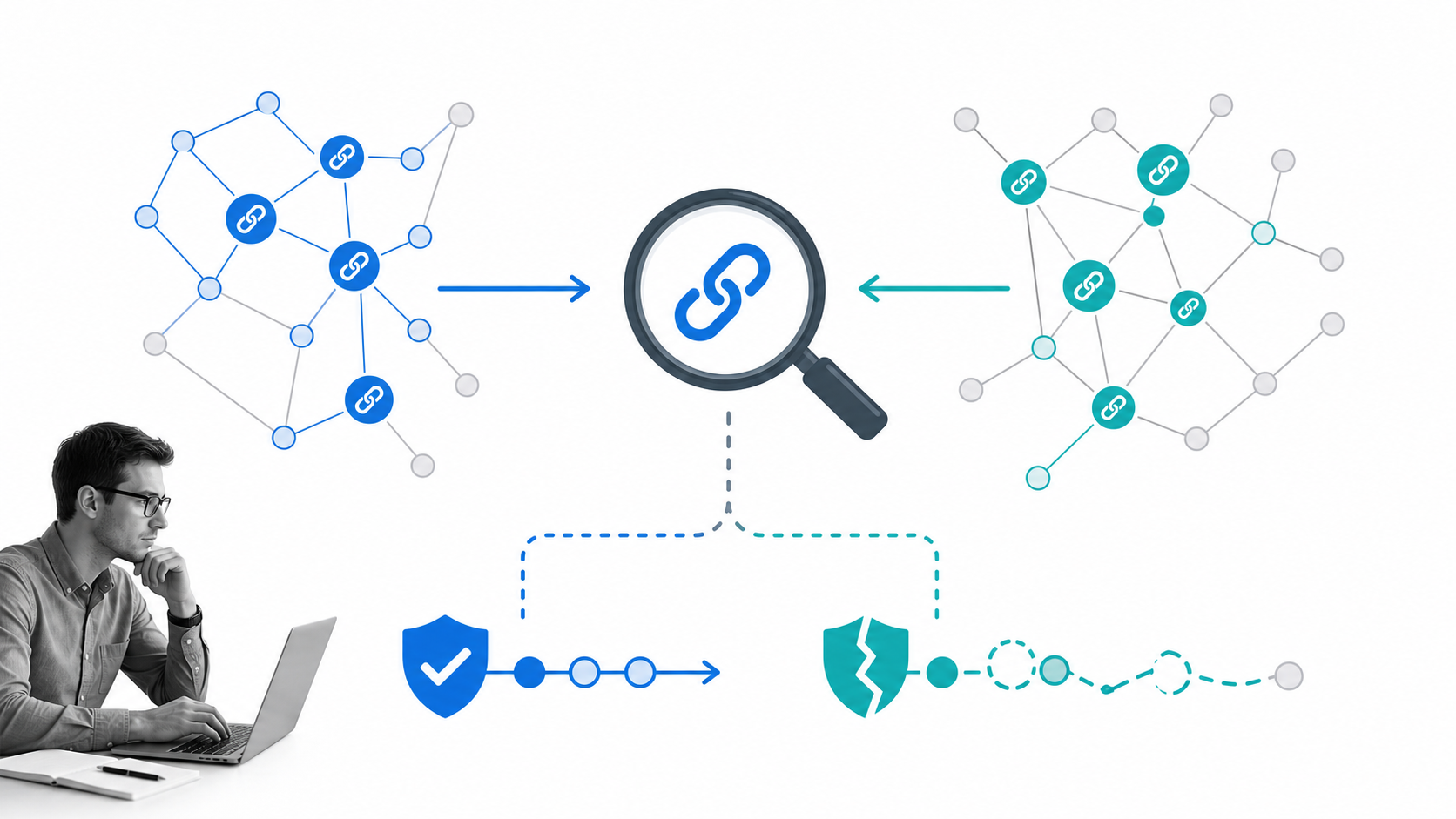
Moz Link Explorer
Moz Link Explorer provides a clear view of inbound links, linking domains, anchor text, top pages, and competitive comparisons. Spam Score can help identify patterns worth investigating, while Link Intersect can surface sites that link to competitors but not to you. For many marketing teams, that is enough to support link-building opportunities and routine reporting.
Do not treat a suspicious-looking score as an instruction to remove or disavow a link. Google says most sites do not need the disavow tool, and using it incorrectly can harm performance. Investigate the context first and follow Google’s disavow guidance only when there is a clear reason.
Ahrefs Site Explorer
Ahrefs has built much of its reputation around backlink research. Site Explorer supports detailed filtering by link type, platform, language, traffic, domain rating, publication timing, and other attributes. The Best by Links and referring-domain reports are particularly useful for finding the content that attracts links and the relationships behind them.
The practical advantage is speed of investigation. I can move from a lost backlink to the affected page, inspect the referring domain, compare competing pages, and export a focused data set without rebuilding the analysis elsewhere. Ahrefs also publishes a free backlink checker for a limited first look.
Moz Domain Authority and Ahrefs Domain Rating measure different things with different indexes. DA and DR are not interchangeable, and neither is a Google metric. Compare trends within the same tool rather than reading a small difference between DA and DR as a verdict on site quality.
Verdict: Ahrefs wins for backlink depth, filtering, and investigative work. Moz gives a more approachable overview and enough competitive link data for many teams.
Snooping on competitors
To outrank competitors, you first have to know who they are. The sites competing in organic search are not always the companies your sales team names. A publisher, directory, review site, or community page can be the real competitor for a specific query.
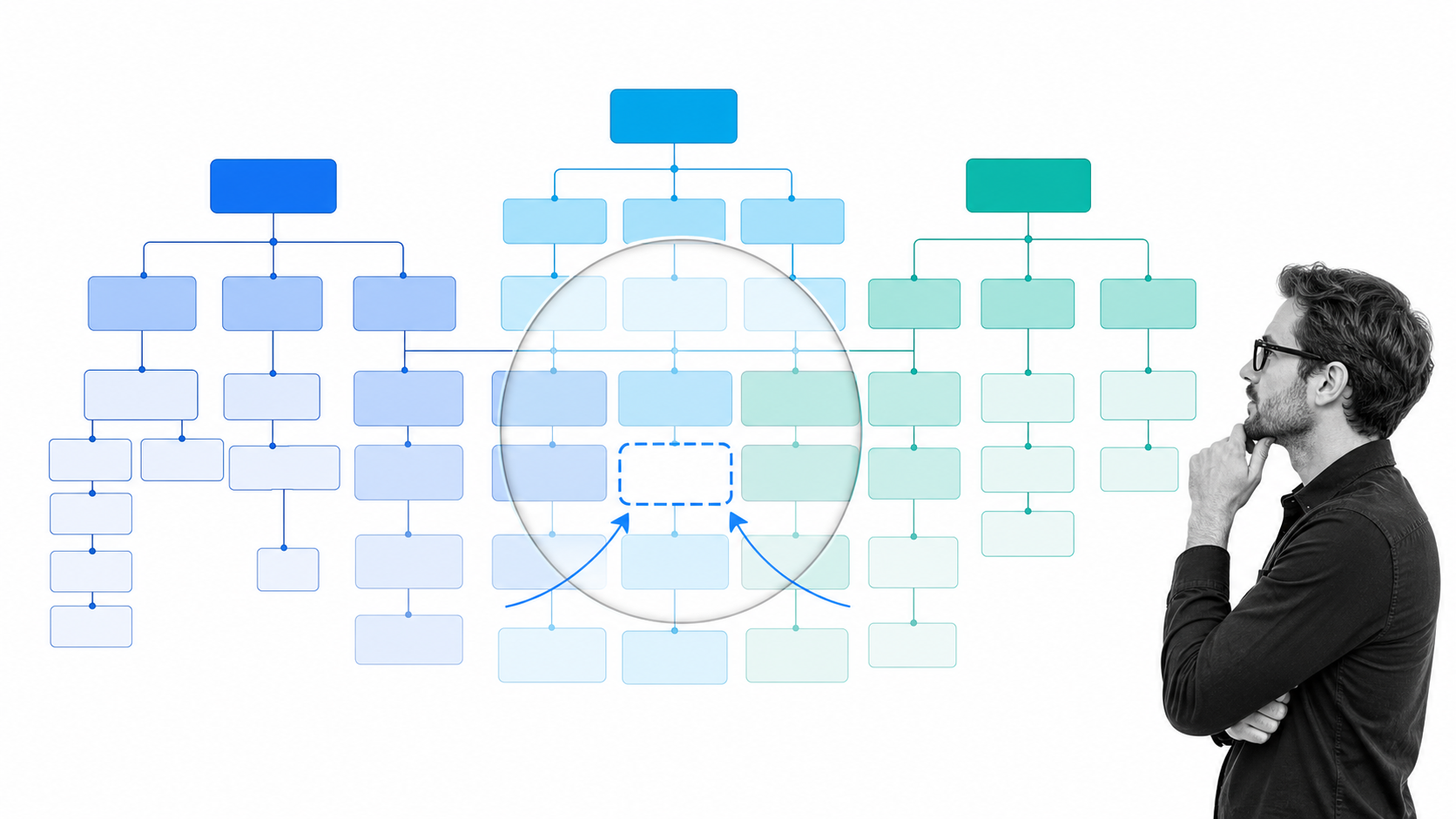
Moz Competitive Research helps compare keyword overlap, top competing content, and visibility across a selected set of domains. Its True Competitor workflow is useful when you want help identifying the domains that most consistently compete with your site. The result can then feed Keyword Gap and SERP analysis.
Ahrefs Site Explorer makes the exploration broader. Competing Domains, Content Gap, Top Pages, Organic Keywords, and paid-search reports let you move from a domain-level view to the exact pages and terms behind the overlap. When I know a competitor has a strong page or a lower-authority page is winning a useful query, I can inspect what ranks and decide whether a better resource is realistic.
Competitor analysis is one of the founding elements of an SEO strategy, but not every report belongs at the same stage. Identifying the sites that overlap with your major keywords is a starting point. Judging how difficult it would be to outrank one exact page belongs near the end of the process, after you understand the query and the audience. The useful outcome is not a huge list of domains. It is a short list of pages where a little creativity, better evidence, and stronger writing can produce more visibility.
This kind of research should produce a decision, not a copied editorial calendar. Look for a gap where your team has evidence, experience, a useful point of view, or a better way to solve the searcher’s problem. Moz’s illustrated competitive analysis workflow remains a helpful way to think through the stages.
Verdict: Ahrefs wins for deep competitor and content-gap research. Moz offers a guided competitive workflow that is easier to introduce across a mixed-skill team.
Generating fresh content ideas
Finding content inspiration is easy. Finding an idea that deserves production time is harder. The strongest ideas sit at the intersection of audience demand, business relevance, available evidence, and a distribution plan.
Even the most popular content on the web is not automatically comprehensive. A page can attract shares and backlinks while leaving important questions unanswered. By using popular content as research, it is possible to find proven titles and subjects, then write an article that gives added value instead of copying the same headline formula. The best content explorer should make it easy to find the pages, review their performance, and download a focused set for further analysis.
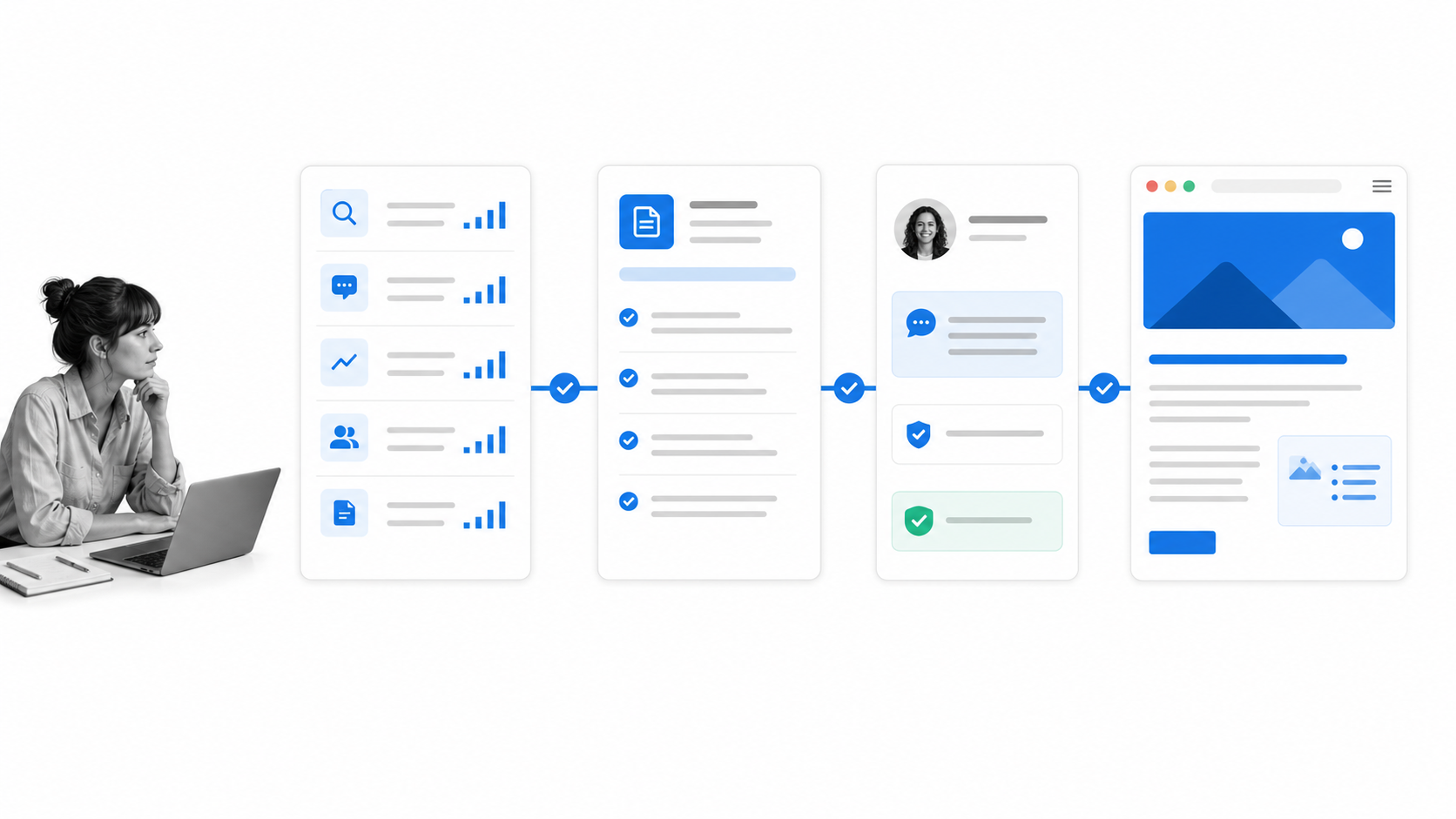
Ahrefs Content Explorer is purpose-built for discovering pages that have attracted links, traffic, or social attention around a topic. It is useful for studying headline patterns, finding linkable formats, locating authors, and identifying pages that may be declining. Keywords Explorer and Site Explorer then connect those ideas with search demand and competing pages.
Moz no longer offers the old Moz Content product that appeared in earlier comparisons. Its current content and AI search workflows focus more on keyword discovery, SERP analysis, competitive research, on-page guidance, content briefs, and visibility across traditional and AI-driven discovery. Those capabilities can still produce good ideas, but they are part of a different workflow than the former standalone content product.
Ahrefs Brand Radar adds another layer for teams studying visibility across AI answers and broader search experiences. Moz also provides AI visibility features. Treat these signals as directional. The underlying job is still to create trustworthy, useful content and then measure whether the intended audience can find it.
Once an idea is selected, move it through an explicit process: define the audience and search intent, collect primary sources, write the brief, assign ownership, review claims, publish, distribute, and set a measurement date. Research without that operating sequence becomes an expensive bookmark collection. A strong content strategy connects the idea to the work required to ship it.
Verdict: Ahrefs wins for dedicated content discovery and link-informed research. Moz supports a more guided path from keyword and competitor analysis into an actionable brief.
Choosing between Moz and Ahrefs
For our six requirements, Ahrefs is the overall choice. Its strength in organic keyword discovery, backlinks, competitor research, and content exploration makes it the better fit for an experienced operator who wants to move through a large data set and investigate the reason behind a result.
That does not make Moz a lesser product for every team. Choose Moz Pro when approachability, on-page guidance, familiar authority metrics, clear campaign tracking, and a simpler learning curve matter more than maximum research depth. It can be the better operating fit for a small marketing team, a consultant who needs understandable reports, or an organization building its first consistent SEO practice.
Choose Ahrefs when backlink analysis, broad competitor discovery, technical auditing, content research, and detailed keyword segmentation are central to the role. It is especially valuable when the person using it knows how to turn a large number of filters and reports into a focused decision.
Before buying either platform, run the same short test:
- Enter your domain and one exact page.
- Research one seed keyword that matters to the business.
- Inspect one known competitor and one search competitor you did not expect.
- Find a technical or on-page problem you can verify independently.
- Export the result and ask a teammate to explain the decision it supports.
The best SEO tool is not the one with the most data. It is the one your team can use to make a sound decision, take action, and measure what happened next.
Is Ahrefs better than Moz?
Ahrefs is better for teams that prioritize deep backlink, keyword, competitor, and content research. Moz can be better for teams that value a guided interface, on-page recommendations, and familiar reporting.
Which is better for beginners?
Moz is generally easier to introduce to a beginner because its workflows and metrics are approachable. Ahrefs offers more depth, but that depth can create noise if the operator does not yet have a clear research question.
What is the difference between Moz DA and Ahrefs DR?
Moz Domain Authority estimates a domain’s relative ability to rank based on Moz’s model. Ahrefs Domain Rating measures the relative strength of a site’s backlink profile in the Ahrefs index. Both are comparative third-party metrics, not Google ranking factors, and their scores should not be compared as if they use the same scale.
Can either tool replace Google Search Console?
No. Google Search Console provides first-party information about how Google sees and surfaces your verified properties. Moz and Ahrefs add competitive indexes, research workflows, historical views, and data about sites you do not control. Use them alongside Search Console rather than as a replacement.
The post Ahrefs vs Moz: The Ultimate SEO Tool Showdown first appeared on Process Street | Compliance Operations Platform.


0 Commentaires