Collaboration is the name of the game. As more workflows move to the cloud, businesses need tools that let teams share information, communicate, manage projects, and work together quickly and intuitively. Atlassian’s Confluence and Microsoft SharePoint both empower companies to set up intranet software. Think of an intranet as a private version of the internet your company uses to collaborate. Beyond that, the two products are very different in size, scope, and capabilities.
The practical answer is simple: choose Confluence when your team lives in the Atlassian ecosystem and values an approachable wiki-style workspace. Choose SharePoint when your organization runs on Microsoft 365 and needs a governed intranet tied to files, permissions, Lists, Teams, and Copilot. The best choice depends less on a feature checklist than on ecosystem fit, administration, search, permissions, and how people already work.
| Decision area | Confluence | SharePoint |
|---|---|---|
| Best fit | Atlassian-centered teams and collaborative knowledge creation | Microsoft 365 organizations and enterprise intranets |
| Core model | Spaces, pages, whiteboards, databases, and connected project knowledge | Sites, pages, document libraries, Lists, hubs, and communication experiences |
| Document collaboration | Strong page collaboration and file embedding | Deep Word, Excel, PowerPoint, OneDrive, and Teams integration |
| AI | Rovo search, chat, creation, and agents across Atlassian work | Copilot and SharePoint agents grounded in permitted site and library content |
| Administration | Usually faster for teams to start and contribute | Broader governance and information architecture, with more implementation choices |
| Buying lens | Evaluate Confluence plan, Atlassian Guard, and related Atlassian products | Check existing Microsoft 365 entitlements, add-ons, storage, and administration |
Confluence overview
Confluence’s core functionality is the ability to create corporate wikis. If you have used Wikipedia before, you are well on your way to understanding how it works. With Confluence, you can give each team its own space inside the app. Think of it as their section of a wider wiki database. Within those spaces, users can create pages they and their teammates can edit, upload files to, comment on, and manage projects from.
That simple model has expanded. Atlassian’s Confluence now includes whiteboards, databases, Loom video, templates, automation, real-time editing, and connections to Jira. It can also integrate with other Atlassian software. Jira gives engineers the ability to track bugs around projects while Confluence keeps the relevant technical documentation accessible. Atlassian also offers Rovo for search, chat, content creation, and agents that can work across Confluence, Jira, and connected tools.

The strongest Confluence use cases remain concrete:
- Teams can create pages for technical documentation they often refer back to. They can write the information inside a page or upload the relevant documents, then comment on and discuss specific documents.
- Companies can use Confluence to set up internal company blogs. That is a useful way to share meeting notes, decisions, and other strategic documents so teams can work more transparently.
- Teams also use Confluence for project management. They can create a page for a project, list required tasks, assign them to team members, and share their progress.
- Companies can build an internal knowledge base or, on qualifying plans, a more structured Company Hub intranet.
Confluence is especially compelling when employees need to contribute knowledge without waiting for a specialist administrator. The editor, templates, comments, and page hierarchy make it relatively easy for a team to start small and develop its structure as the content grows.
Confluence pricing
Confluence Cloud has Free, Standard, Premium, and Enterprise options, while Data Center remains the self-managed route. The current Confluence pricing page should be the source for any quote because plan features and per-user costs change.
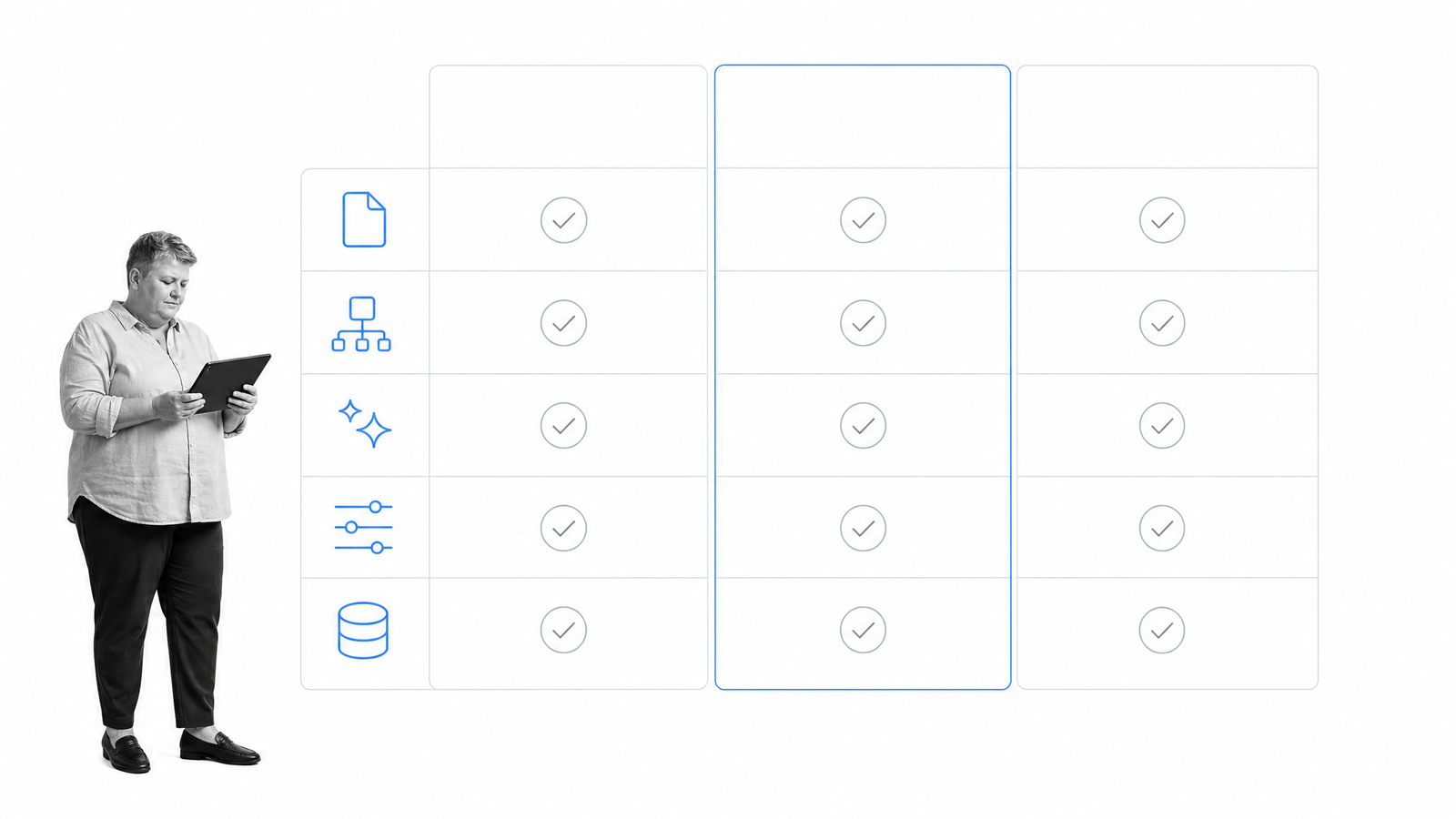
Do not compare the products on subscription price alone. For Confluence, include the plan required for Company Hub, analytics, automation, support, administration, and AI usage. Security-conscious teams may also need Atlassian Guard. If Jira, Loom, and other Atlassian products are already central to the company, the combined value can matter more than the standalone Confluence line item.
Confluence pros and tradeoffs
Confluence does its primary job, collaborative wikis for documentation and project management, very well. Perhaps most importantly, it makes the job accessible to team members with different technical skills. Users have several templates to choose from, and uploading documents is simple. Great usability matters if you want large teams to adopt enterprise software. Its connection to Jira is also a major advantage for product, engineering, and service teams that need to track bugs and connect project work to durable knowledge.
That flexibility is also the risk. Without ownership and lifecycle rules, spaces multiply, pages go stale, and search results become harder to trust. Larger or regulated organizations should test permission management, analytics, content review, identity controls, and information architecture before treating Confluence as the company-wide intranet.
SharePoint overview
If Confluence is one product, then SharePoint is a whole platform. Similar to Confluence’s wikis, SharePoint lets users set up sites for teams to work together. It also supports communication sites, hub sites, pages, document libraries, Lists, search, permissions, and content services across Microsoft 365.
That breadth makes SharePoint a natural intranet foundation for companies already standardized on Microsoft. Document collaboration is another area where SharePoint is strong if you have the rest of the Microsoft Office suite. Team members can edit documents in the cloud in Word, Excel, and PowerPoint at the same time through document coauthoring. Files can live in SharePoint libraries and sync through OneDrive, while metadata, retention, permissions, and Microsoft Purview controls support more formal governance.

SharePoint is not just a file store. Modern SharePoint intranets can combine company news, targeted communications, navigation, resources, search, events, and departmental sites. With enough data, such as announcements, project tasks, and documents, it becomes a powerful data warehouse. Libraries manage documents, while Microsoft Lists makes structured information such as requests, assets, issues, and status records searchable.
AI has also changed the platform. SharePoint agents can answer questions using sites, pages, files, and libraries the user is permitted to access. Organizations can create custom agents for a project or team, then make them available through SharePoint, Teams, or Microsoft 365 Copilot. This is useful when the intranet is also the company’s governed knowledge source.
SharePoint pricing
SharePoint can be purchased through standalone business plans or included in Microsoft 365 subscriptions. Many customers turn to SharePoint because they have already bought a Microsoft 365 package for better-known programs like Word and Excel. You might already be paying for SharePoint. That makes the buying decision different from a simple product-to-product price comparison. Start with the current SharePoint plans, then check which capabilities your organization already owns.

Total cost includes more than licenses. Information architecture, migration, permissions, governance, storage, retention, customization, and ongoing site ownership can all require time from IT and business teams. The Microsoft 365 ecosystem can reduce tool sprawl, but only if employees can still find and use the content.
SharePoint pros and tradeoffs
SharePoint does more than Confluence. Its biggest advantage is integration, and all those features mean the platform can be practically whatever you need it to be. SharePoint can also integrate with other Microsoft apps, which makes communication around projects, sharing files, and collaboration easier for companies that have already bought the suite. Documents, identity, search, automation, security, and intranet publishing can operate as one connected system. SharePoint also gives information architects more ways to structure content and govern access at enterprise scale.
The tradeoff is implementation complexity. A flexible platform can become difficult when sites, libraries, permissions, metadata, and navigation grow without a clear operating model. It can be difficult for users to properly tag documents and put them in the right folders, making information hard to find later. That problem compounds as the platform grows. SharePoint is not automatically hard to use, but successful adoption usually depends on stronger planning and ownership than a team wiki. A capable system creates no value if employees cannot find the right page, understand where a document belongs, or trust that the information is current.
Confluence vs SharePoint: which should you choose?
There is no universal winner in Confluence vs SharePoint. There is a clearer fit for each operating environment.
Choose Confluence when your teams already use Jira, want people to create and discuss knowledge quickly, and prefer an approachable space-and-page model. It is the stronger default for collaborative documentation and project knowledge when a full Microsoft intranet architecture would be unnecessary.
Choose SharePoint when Microsoft 365 is already the company’s foundation and you need document libraries, communication sites, enterprise search, governance, permissions, and Copilot-grounded knowledge in one ecosystem. It is the stronger default for a formal company intranet and document-management environment.
Before buying, run the same real-world test in both products. Ask a typical employee to publish a policy, find the latest approved version, coauthor a document, restrict sensitive content, locate an old decision, and identify who owns the next review. The winner is the product your organization can govern without making everyday contribution and retrieval painful.
Teams that need a different balance can also review current SharePoint alternatives or Confluence alternatives.
Where Process Street fits
Confluence and SharePoint organize and share knowledge. They do not, by themselves, guarantee that a policy becomes consistent, auditable work. That is where Process Street fits. Process Street is one Compliance Operations Platform with Docs and Ops capability areas plus built-in AI. Docs governs policies and procedures. Ops turns them into workflows with owners, approvals, due dates, evidence, and audit history.
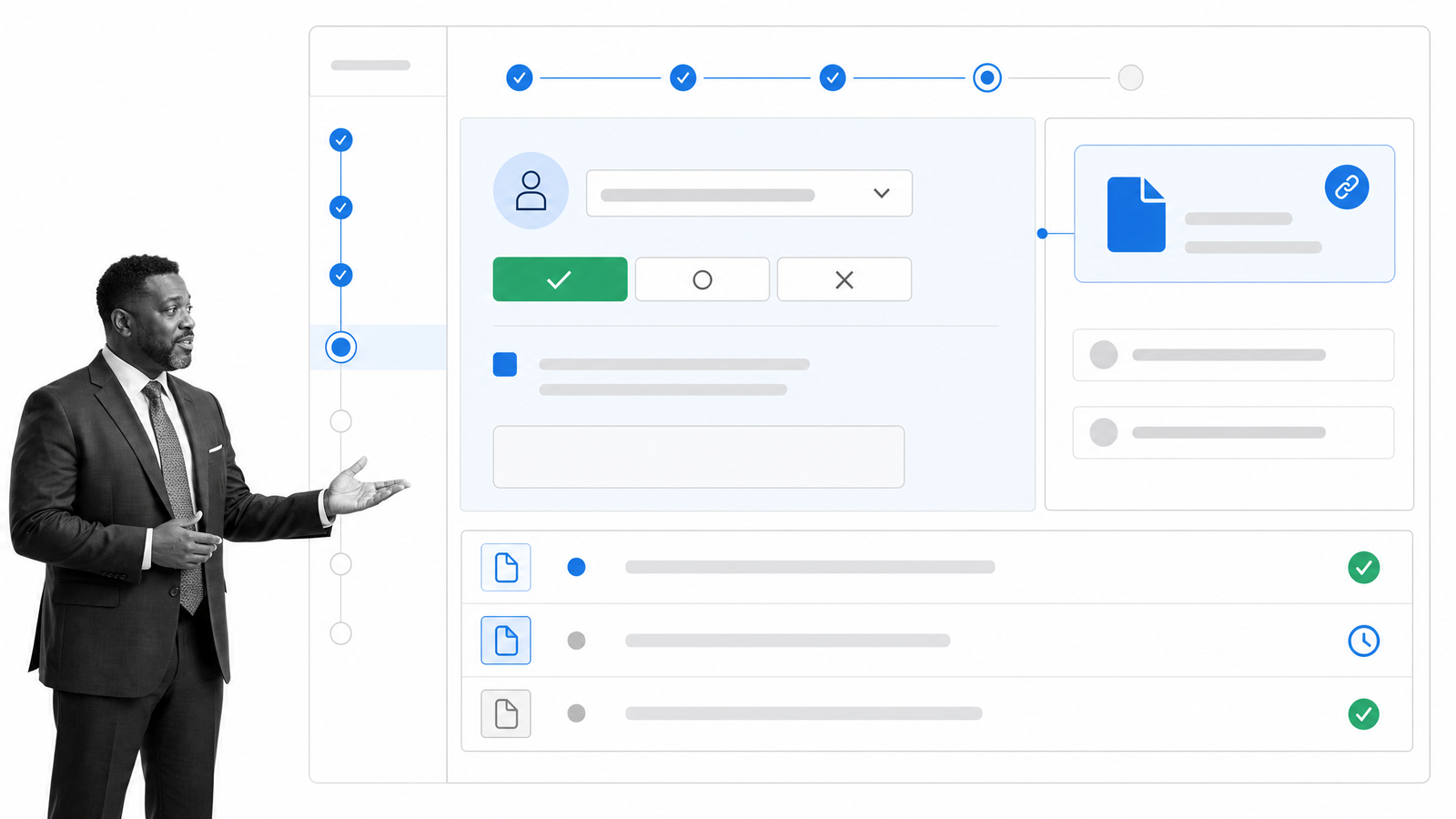
If your problem is broader document management, choose the repository that best fits how people create and find information. If the problem is proving that operational and compliance work happened correctly, connect that knowledge to controlled execution.
Frequently asked questions
Is Confluence an intranet?
Confluence can serve as an intranet, especially for teams that want a collaborative knowledge base, internal updates, and connected project context. Atlassian’s Company Hub adds a more structured company information destination on qualifying plans. Organizations with complex enterprise publishing, document governance, and Microsoft 365 requirements may find SharePoint a more natural intranet foundation.
Is SharePoint a wiki?
SharePoint can support wiki-like knowledge publishing through sites and pages, but it is broader than a team wiki. It also includes document libraries, Lists, communication sites, hub sites, permissions, search, and Microsoft 365 content services. Confluence usually offers the more direct wiki-style experience.
Which is better for documentation, Confluence or SharePoint?
Confluence is often better for collaborative product, technical, and project documentation because spaces, pages, comments, and Jira connections are central to the experience. SharePoint is often better when documentation must live beside Office files, formal metadata, retention rules, and enterprise permissions. The right answer depends on how the documents are created, reviewed, found, and governed.
Can Confluence and SharePoint be used together?
Yes. Some organizations use Confluence for team and project knowledge while SharePoint remains the governed Microsoft 365 intranet and document repository. That arrangement works only when ownership is explicit. Define which system is authoritative for each content type, how links move between them, and where employees should search first.
The post Confluence vs. SharePoint: The Best Intranet Software? first appeared on Process Street | Compliance Operations Platform.


0 Commentaires