Evernote alternatives are focused apps for capturing notes, saving articles, taking screenshots, and managing business documentation. The right replacement depends on the job you need the tool to perform, the platforms you use, your privacy requirements, and whether the work must move from a static document into an executable process.
Evernote is the Swiss army knife of productivity tools. It can handle many kinds of information, but an all-in-one notebook is not always the fastest or clearest option. A focused tool can reduce feature bloat, keep unrelated material out of one bucket, and fit more naturally into the way a person or team already works.
That breadth can include scanning a business card, annotating a presentation, searching notes, clipping websites, storing documents, and sharing material across multiple devices. Those capabilities are useful when they support the natural workflow. They become a pain when a processor-intensive feature, extra navigation, or constant upkeep stands between a quick thought and the place it needs to go.
How to choose an Evernote alternative
Start with the material you capture most often. Notes need fast retrieval and a useful organization model. Saved reading needs a reliable web clipper, tags, highlights, and offline access. Screenshots need a short path from keyboard shortcut to annotation and clipboard. Business documentation needs collaboration, version history, permissions, and, in some cases, a way to run and track the procedure itself.
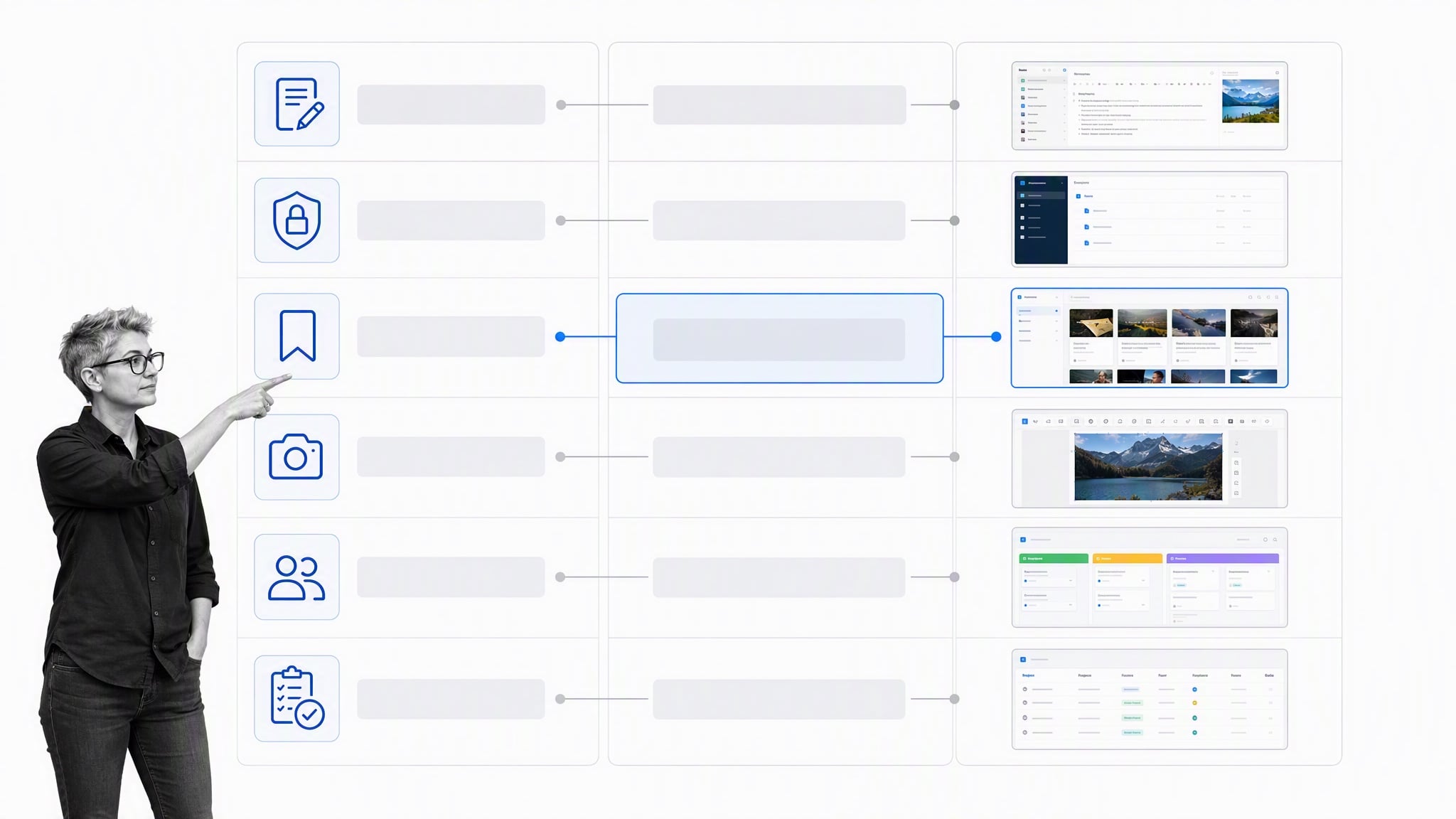
Before migrating, export a small representative set of notebooks in ENEX or another supported format and test the destination. Check attachments, tags, links, tables, handwriting, OCR, and created dates. No import tool carries over every detail, so keep the source export until the new library has been reviewed.
Also test the everyday abilities that make the app convenient: whether it can quickly capture a thought, write Markdown, bookmark websites, add detail inside a nested outline, collaborate without creating extra copies, and search across notes without a long delay. A browser or Chrome extension can also matter when clipping and storing research. Questions about privacy and about notes stored offline should be answered before migration. Compare encryption, password recovery, cloud and self-hosted options, and the amount of maintenance required. If screenshots are the priority, test annotation functions, clipboard behavior, file naming, and whether captures are automatically saved. These details reveal more about an app than a long feature box.
Evernote alternatives for taking notes
At its core, Evernote is an app for taking notes. Sometimes you need a lightweight tool to jot down whatever is on your mind. Other times you need handwriting, local files, end-to-end encryption, Markdown, or links between ideas. These seven options cover those different note-taking workflows.
Bear works best for simple, tag-based notes
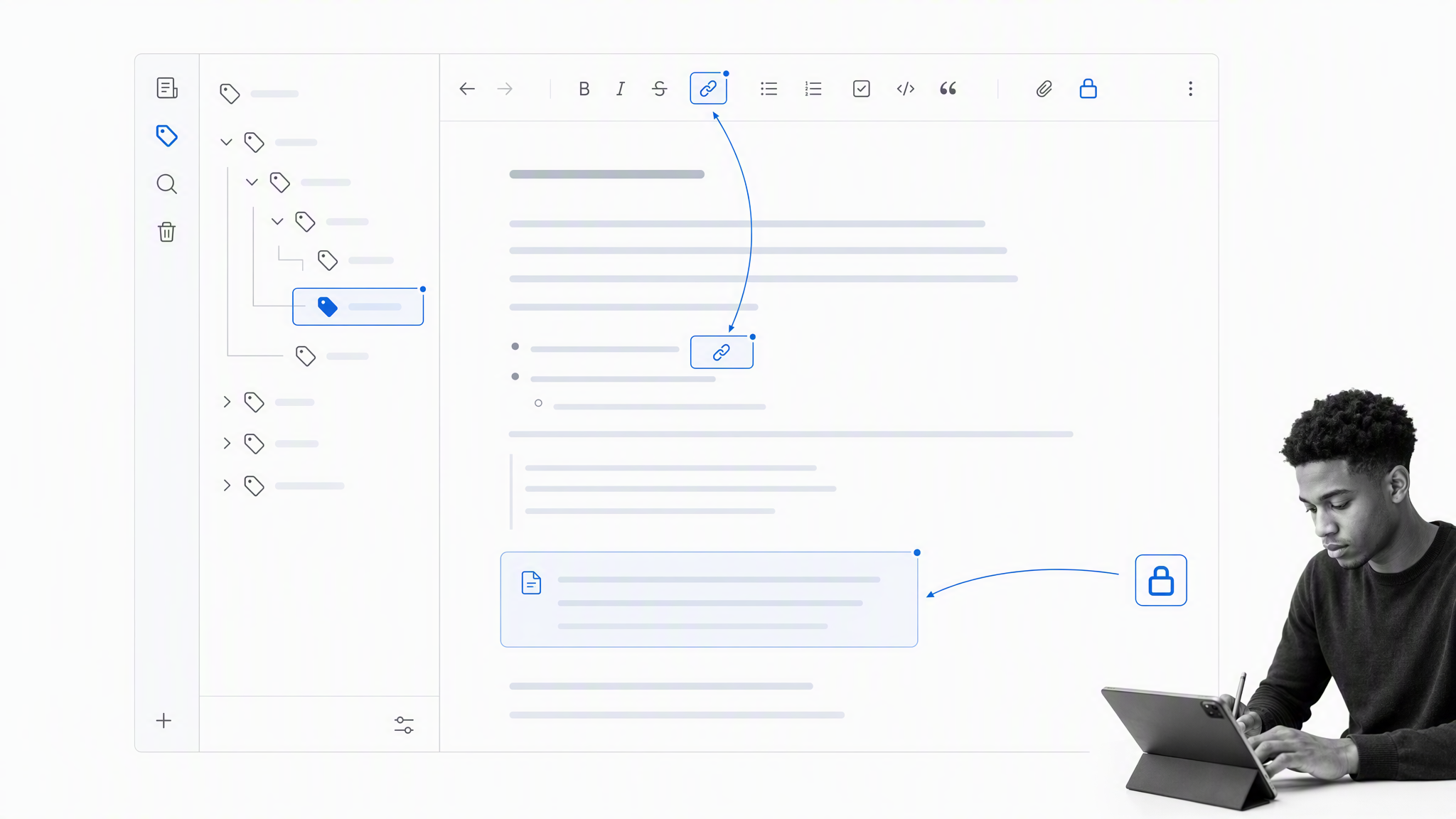
Bear replaces notebooks with nested tags. Put a hashtag such as #personal in a note, or use a slash for a sub-tag such as #personal/shopping. Tags appear as you use them, which helps avoid a collection of nearly empty notebooks and unused labels.
Bear supports Markdown-style formatting and a range of useful search operators. Its beautiful simplicity comes from keeping note creation and organization in the same surface: tags are automatically created when they appear inside a note, and unused tags disappear after the notes that contain them are deleted. This approach also stops a notebook library from filling with extra tags that do nothing but clutter things up. Bear is especially comfortable for people who want a polished writing surface across Apple devices. Its main limitation is platform reach: it is a better fit for an Apple-centered workflow than for a mixed Windows, Android, and Linux environment.
Microsoft OneNote works best for free-form and handwritten notes
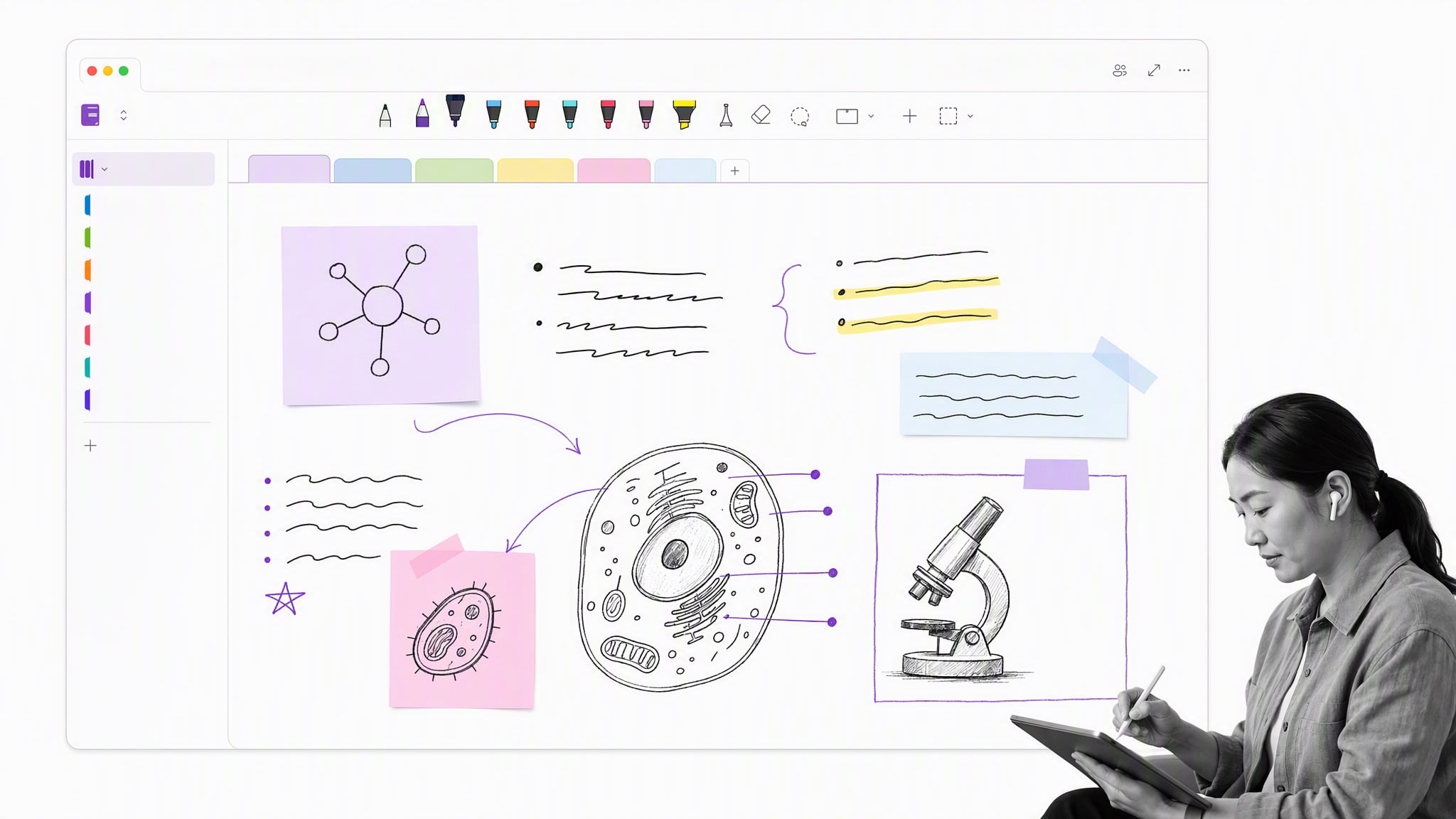
Microsoft OneNote is best understood as a literal digital notebook, with notebooks, sections, pages, and tabs. Its free-form canvas is useful for sketching ideas, positioning note blocks, adding handwritten notes, embedding images, and organizing different sheets together. You can click anywhere on a page, write or draw in that position, then move the material as the idea develops.
OneNote is a strong choice for stylus users, students, and organizations already working in Microsoft 365 because it also integrates with the rest of that ecosystem. For a detailed comparison against Microsoft OneNote, see Evernote vs. OneNote.
Apple Notes works best for Apple users
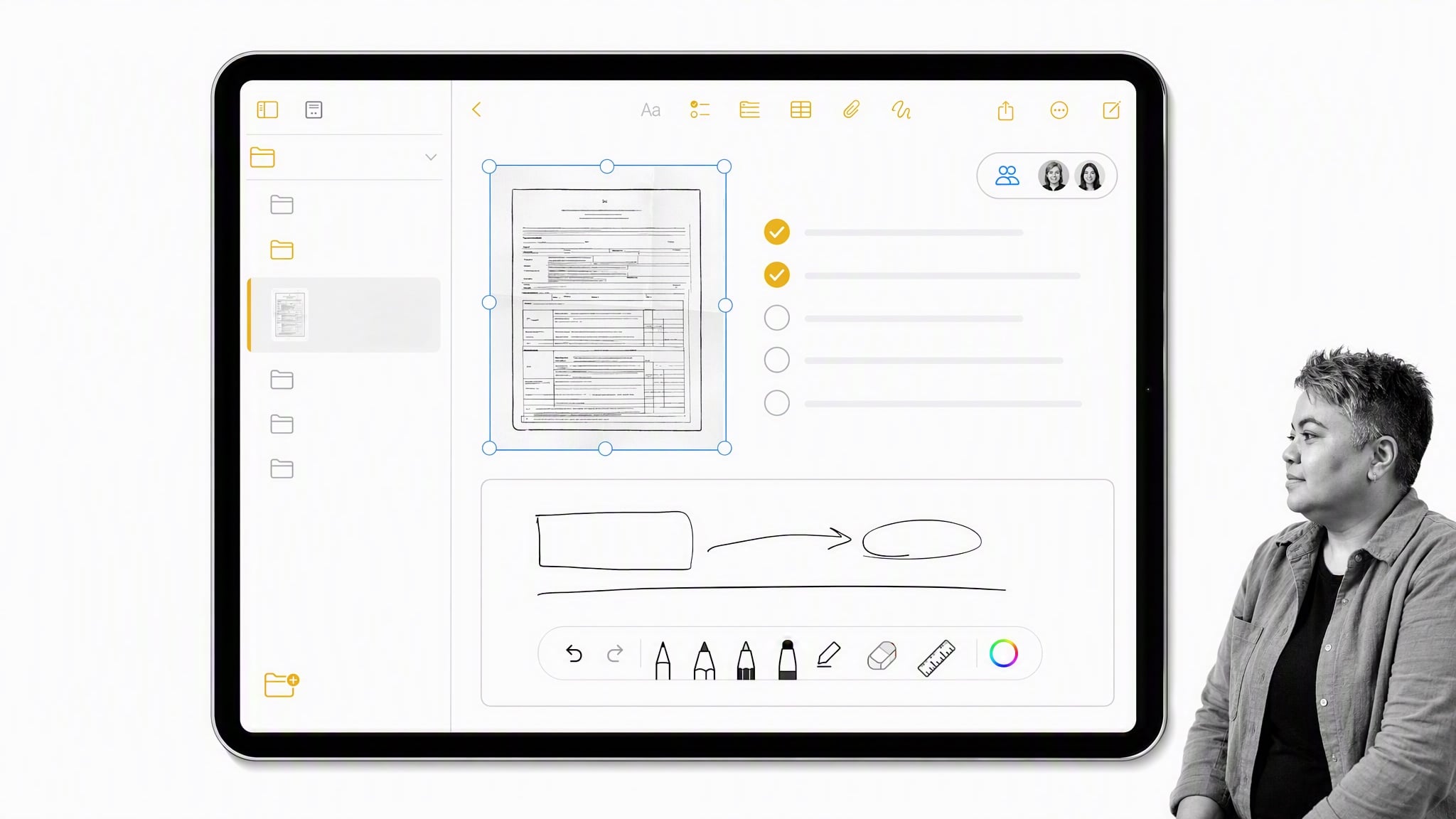
Apple Notes is built into iPhone, iPad, and Mac. It handles text, links, images, scanned documents, checklists, shared notes, and quick capture without requiring another account or a complex setup.
As the default notes app on iPhone and Mac, Apple Notes is among the most widely available note apps in the world, yet it is often overlooked. Its UI and simplicity are the appeal. You can write text notes, add images, add links, scan paper, create a checklist, and apply the usual formatting without managing a separate service. Apple also provides an Evernote import path on Mac, making Notes a practical destination for people whose devices are already inside the Apple ecosystem. Mixed-platform teams should test browser access and collaboration before committing.
WorkFlowy works best for nested lists and outlines
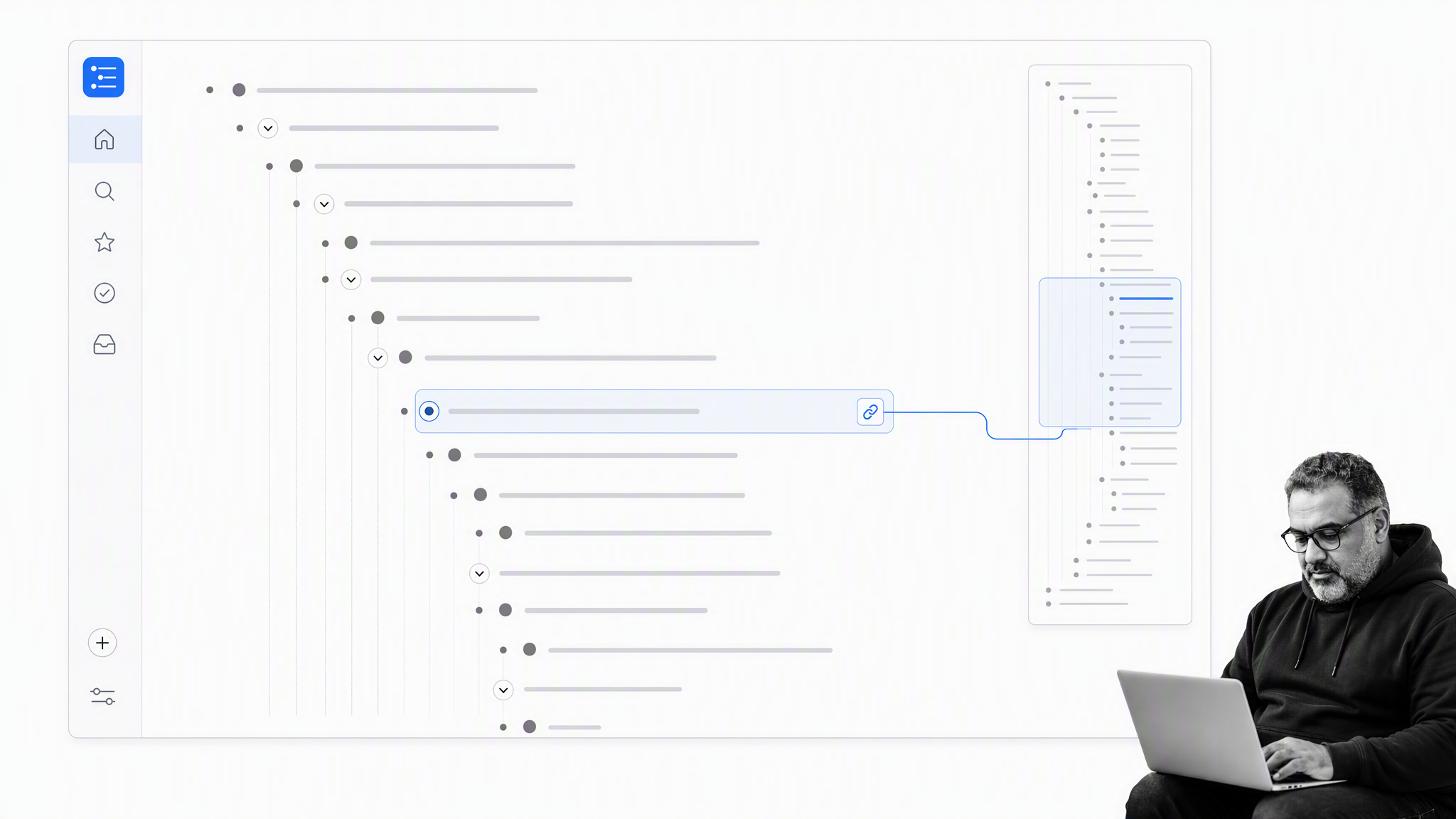
WorkFlowy is one big page of notes. Every line is a bullet point that can be nested, tagged, completed, moved, or shared. Clicking a bullet zooms into it, so a broad project can expand into subprojects and detailed notes without creating a maze of separate notebooks.
That structure works particularly well for meeting notes, research outlines, audio transcripts, and breaking big blocks of text into their key points, complete with tags. You can zoom in forever, adding as many sub-points as the outline needs, then zoom back out to see the larger structure. The guide to taking better notes shows how an outline-first approach can make information easier to revisit.
Standard Notes works best for encrypted notes

Standard Notes centers its product around end-to-end encrypted notes and long-term data access. It offers apps across major desktop and mobile platforms and supports plain text as a durable default.
Choose it when privacy and a minimal writing surface matter more than elaborate visual organization. Review the current plan details for advanced editors, attachments, history, and other features before moving a large Evernote library.
Obsidian works best for local linked notes
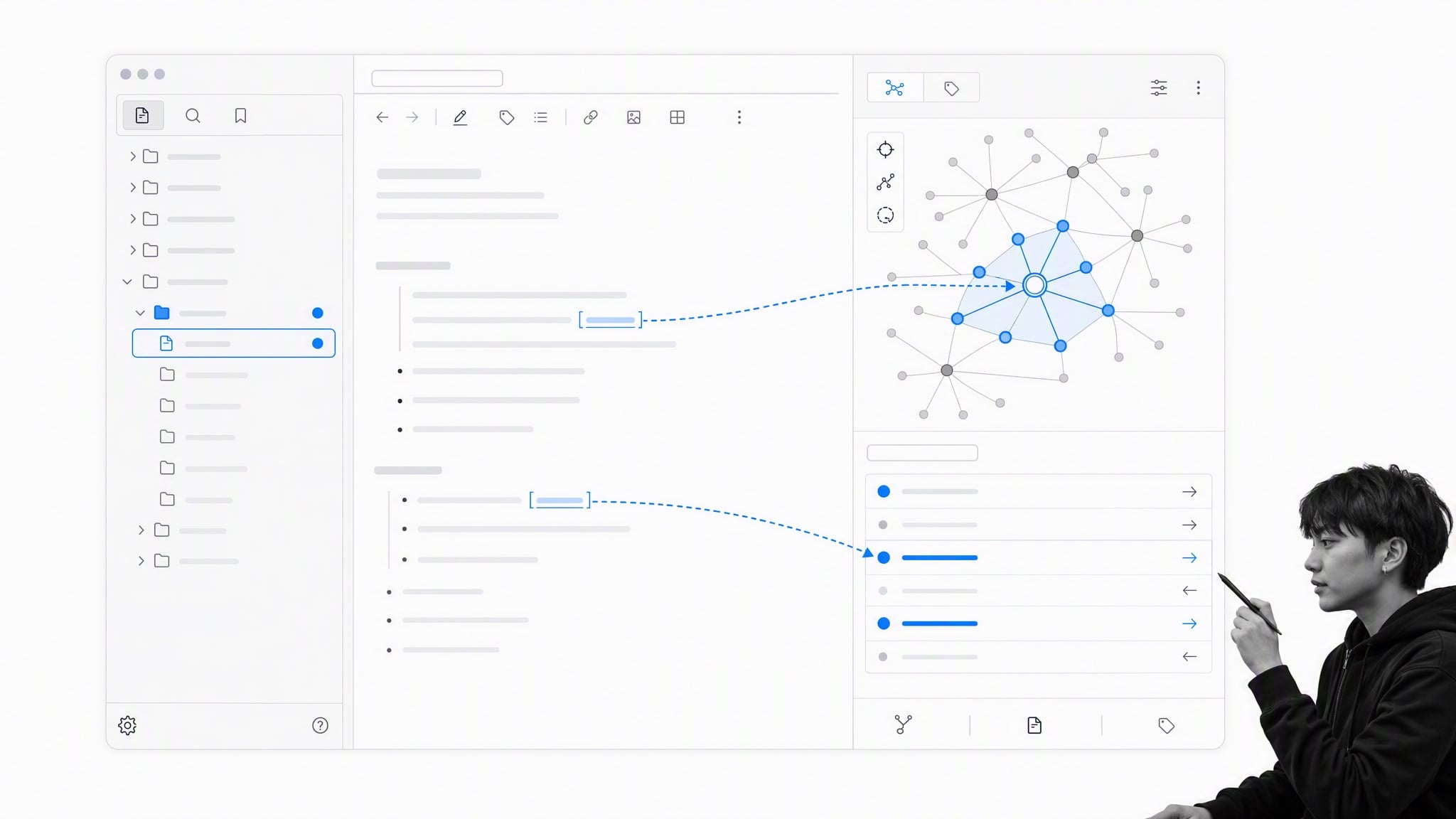
Obsidian stores notes as local Markdown files and connects them with links, backlinks, and graph views. That makes it useful for a personal knowledge base where ideas should accumulate and relate over time.
Local files reduce dependence on a proprietary cloud database, while optional sync and a large plugin ecosystem add flexibility. The tradeoff is setup: Obsidian rewards people who are willing to design a system, whereas a simpler notes app imposes fewer decisions.
Joplin works best for open-source note-taking
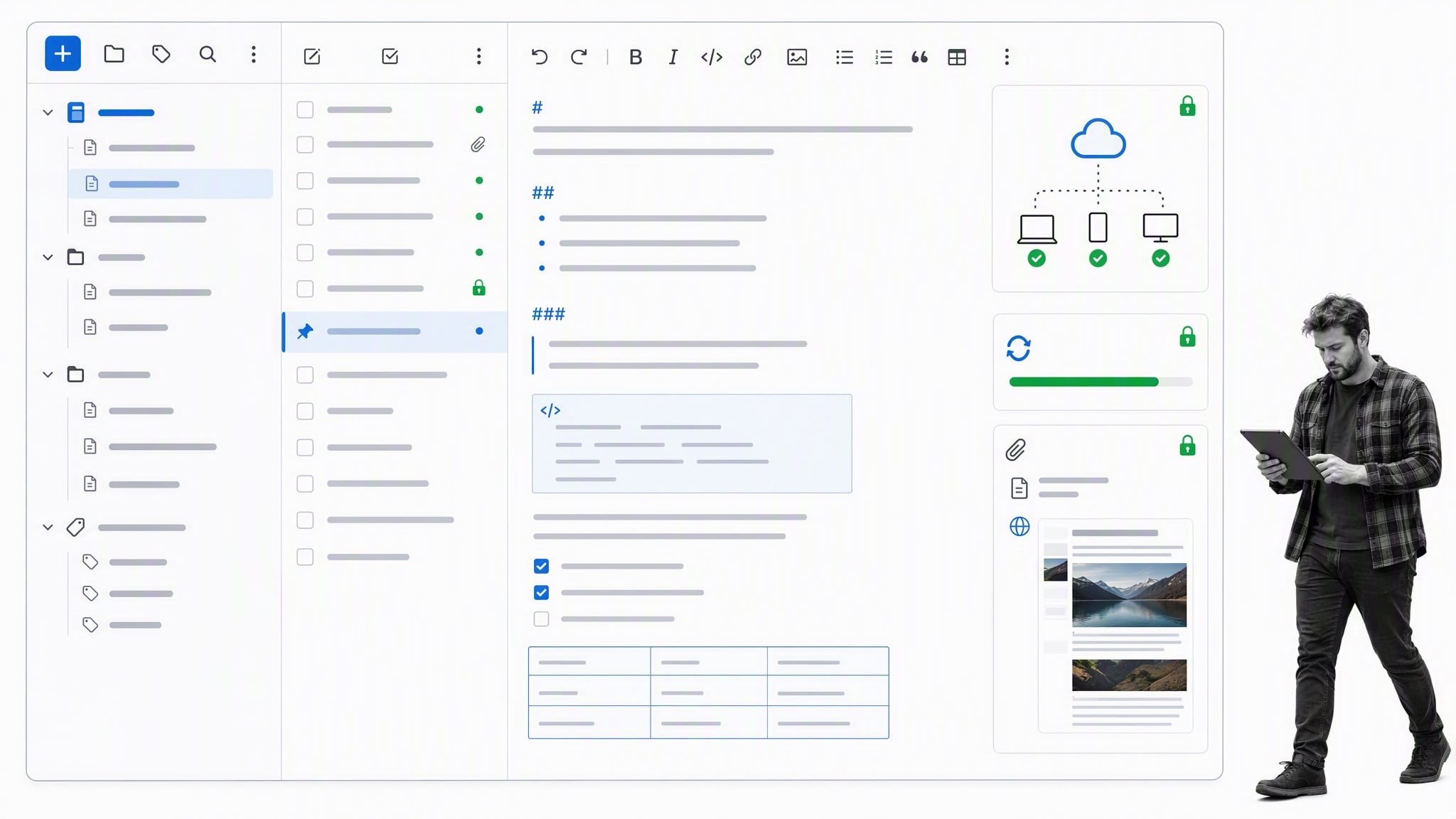
Joplin is an open-source notebook and to-do application with Markdown, attachments, synchronization options, and a web clipper. It is one of the closest choices for people who want an Evernote-style notebook structure without relying on a closed source application.
Joplin can import Evernote ENEX files, but a test migration is still essential. Check nested organization, tags, rich formatting, and attachments before moving the full archive.
Evernote alternatives for bookmarking
A note-taking app often becomes a place to remember something for later: quotes, articles, images, and links. Dedicated read-later and bookmarking tools keep that material away from active notes while adding better discovery, highlighting, or self-hosting options.
Raindrop.io works best for visual bookmark organization

Raindrop.io saves webpages, articles, images, and other links into collections with tags and search. Its visual library is useful when the saved item itself, not only the article text, helps you recognize what you need.
It is a good replacement for an Evernote web-clipping habit when the goal is to build an organized reference library. Test full-text search, permanent copies, collaboration, and browser support against the plan you intend to use.
Instapaper works best for distraction-free reading

Instapaper turns saved webpages into a clean reading queue with highlights, notes, folders, and offline access. It suits people who save articles to read, annotate, and revisit rather than archive the original page design.
A dedicated queue also reduces notebook clutter. You can save and organize entire webpages, add highlights, apply folders or tags, and sync reading to a phone for offline access. Saving an article becomes part of a reading workflow, while permanent project notes can remain in the app designed for writing and retrieval. That is often more useful than pasting webpages into Evernote and tagging them there.
Wallabag works best for self-hosted read later
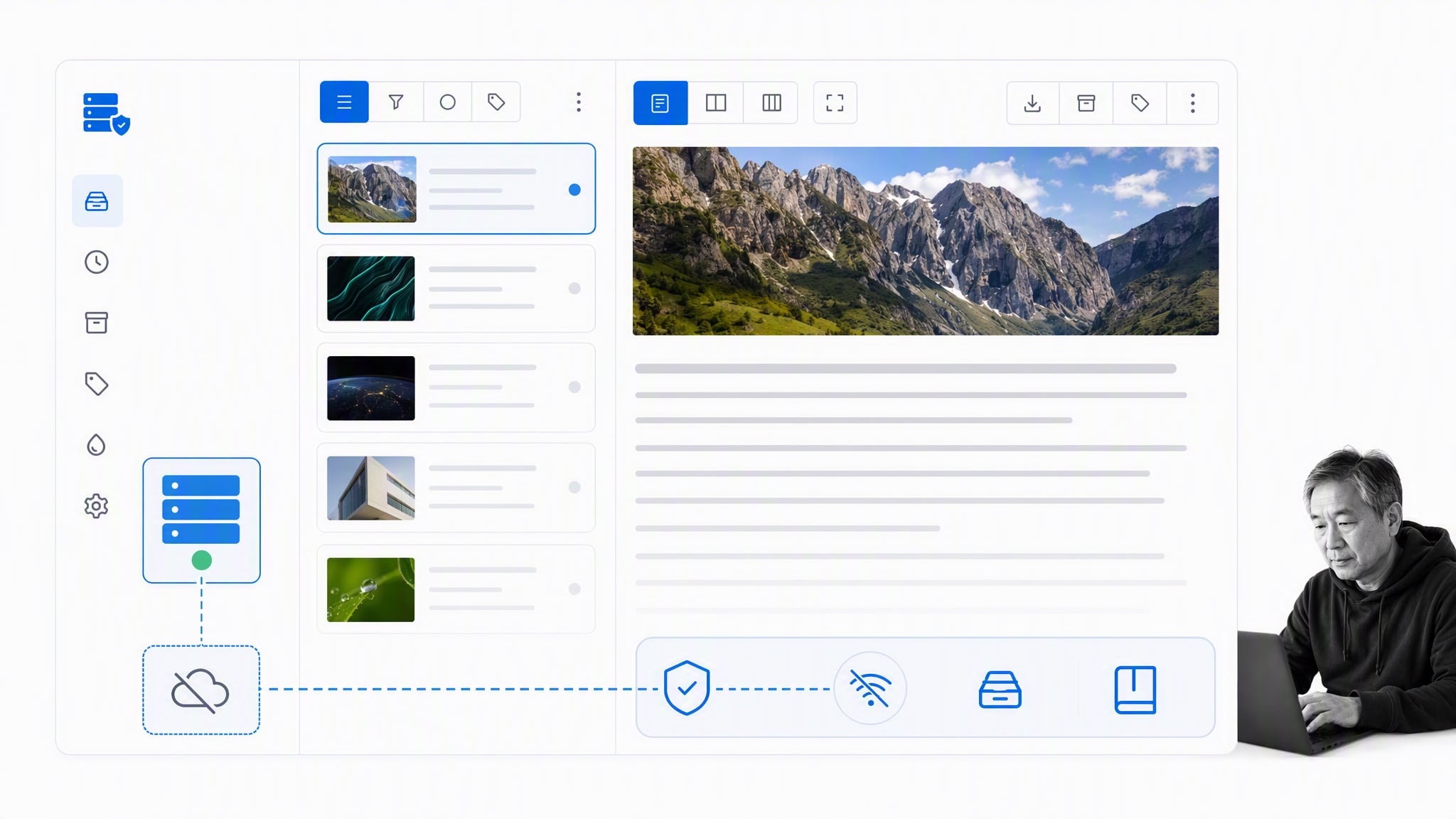
Wallabag is an open-source read-later application that can be used through a hosted service or installed on infrastructure you control. It extracts article content for focused reading and supports tags, highlights, and offline access.
It is a strong option for technically comfortable users who want more control over saved reading data. Self-hosting also creates maintenance responsibility, so include updates, backups, and availability in the decision.
Evernote alternatives for screenshots
A screenshot workflow should be short: use a keyboard shortcut, select the region, annotate if necessary, then copy, save, or share it. Storing every capture in a general notebook adds extra steps when the image usually needs to move directly into a message, document, bug report, or procedure.
Search and tagging are not important for every temporary capture. Most of the time, the useful abilities are grabbing all or part of the screen, adding an arrow or blur, copying the image, and pasting it wherever it needs to go. A direct link can help with fast sharing, but a durable document should not depend on an anonymous hosted image that might disappear.
CleanShot X works best for polished Mac captures

CleanShot X provides screen capture, scrolling capture, annotation, recording, and fast sharing for Mac. It is designed for people who create polished screenshots often and want the capture controls close to the clipboard and sharing workflow.
It can replace the long pattern of hitting a shortcut, selecting a shot, saving a note, opening Evernote, copying the image, and pasting it to the final destination. A faster flow grabs the screenshot, adds annotation if needed, automatically saves it to the hard drive or cloud, and copies it to the clipboard. Teams should still decide where long-lived captures belong so temporary sharing links do not become the only record.
ShareX works best for configurable Windows capture workflows
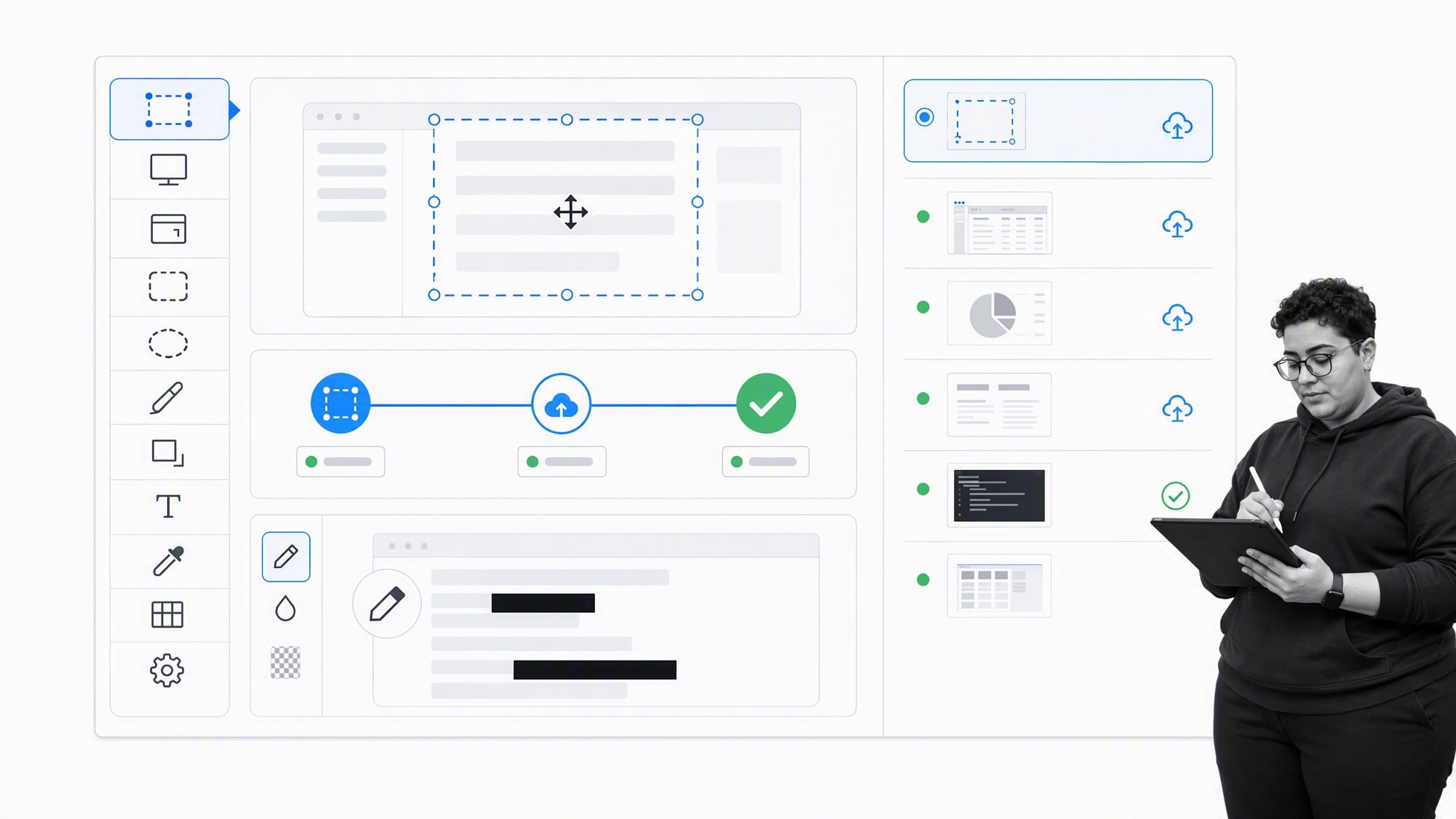
ShareX is a free, open-source Windows tool for captures, annotation, recording, and configurable after-capture actions. It can copy an image, save a file, run a workflow, or send the result to a chosen destination.
That flexibility is valuable for power users who repeat the same capture sequence. The number of options can feel imposing, so start with a small workflow and add automation only where it removes a real step.
Flameshot works best for lightweight cross-platform annotation

Flameshot is a free, open-source screenshot tool for Linux, Windows, and macOS. After selecting a region, you can add arrows, shapes, blur, or text, then copy or save the result.
It is a practical fit when fast annotation matters but a large capture suite does not. Its local-first workflow also avoids turning a temporary screenshot into another item that must be organized inside a general note library.
Evernote alternatives for business documentation
Evernote can hold business plans, project proposals, procedures, and reference documents, just as any app with a text area can. The important distinction is whether the document only needs collaborative editing or must also govern recurring work, assignments, approvals, evidence, and process adherence.
Process Street works best for documenting and running processes

Process Street is a Compliance Operations Platform. It is one product with Docs and Ops capability areas plus built-in AI. Teams use Docs to create governed policies, procedures, and operational knowledge, then use Ops to run repeatable workflows with owners, due dates, approvals, evidence, and an audit trail.
Built-in AI can help teams find knowledge, work with documents, and complete controlled operational tasks inside that system. This is different from storing a static procedure in a notebook or an application with a basic text area. A document explains the approved way to work, while an executable process shows who must do what next, tracks progress, and records whether it happened. That distinction matters because most companies eventually face a problem with process adherence when a procedure is separated from the work it governs. See the guide to what process documentation is for the broader category.
Google Docs works best for collaborative documents
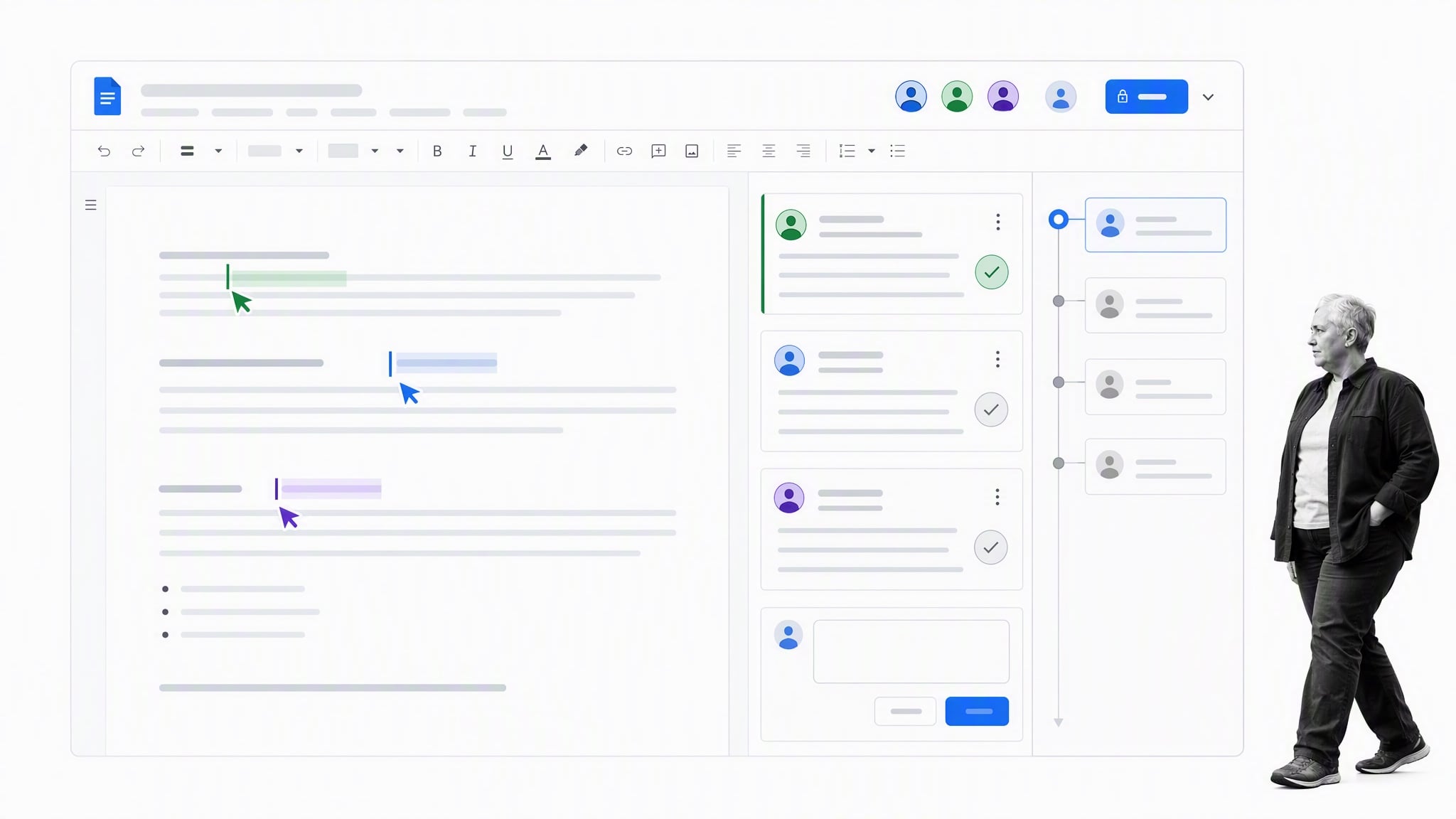
Google Docs offers cloud capabilities, real-time collaboration, comments, suggestions, version tracking, sharing controls, and integration with Google Drive. Contributors can collaboratively edit a document, see recent comments, highlights, and edits, and recover earlier versions without hunting down activity logs. It is a strong replacement when the main need is to draft and review plans, proposals, or final versions of business documents with other contributors.
That kind of collaborative editing fits content marketers, technical writers, consultants, and anyone who needs to track changes and communicate inside a document. Google Docs also has a large range of extensions, integrations, and time-saving shortcuts. The advantage is not simply moving a local file to the cloud. It is giving contributors one current version instead of asking them to reconcile copies.
Cloud collaboration also ends the maze of filenames such as DOC_V1_FINAL and DOC_V2_REALLY_REALLY_FINAL. It does not, by itself, turn an approved procedure into a tracked workflow, so separate document collaboration from process execution when evaluating the fit.
Which Evernote alternative will you choose?
The most useful Evernote replacement may be a combination of focused tools instead of another all-in-one application. A dedicated notes app, read-later service, and screenshot tool can separate different areas of work so they do not require constant organization and upkeep.
What happened to several familiar Evernote alternatives?
Some applications that once covered Evernote’s notes, bookmarking, screenshots, and documents are no longer dependable general recommendations. Pocket shut down its read-later service in 2025. TechSmith retired Jing and moved its screenshot customers toward Snagit. The former Lumio highlighting domain now serves unrelated material. Snip remains tied to obsolete Mac requirements, and Turtl is no longer a practical mainstream privacy choice.
Other tools have simply narrowed their role. Dropbox Paper now runs on the web after its native desktop and mobile apps were discontinued. Quip remains oriented around Salesforce collaboration. Liner still offers web and PDF highlighting, but a broader bookmark library or read-later service usually creates less clutter for people who save entire webpages, quotes, articles, images, and links.
The underlying workflow lesson remains useful. Saving and tagging inside a dedicated bookmarking app can be more natural than pasting every page into Evernote and tagging it there. A screenshot application should let you hit a keyboard shortcut, select a shot, annotate it, copy it to the clipboard, and paste it into the final destination. A business document needs real-time collaboration and version tracking, while a recurring procedure also needs owners, progress tracking, and process adherence.
Choose the smallest set that covers your real capture habits. Confirm platform support, privacy, collaboration, export, and import behavior, then migrate a test notebook before moving the full archive.
Evernote alternatives FAQs
What is the best overall Evernote alternative?
There is no universal replacement because Evernote covers several jobs. OneNote fits free-form notebooks, Apple Notes fits Apple users, Joplin fits open-source notebook workflows, Raindrop.io fits bookmarks, and Process Street fits governed business processes.
What is the best free Evernote alternative?
OneNote, Apple Notes, Joplin, Obsidian, ShareX, Flameshot, and Wallabag all offer useful free or open-source paths, but limits and hosted-service costs vary. Check current plan details and the platforms you need before migrating.
Which Evernote alternatives are open source?
Joplin and Obsidian alternatives differ here: Joplin, Wallabag, ShareX, and Flameshot are open source, while Obsidian stores notes in open local Markdown files but the application itself is not open source.
How do you migrate notes from Evernote?
Export a representative notebook from Evernote, import it into the target app, and inspect formatting, tags, attachments, internal links, dates, handwriting, and OCR. Keep the source export until the complete library and a recovery copy have been verified.
The post The 15 Most Useful Evernote Alternatives for Notes, Screenshots and Documents first appeared on Process Street | Compliance Operations Platform.


0 Commentaires