
Nintex alternatives are workflow, process-mapping, integration, documentation, and low-code platforms that replace the part of Nintex a team actually uses. The right choice depends on whether you need recurring operational workflows, SharePoint automation, process mapping, app-to-app automation, procedure documentation, request management, or complex enterprise orchestration.
Nintex is a broad workflow automation platform with forms, approvals, document generation, robotic process automation, process intelligence, and enterprise workflow orchestration. That breadth is useful, but it can be more platform than many teams need.
The strongest replacement is rarely a one-for-one clone. Most teams get better results by matching each workflow to its actual job, then choosing the simplest platform that can govern the work and preserve the evidence it creates.
Below are eight current Nintex competitors and alternatives, with candid notes on where each one fits and where a narrower or heavier platform makes more sense.
Nintex alternatives at a glance
| Alternative | Best for | Core strength | Important limitation |
|---|---|---|---|
| Process Street | Recurring governed workflows | Procedures connected to owners, approvals, evidence, and execution | Not a custom enterprise app-development suite |
| Lucidchart | Process mapping before automation | Swimlanes, diagrams, and future-state process design | Maps work but does not run governed workflows |
| Zapier | App-to-app automation | Event-driven triggers, actions, filters, and paths | Best around a workflow system, not instead of one |
| Kissflow | Business-led low-code apps | Forms, approvals, cases, and internal process apps | Needs design and governance standards |
| SweetProcess | Lightweight SOP documentation | Procedures, policies, knowledge, and recurring tasks | Narrower than enterprise orchestration |
| Appian | Complex enterprise process automation | Process orchestration, low-code apps, RPA, AI, and human review | Heavier implementation and ownership model |
| Microsoft Power Automate | Microsoft 365 workflow estates | Cloud flows, desktop actions, approvals, and Microsoft ecosystem depth | Licensing and environment governance can be complex |
| Pipefy | Request intake and shared services | Forms, queues, routing, SLAs, and operational pipelines | Less broad than an all-in-one BPM and RPA estate |
Process Street: Governed recurring workflows
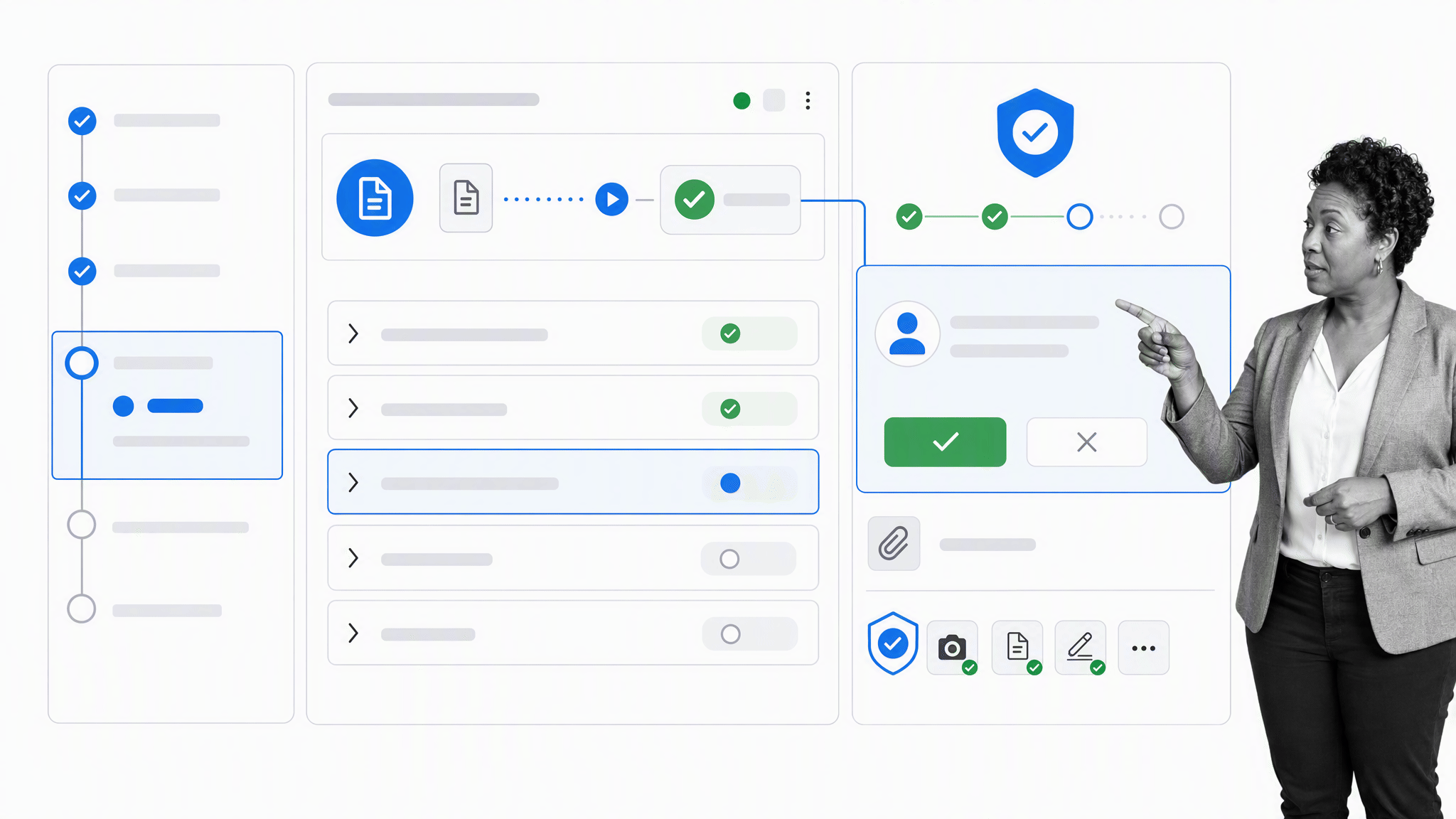
Process Street is a single Compliance Operations Platform with Docs and Ops capability areas plus built-in AI. Docs supports governed policies, procedures, and operational knowledge. Ops turns those instructions into recurring workflows with owners, due dates, approvals, evidence, exception handling, and a record of what happened.
That makes Process Street a strong Nintex alternative when the real problem is getting people to follow the right process across departments, not building a custom enterprise application. Teams can document a procedure, run it as a workflow, collect structured data, route approvals, and keep the execution record connected to the governing instructions.
Process Street has direct, universal integrations to 5,000+ systems. Need a new one? An AI agent builds it on the fly. Zapier and other supported partners can still handle additional app-to-app triggers and actions around the governed workflow.
It is especially useful for vendor reviews, employee onboarding, finance approvals, security checks, client implementation, quality control, and recurring audits. Instead of burying the process in email threads or one-off forms, teams can see who did what, when, under which approval, and with which evidence.
If the current Nintex estate depends on deep custom SharePoint logic or specialized enterprise app development, a heavier platform may still be required for that layer. For recurring operational work, Process Street gives operators a faster way to launch, improve, and govern workflows without making every change an IT project.
For a broader category view, compare these workflow management tools.
Lucidchart: Process mapping before automation
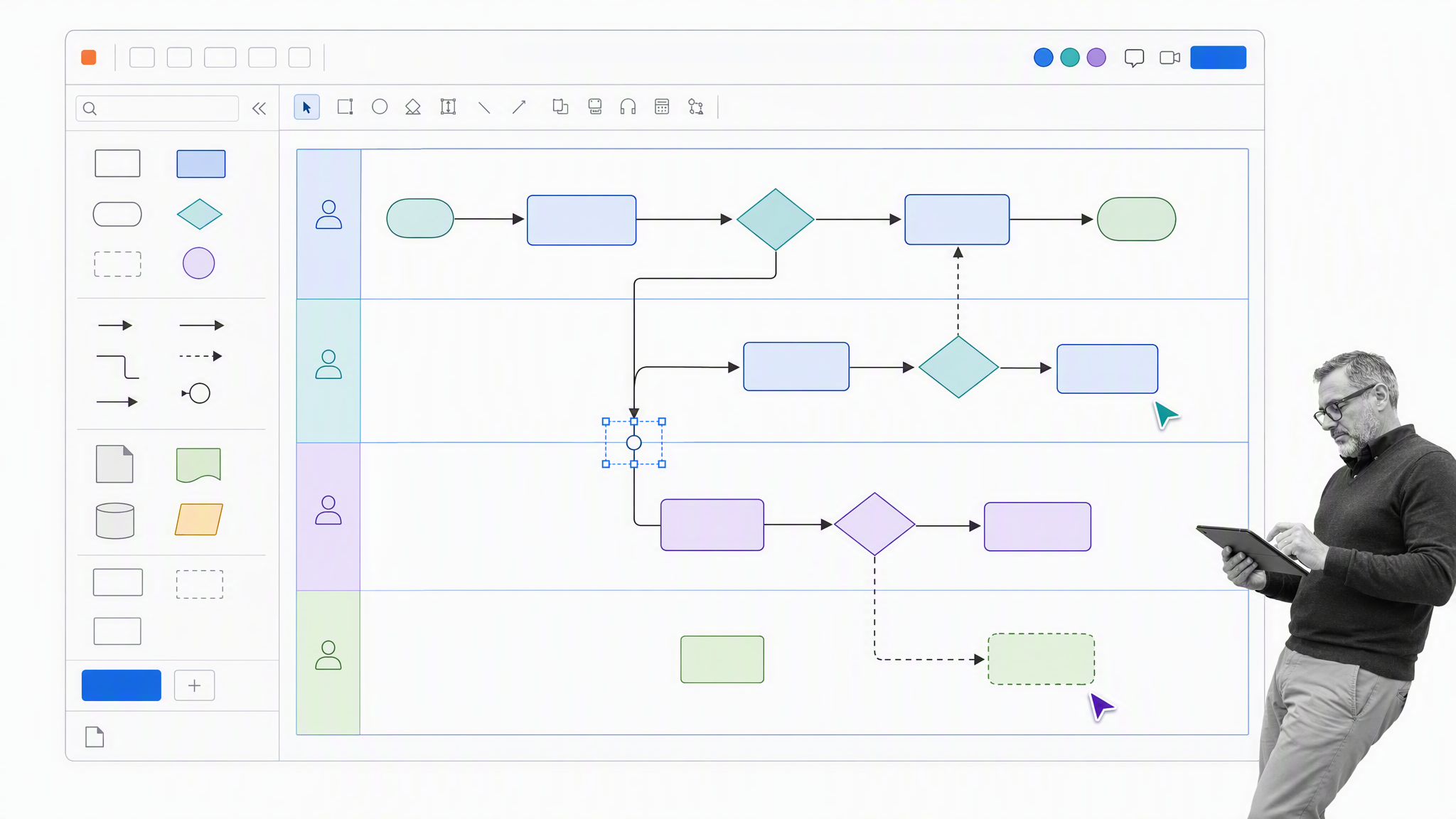
Lucidchart is not a full Nintex replacement. It is a visual process mapping tool, and that makes it useful before you automate anything. Teams can map a workflow, identify bottlenecks, agree on the future-state process, and then decide which parts should be automated.
This matters because many workflow automation projects fail before the software is even configured. The team automates an unclear process, then spends months arguing over exceptions. Lucidchart helps teams make the process visible first, which is valuable whether the automation layer ends up being Process Street, Power Automate, Zapier, or another workflow platform.
Lucidchart is best for teams that need swimlanes, flowcharts, handoff diagrams, and system maps. Its templates and collaboration features are useful for workshops and documentation, but it should be paired with an execution tool if you need task assignment, audit trails, conditional logic, or approval records.
Zapier: App-to-app automation
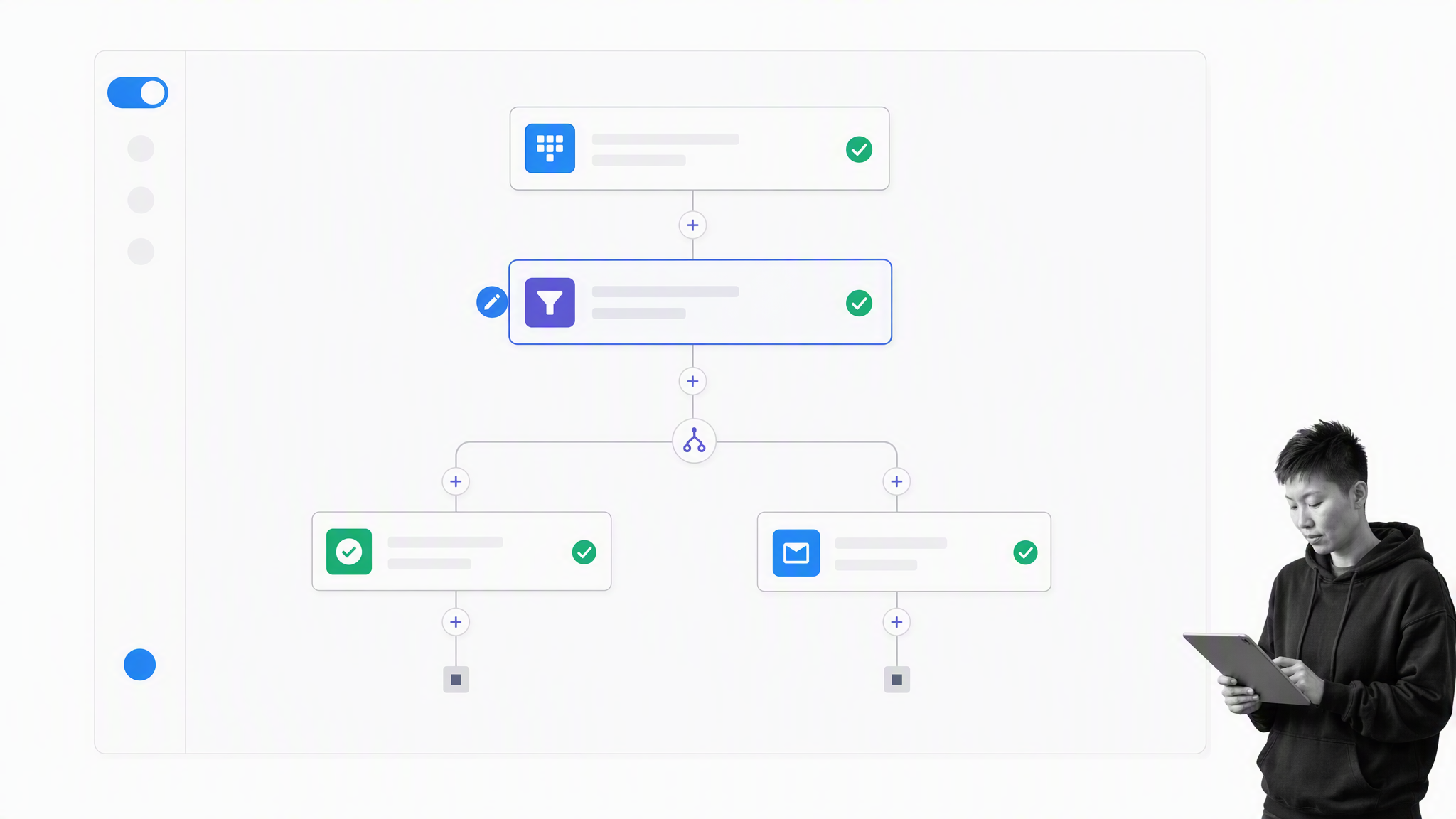
Zapier is a practical option when the Nintex use case is mostly app-to-app automation. It connects thousands of apps, so teams can move data between tools, trigger notifications, create tasks, update records, and reduce manual handoffs without building a custom integration from scratch.
Zapier is strongest when the workflow is event-driven: a form is submitted, a deal changes stage, a file lands in a folder, or a support ticket meets a condition. For those cases, a Zap can be much faster than configuring a full BPM platform.
It is weaker when the process requires a governed human workflow with recurring tasks, evidence, role-based approvals, or a complete operational history. In that case, Zapier works better as the automation layer around a workflow system. For example, Process Street’s Zapier integration can connect workflow runs to the rest of a team’s software stack.
Kissflow: Business-led low-code workflows
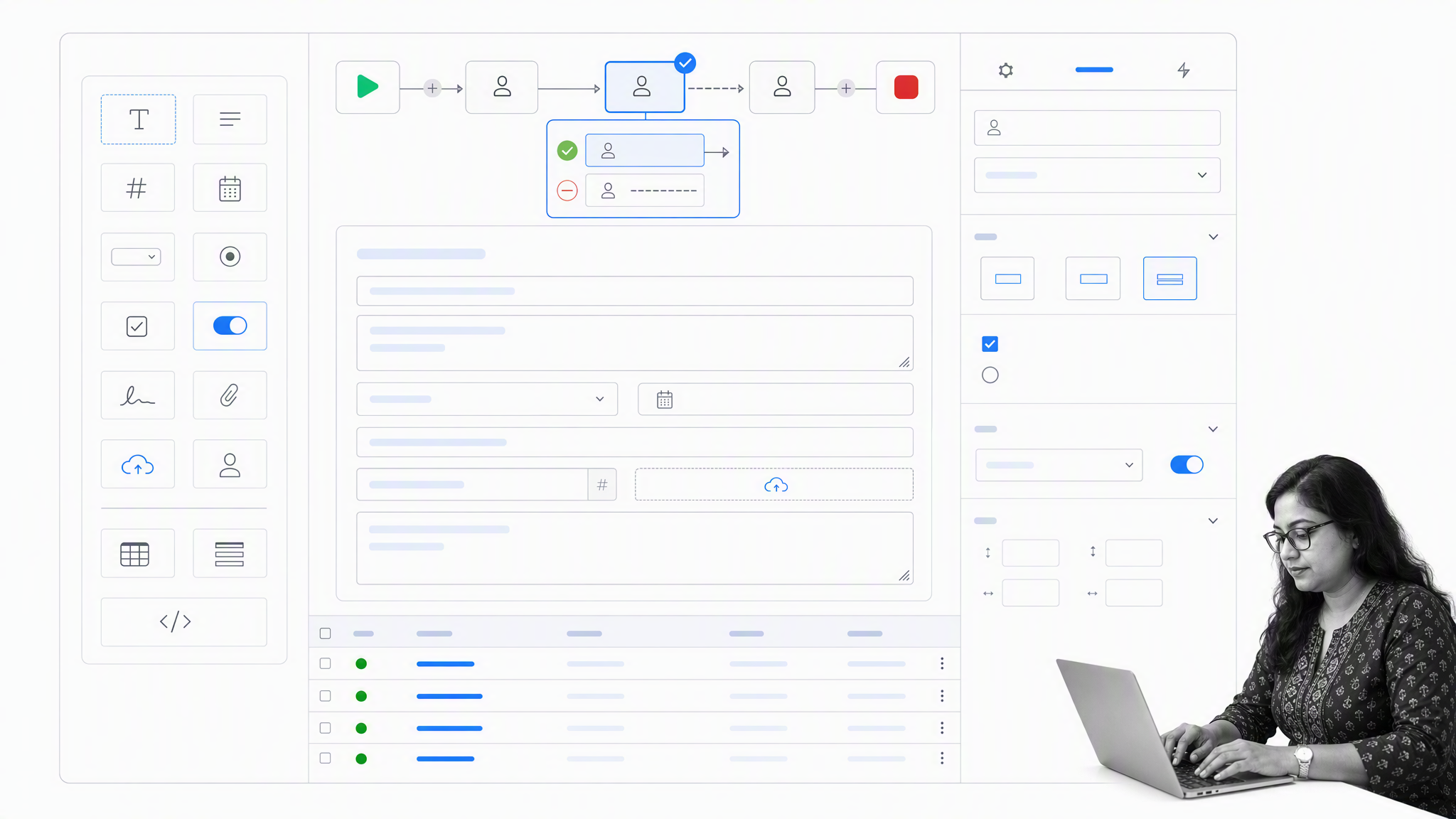
Kissflow is closer to Nintex than most lightweight tools on this list. It is a low-code workflow and app-building platform for teams that want business users to create forms, approvals, dashboards, and process apps without waiting on a traditional development backlog.
Kissflow fits purchase requests, employee services, IT requests, vendor onboarding, and other structured internal workflows. It gives teams more process-control depth than a simple checklist or Kanban board, while still aiming to be approachable for non-technical operators.
The tradeoff is that low-code platforms still require governance. If every team builds its own apps with different data structures and approval rules, the organization can recreate the same sprawl it was trying to escape. Kissflow works best when there is a clear owner for workflow design, naming, permissions, and reporting.
SweetProcess: Lightweight procedure documentation
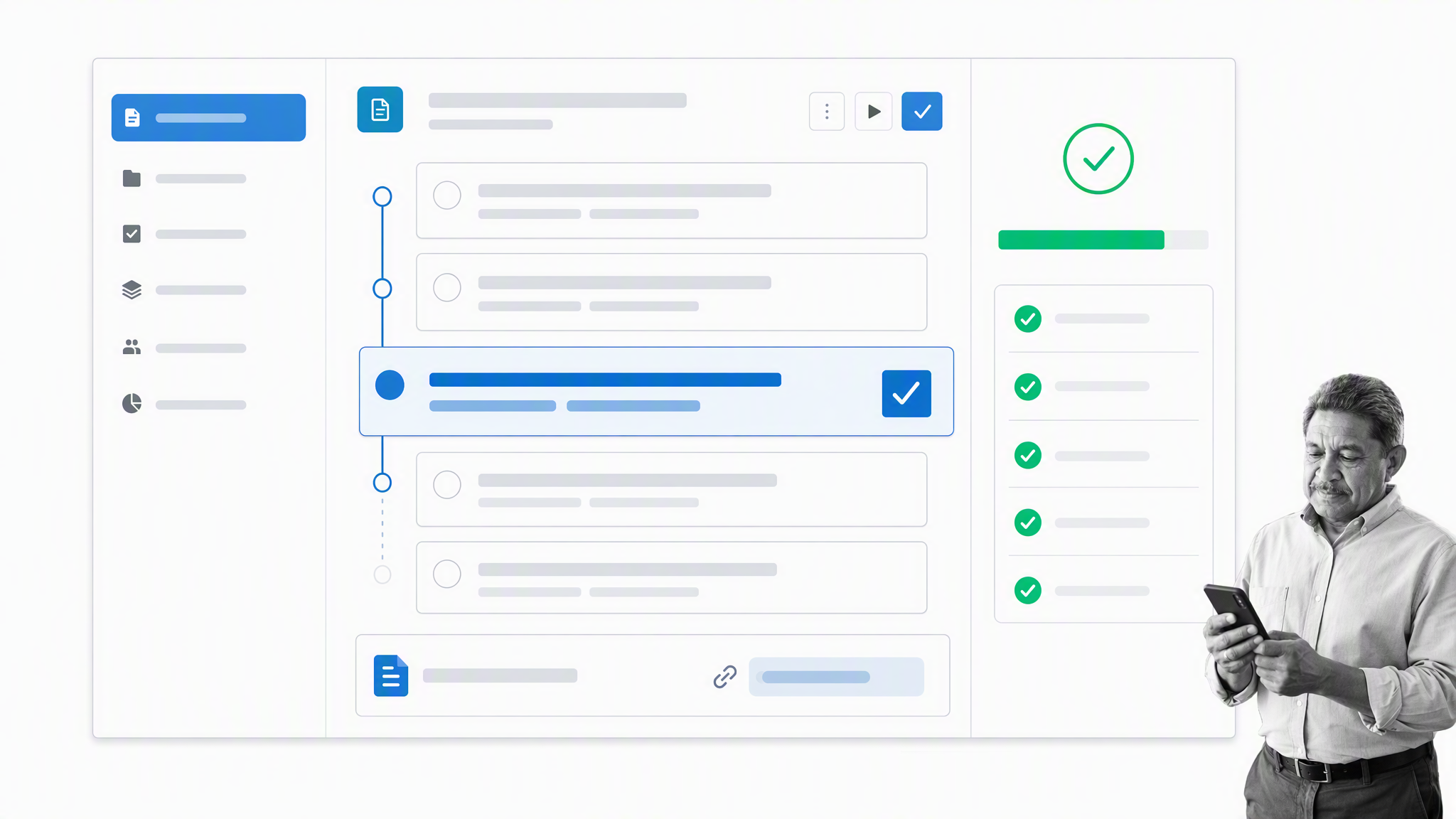
SweetProcess is for teams that need procedures, policies, and basic process documentation more than they need a full workflow automation suite. It helps teams write down how work should be done, assign procedure-related tasks, and keep operational knowledge in one place.
That makes SweetProcess useful for small businesses and teams moving away from scattered Google Docs, PDFs, or tribal knowledge. It can help with SOPs, onboarding material, recurring checklists, and policy documentation.
As a Nintex alternative, SweetProcess is a narrower fit. It does not aim to replace enterprise workflow orchestration, complex forms, or deep BPM logic. It is better when the pain is inconsistent documentation and informal procedures, not a need for advanced automation architecture.
Appian: Complex enterprise process orchestration
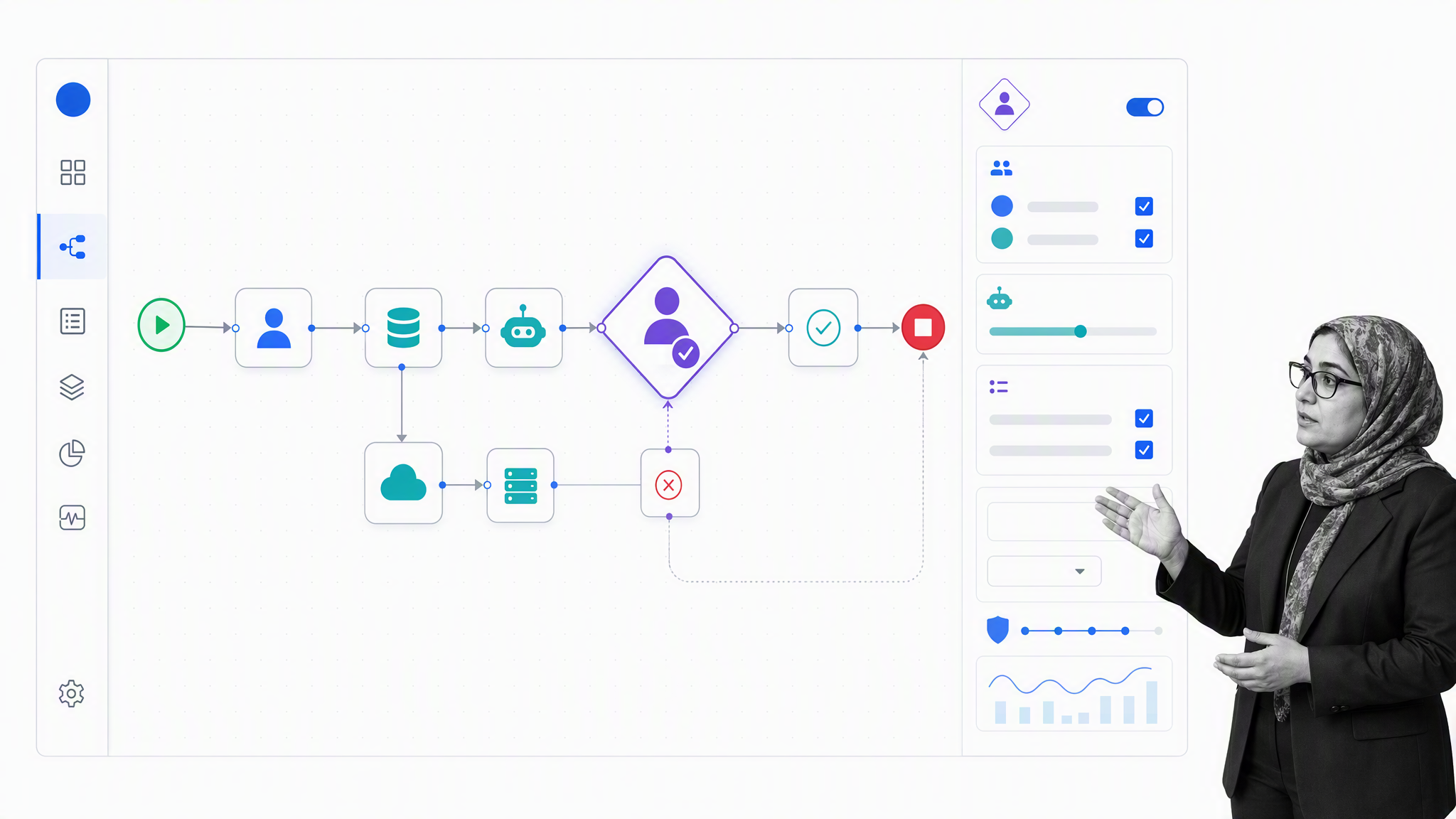
Appian is a direct Nintex competitor for enterprises that need low-code application development and end-to-end process automation in one governed platform. It brings together process orchestration, case management, robotic process automation, AI, data access, and integrations.
Appian fits complex work that spans people, business rules, systems, bots, and human review. That makes it a stronger replacement than a lightweight board when the existing Nintex estate includes custom process apps, exception-heavy case work, or enterprise automation that must cross many systems.
The tradeoff is ownership and implementation weight. Teams should assess architecture, data governance, release management, specialist skills, and long-term administration before treating a low-code platform as a quick departmental tool.
Microsoft Power Automate: Microsoft ecosystem workflows
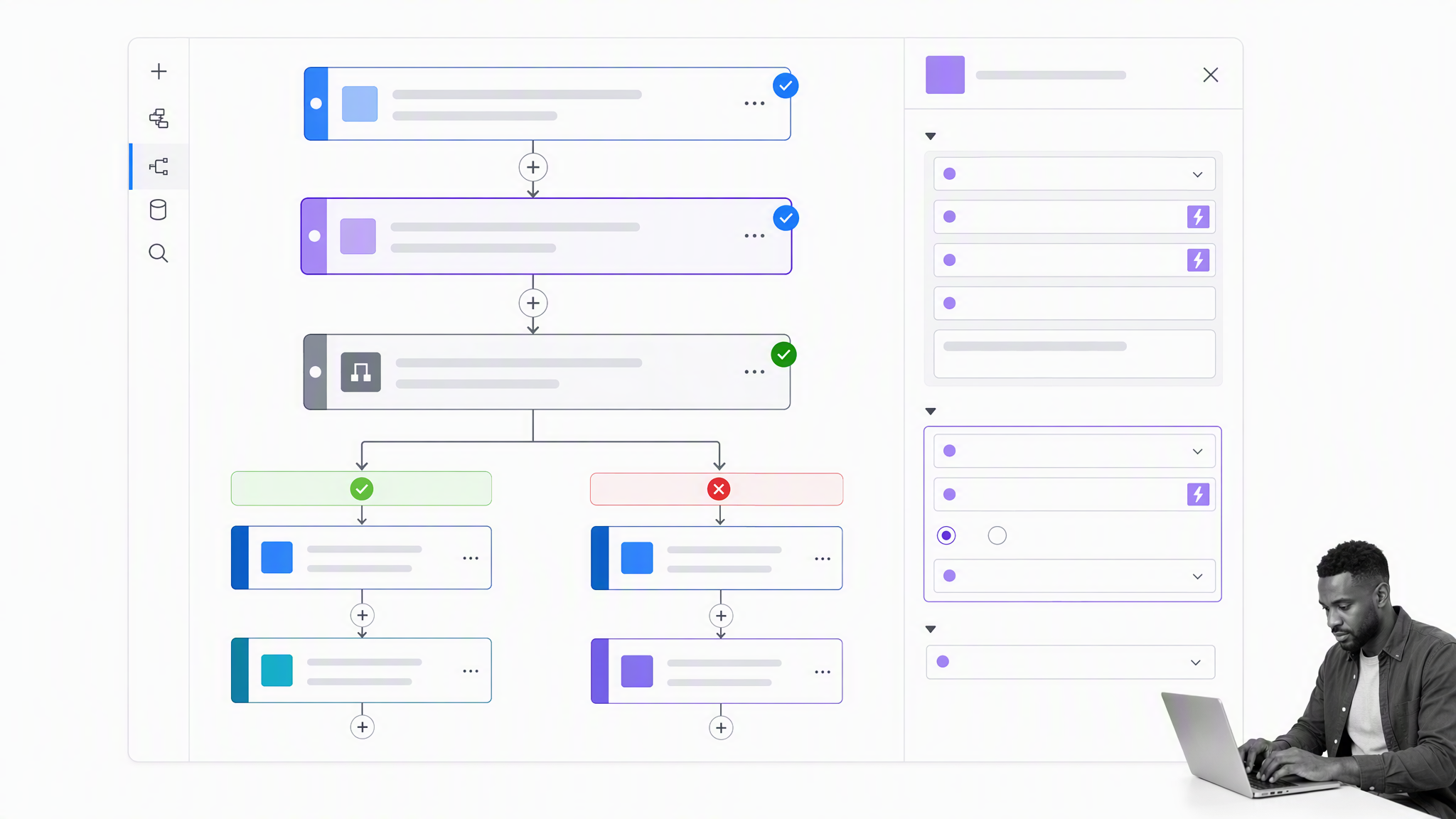
Microsoft Power Automate is the most natural Nintex alternative for teams already living in Microsoft 365, SharePoint, Teams, Dynamics, and Azure. It can automate cloud workflows, desktop actions, approvals, notifications, and business processes across Microsoft and non-Microsoft systems.
Power Automate is also the practical migration path for organizations still carrying old SharePoint Designer workflow logic. Microsoft retired SharePoint 2013 workflows from existing tenants on April 2, 2026, and SharePoint Designer 2013 support ended on July 14, 2026, so legacy SharePoint workflow automation needs a current home.
The fit is strongest when the process sits inside the Microsoft ecosystem. The main caution is operational complexity: licensing, connector limits, environment strategy, and governance can all matter. Power Automate can be powerful, but teams should define ownership and standards before rebuilding a large workflow estate.
Pipefy: Request intake and shared services
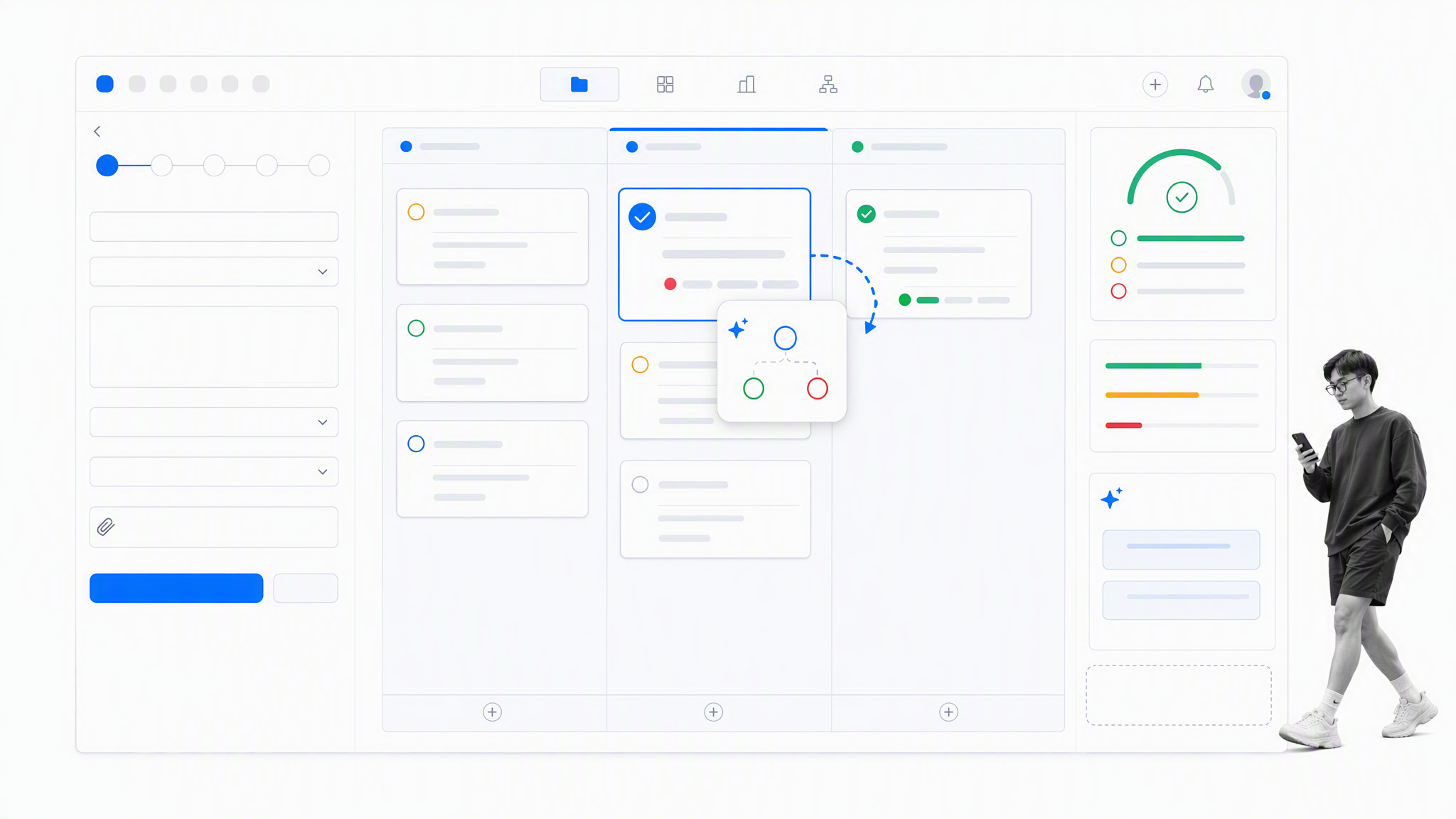
Pipefy is a workflow automation platform built around request intake, approvals, service delivery, and operational pipelines. It is a good fit when teams need structured forms, cards, SLAs, routing rules, and visibility across queues.
Pipefy works well for procurement, HR, finance, IT, legal, and shared-services workflows where requests arrive from many places and need to move through defined stages. Its AI-assisted workflow features can help teams classify requests, summarize context, and speed up triage.
Compared with Nintex, Pipefy is often easier for operations teams to understand because the work is visible as requests moving through a process. It is less suited to teams looking for a broad enterprise automation suite with every BPM, RPA, and document-generation capability in one estate.
What to look for before choosing
Start with the job being replaced. Process mapping, recurring human work, app-to-app automation, procedure documentation, request intake, and custom enterprise applications are different problems. A tool can be excellent at one and still be the wrong choice for another.
Governance and evidence
Decide which steps must be required, who can approve them, what evidence must be retained, how exceptions are handled, and whether the history can be reconstructed later. A visual Kanban board can coordinate lightweight work, but it is not the same as governed workflow execution.
Ecosystem and integrations
List every system that starts, receives, or stores workflow data. Test triggers, actions, credentials, retries, error handling, and reconciliation. An integration count matters less than whether the specific handoffs remain reliable and understandable after the original builder leaves.
Migration burden
Inventory forms, fields, rules, documents, bots, permissions, reports, histories, and integrations before moving. Migrate one representative workflow first, run acceptance tests with fictional data, and keep the old process available until owners verify that the target preserves every required state and record.
Ownership and maintainability
Define who can build, review, release, and retire workflows. Low-code still needs standards for naming, permissions, data models, environments, and reporting. The right platform should make common changes safe without turning every improvement into an engineering project.
Total cost and usability
Compare subscription, implementation, migration, administrator time, specialist services, connectors, support, and ongoing maintenance. Then test the interface with the people who will run the process. A broad platform creates no value if operators route around it because routine work is too difficult to complete.
AI with control
AI can classify requests, summarize context, draft workflow content, suggest routing, and operate connected systems. Test what happens when confidence is low, which actions require human review, how prompts and data are governed, and whether the final execution record shows what the system did.
How should healthcare and finance teams compare Nintex alternatives?
Start with the control and evidence requirement, not a generic compliance badge. Healthcare and finance teams should run the same fictional high-risk workflow in every finalist and record what the product enforces, what must be configured, and what still depends on people or another system.
| Evaluation control | Healthcare test example | Finance test example | Evidence to retain |
|---|---|---|---|
| Access and separation of duties | Limit a fictional patient-intake exception to the care team and reviewer | Separate requester, approver, and payment roles | Role and permission configuration |
| Required information | Block progress until required fictional consent fields are present | Block progress until fictional invoice and cost center are present | Submitted fields and validation result |
| Conditional routing | Route a high-risk intake exception to specialist review | Route an above-threshold payment to an additional approver | Branch and assignment history |
| Approval and rework | Reject incomplete intake documentation and resubmit | Reject an invoice, correct it, and resubmit | Original submission, reason, changes, final decision |
| Audit history | Retrieve the full history of one completed case | Retrieve the full history of one approved payment | Owner, timestamps, evidence, decisions, final state |
| Integration controls | Test the approved system-of-record handoff with fictional data | Test ERP or CRM handoff with fictional data | Trigger, credential owner, error, retry, reconciliation |
Do not rank one platform as universally stronger based on a compliance label. Verify the selected plan, configured workflow, permissions, evidence, integration behavior, and exception path.
Frequently asked questions
What is the best alternative to Nintex?
The best alternative depends on the workflow. Process Street fits governed recurring operations, Power Automate fits Microsoft estates, Kissflow fits business-led low-code apps, Appian fits complex enterprise orchestration, Pipefy fits request pipelines, Lucidchart fits process mapping, Zapier fits app-to-app automation, and SweetProcess fits lightweight procedures.
Is Microsoft Power Automate a good Nintex alternative?
Yes, especially for organizations centered on Microsoft 365, SharePoint, Teams, Dynamics, and Azure. Teams should still test licensing, connector limits, environment strategy, governance, desktop automation, and migration requirements before rebuilding a large workflow estate.
Which Nintex alternative is best for SharePoint workflow migration?
Power Automate is Microsoft’s recommended workflow-orchestration path for retired SharePoint 2013 workflows. Appian, Process Street, Kissflow, and other platforms may fit when the process should move beyond SharePoint, but migration testing must cover forms, permissions, history, integrations, and exception paths.
Which Nintex alternative is best for process mapping?
Lucidchart is the specialist in this list for flowcharts, swimlanes, system maps, and future-state process design. Pair it with an execution platform when the process also needs assigned work, approvals, evidence, conditional routing, or an audit history.
How should a team compare Nintex competitors?
Run one representative workflow in every finalist. Test required information, routing, approvals, roles, evidence, integrations, errors, reporting, and change ownership. Compare the complete operating model, not only the number of features on a vendor page.
Can a lightweight tool replace Nintex?
Yes, when the Nintex use case is narrow. Zapier can replace app handoffs, SweetProcess can replace procedure documentation, and Lucidchart can replace process mapping. A lightweight tool is not enough when the organization needs governed human execution, complex enterprise apps, RPA, or a complete audit record.
The bottom line
The best Nintex alternative depends on what your team actually needs to replace. If the goal is recurring operational workflows with clear ownership, evidence, approvals, and compliance visibility, Process Street is the strongest fit. If the problem is app-to-app handoffs, use Zapier. If the work belongs in Microsoft 365, evaluate Power Automate. If you need low-code apps or request pipelines, compare Kissflow and Pipefy.
For many teams, the better move is not to rebuild every old Nintex workflow exactly as it was. Map the process, remove unnecessary steps, choose the simplest tool that can govern the work, and connect the rest of the stack only where automation adds real value.
The post 8 Nintex Alternatives to Systemize Your Workflows Better This Year first appeared on Process Street | Compliance Operations Platform.


0 Commentaires